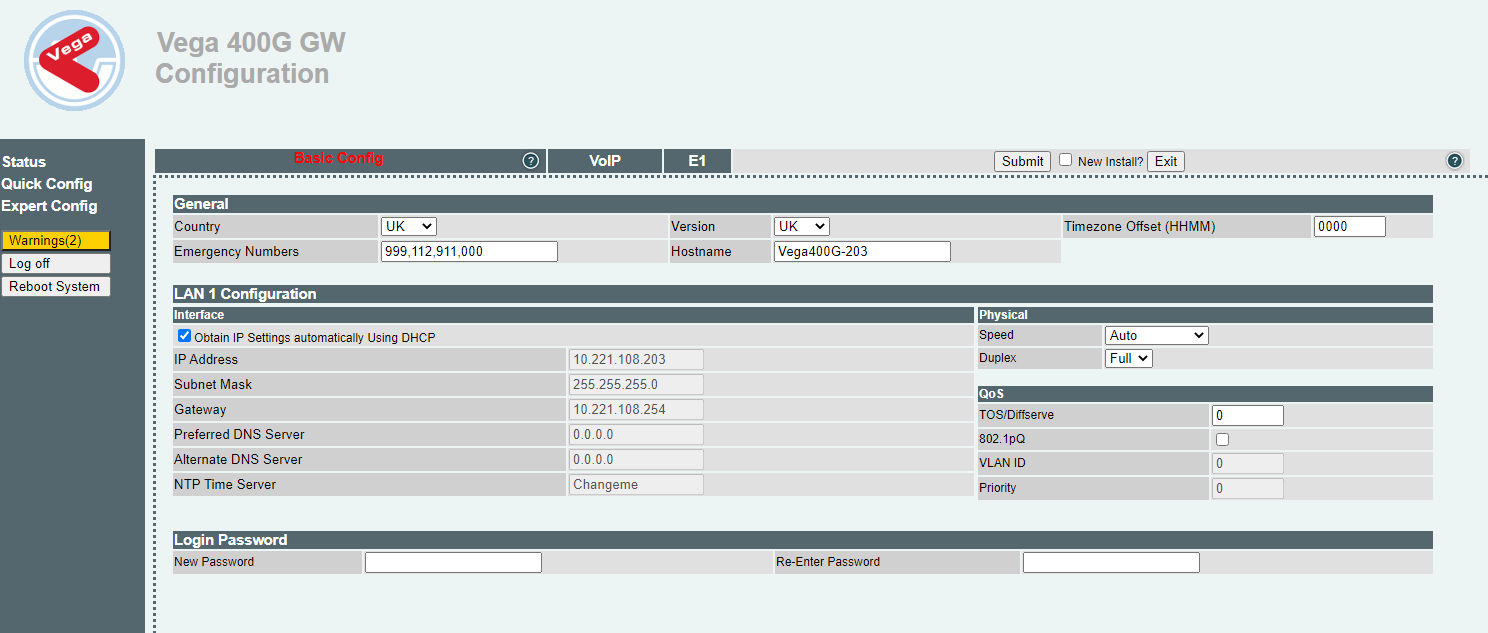
Changing IP by using Web browser


Changing IP by using Web browser |
|
| Trading and C&C > Turret Proxy To Open communication (TPO) > DDI Sharing > DDI Lines & Private Wires > Configure > TPO Configuration > Vega 400G & Vega400G V2 > Getting Started |
1.Logs in as admin 2.Go the Quick Config menu 3.Change the IP configuration to fit the customer's network
|