Vega Firmware Upgrade

Top  Previous  Next
Trading and C&C > Turret Proxy To Open communication (TPO) > DDI Sharing > DDI Lines & Private Wires > Configure > TPO Configuration > Vega 400G & Vega400G V2 > Vega 400G R12

1. Login on the Vega 400G gateway.

 
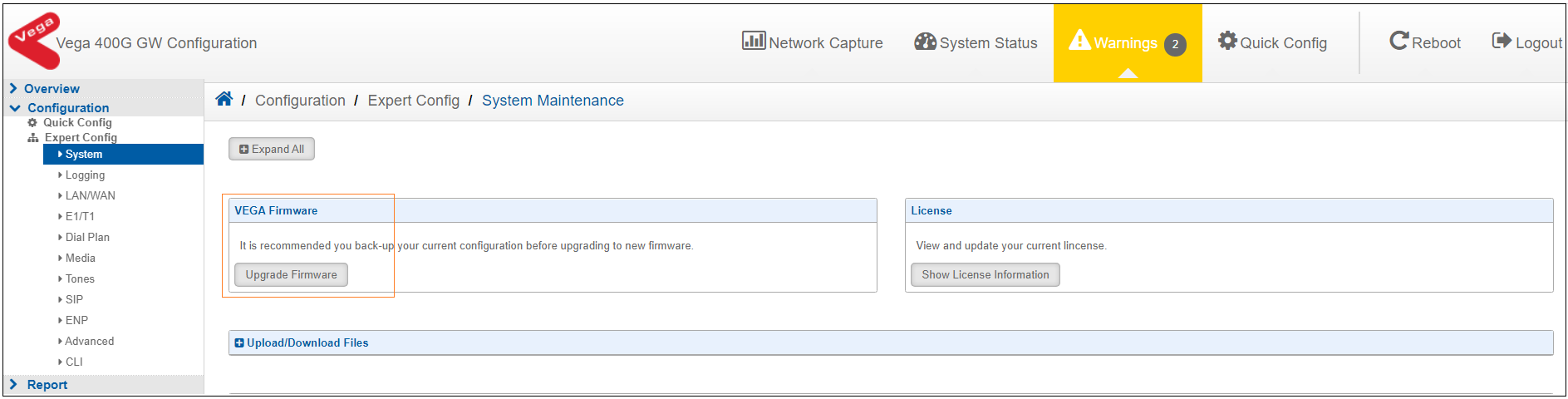
2. On successful log in, navigate to the Configuration -> System -> System Maintenance


Vega400GR12-firmware-upgrade

 
3. Click on the “Upgrade Firmware” button and it will prompt to save existing configuration. (config.txt file)

 
4. Save the existing config file to keep the existing configuration config backup.

 
5. Then browser will navigate to the upgrade menu page.
 
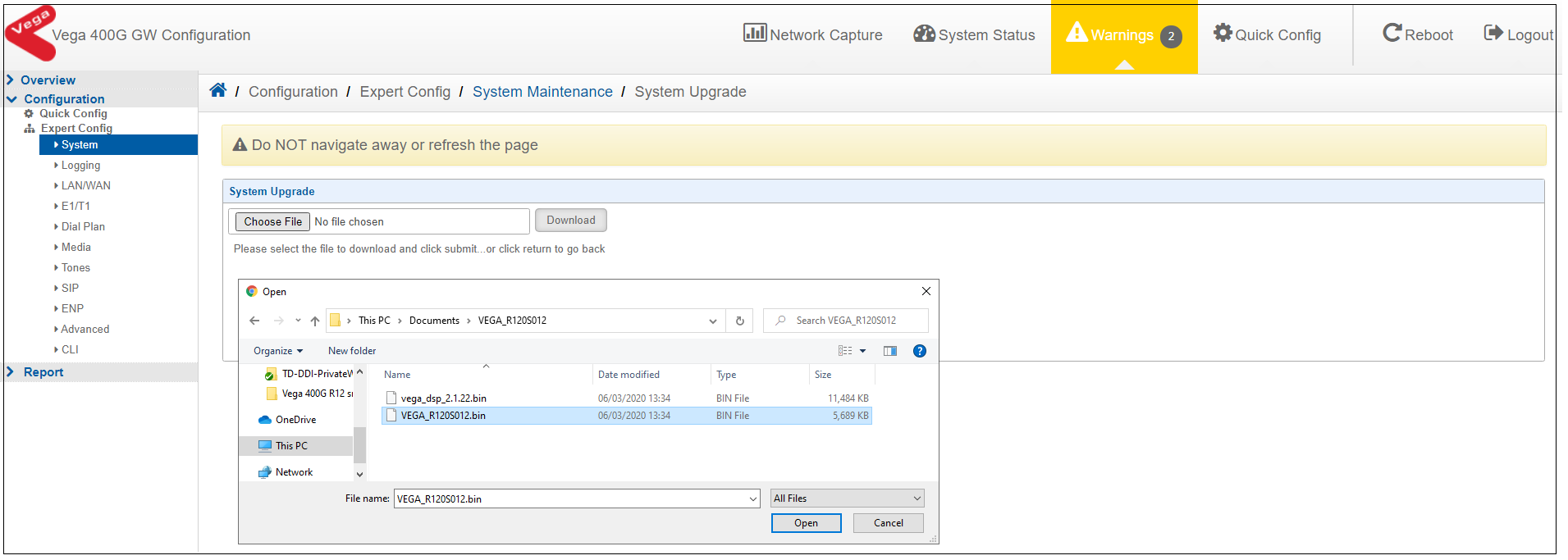
6. Select the latest correct firmware from local machine and upload on the gateway.
     
 Vega400GR12-firmware-file
 

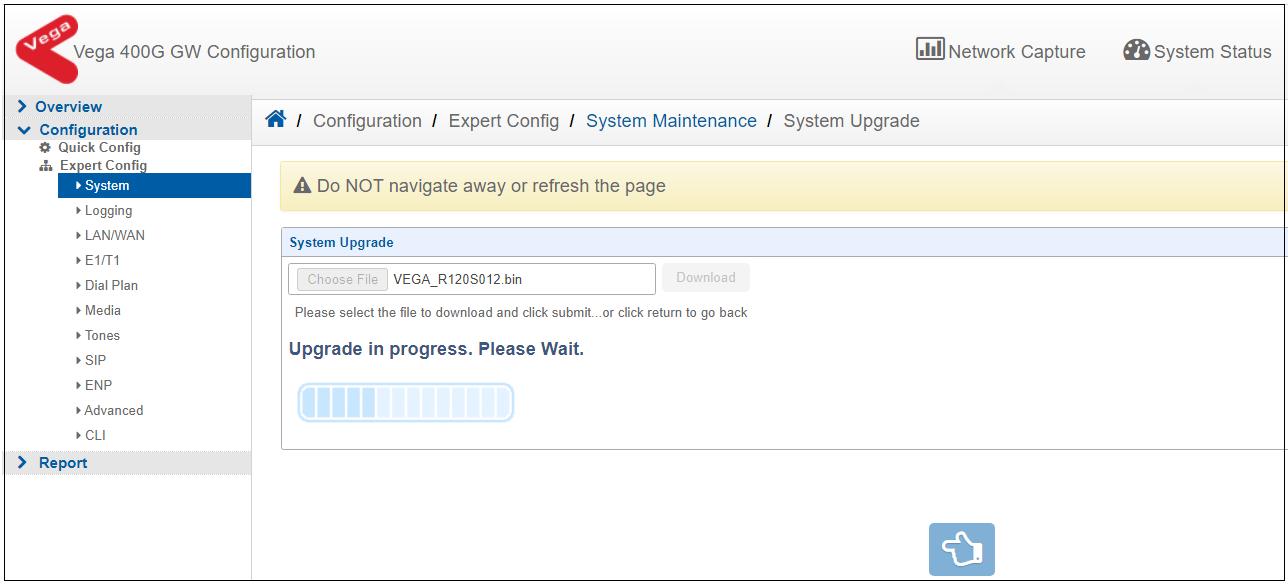
7. Click on the Upload to start the firmware upgrade on the gateway.


Vega400GR12-firmware-inprogress


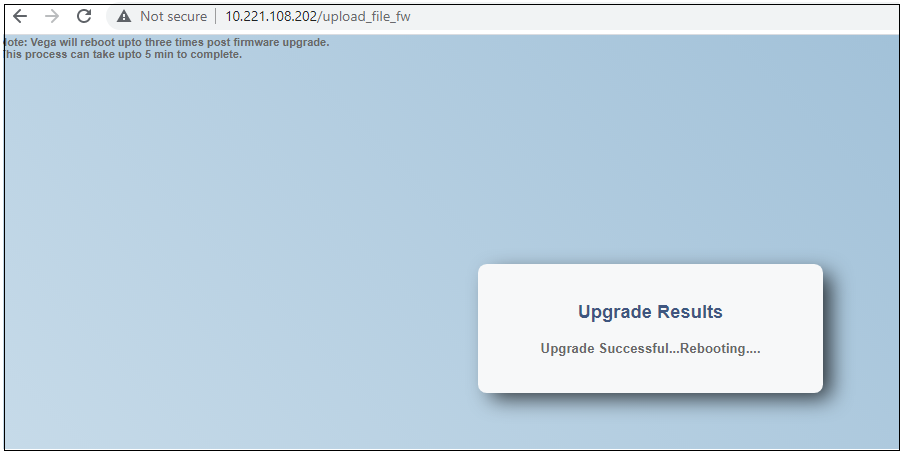
8. Once upgrade is successful, “Upgrade Successful…Rebooting….” message should be displayed and gateway will reboot.
 
Vega400GR12-firmware-upgrade-complete

 
9. After reboot, log on to the gateway and check the new upgraded firmware version.