Upload Vega 4x4 Default config file


Upload Vega 4x4 Default config file |
|
| Trading and C&C > Turret Proxy To Open communication (TPO) > DDI Sharing > DDI Lines & Private Wires > Configure > TPO Configuration > Vega 4x4 > Configuration |
To upload to the Vega 4x4 Default config file: type in the browser, <IP address of the gateway> and then login with the default credential:
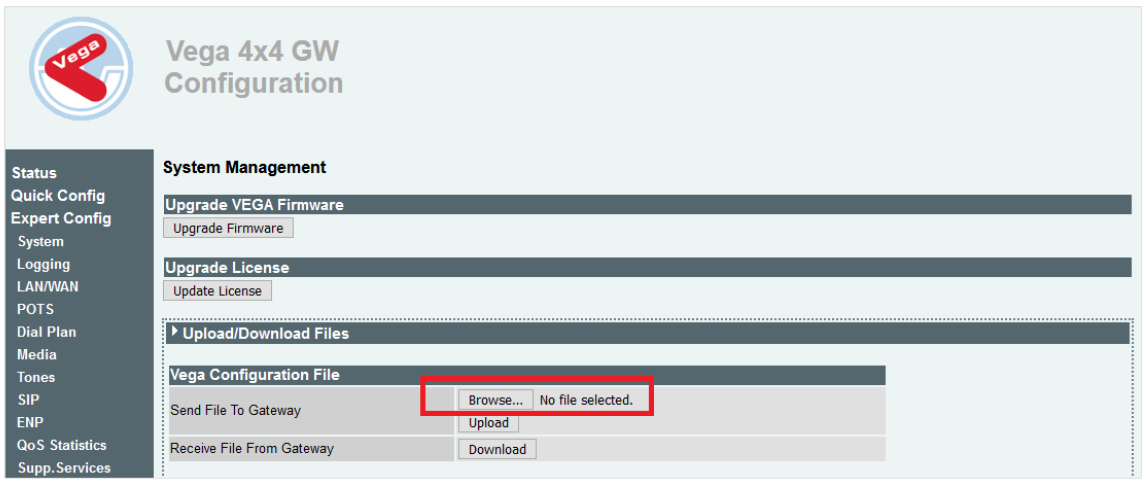
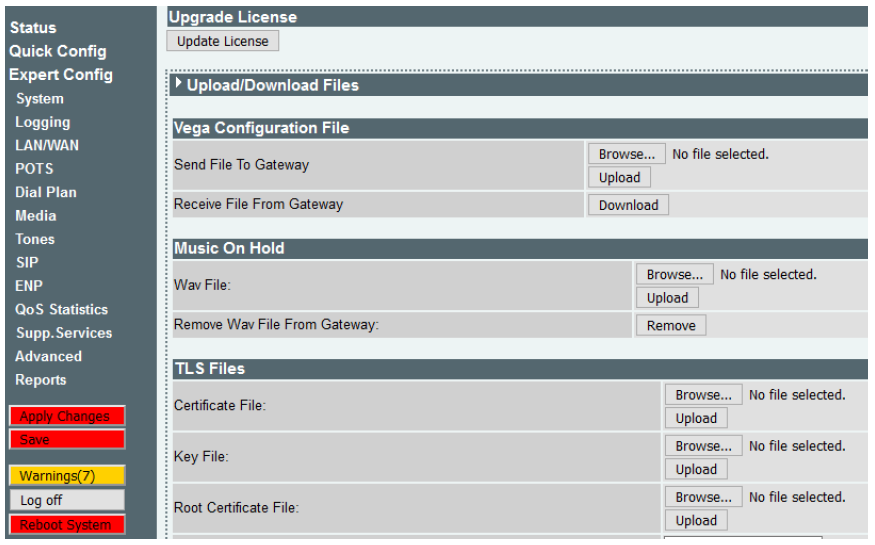
1.Log in as “admin” and Password “admin” 2.Navigate to Vega Web administration page then select Expert Config/System and Browse.
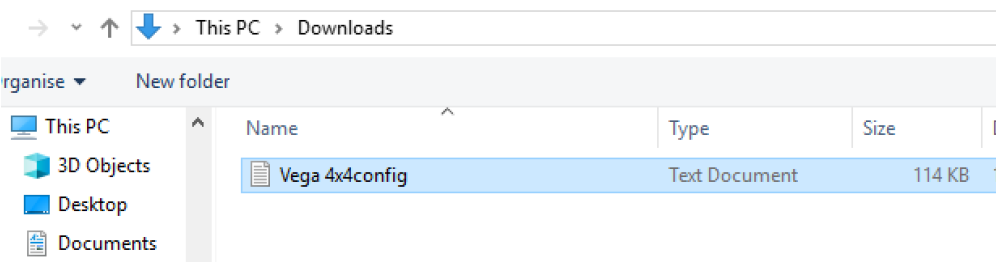
3. Locate your modified setup file (In this instance this file is called “Vega 4x4config” this is for demonstration, yours may be different), and press Open
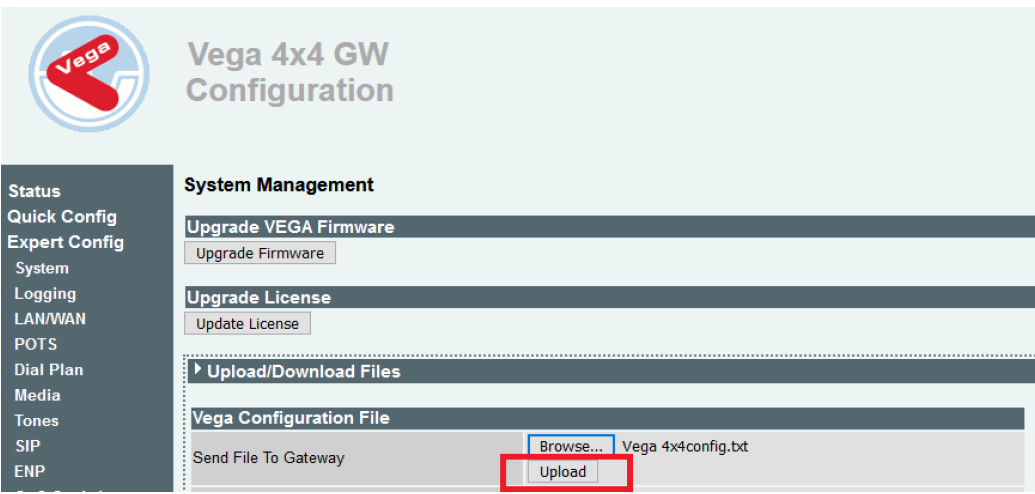
4. The selected file will be added as shown in the screen shot below, now select Upload.
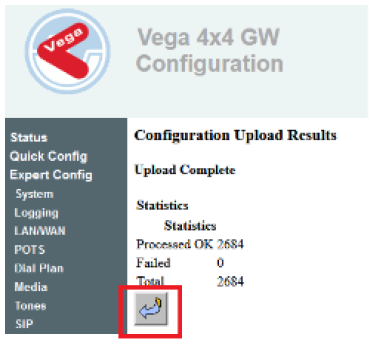
5. Once you upload the file shortly after you will see the below message on the UI advising whether the file was uploaded successfully or not.
6. Select Back Arrow.
7. Select “Apply Changes” option from the below shown screen shot.
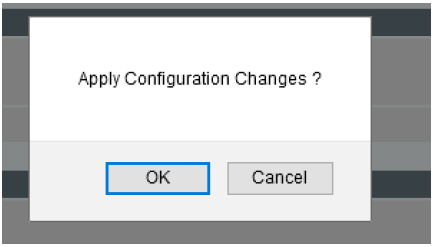
8. Select “OK"
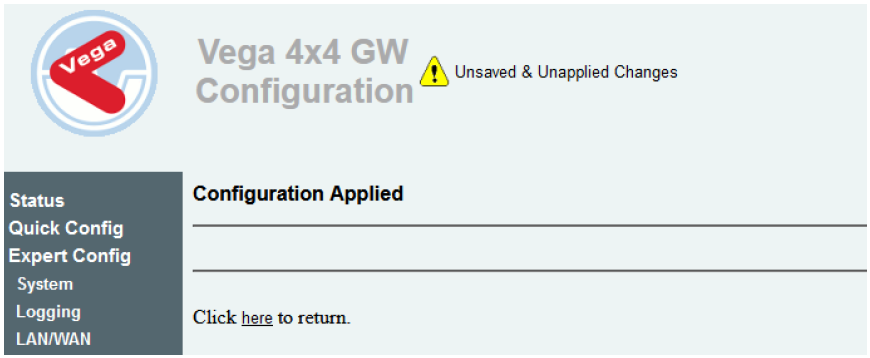
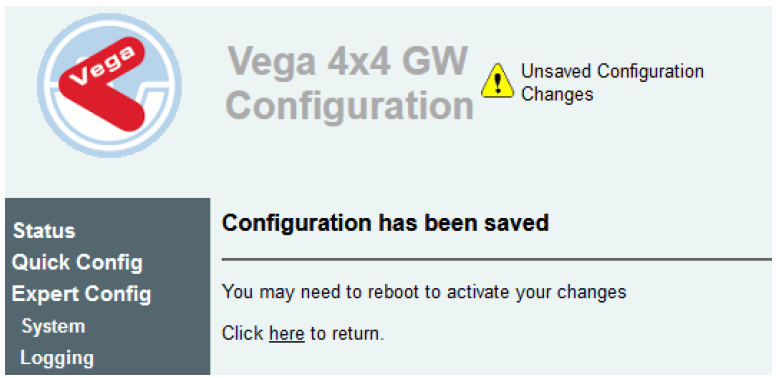
9. Select “here” to continue.
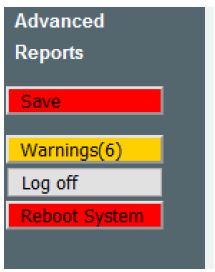
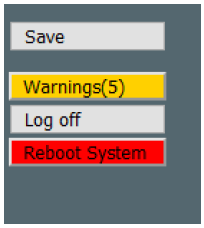
10. Select “Save “
11. Select “OK” to Apply Configuration Changes.
12. Select “here” to continue
13. To finish the setup select “Reboot System”
|