TSS Bootstrap


TSS Bootstrap |
|
| Solution Installation > TSS Installation > Using the TSS Virtual Appliance > TSS |
OverviewThe TSS Virtual Appliance is composed of two main components: •the Component Manager which is the Web interface, allowing you to configure the TSS components from a web browser as described in Component Manager. •the Command Line Interface that allows you to perform administrative tasks as described in Optional Configuration using TSS Command Line Interface. Those two components together are called the TSS Bootstrap. This Bootstrap can be upgraded via the Component Manager itself. TSS Bootstrap Upgrades are distributed under the form of a single Bootstrap Upgrade archive. Upgrade TSS BootstrapTo upgrade the TSS Bootstrap: •Open the Component Manager in a web browser. •Select the TSS Bootstrap tab. •Press the "Upgrade" this version icon.
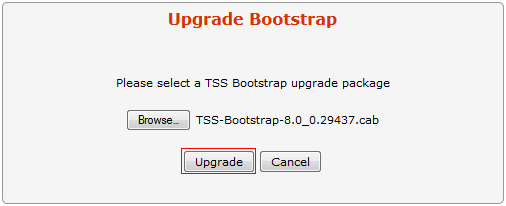
•Press the "Browse..." button and select the bootstrap (TSS-Bootstrap-<VERSION>.cab) on disk . •Press the "Upgrade" button.
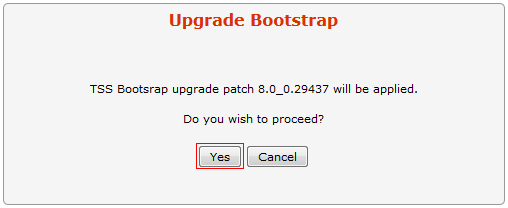
•Press the "Yes" button to confirm.
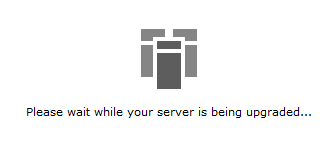
•Wait for the upgrade process to complete.
•Once done, the new version number is displayed.
|