TSS


TSS |
|
| Solution Installation > TSS Installation > Using the TSS Virtual Appliance |
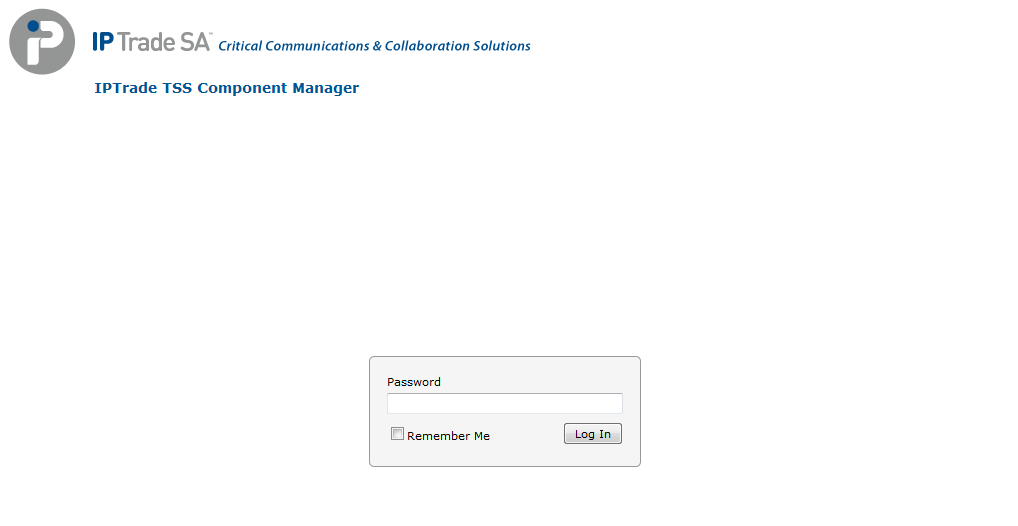
OverviewNow that the CLI has all the required settings, the TSS Virtual Appliance is ready to be used. All operations can now be achieved via the Component Manager web interface. You can access this interface via a web browser from outside the Virtual Appliance. With any web browser, navigate to: http://<TSS VA IP address>/IptradeNet/ (or simply http://<TSS VA IP address>/) to reach the Component Manager interface.
Component Manager application is used to manage:
LoginEnter password (default value is <string_empty>) and press "Log In" button to log in.
|