Notifications for incoming and held calls


Notifications for incoming and held calls |
|
| Trading and C&C > Floating keys > Usage |
This scenario illustrates how incoming and held calls are notified on the floating keys bar. It assumes: •floating applet is enabled, •another trader is logged on another dealer board and shares the same multicast group, •share and floating incoming and held types are activated in profile/shared profile (see Configuration).
1.Initial situation: trader is logged in and has one opened call on handset. Floating keys bar is located on applet chosen during configuration (here, configured in Applet 1) and all slots are currently free. 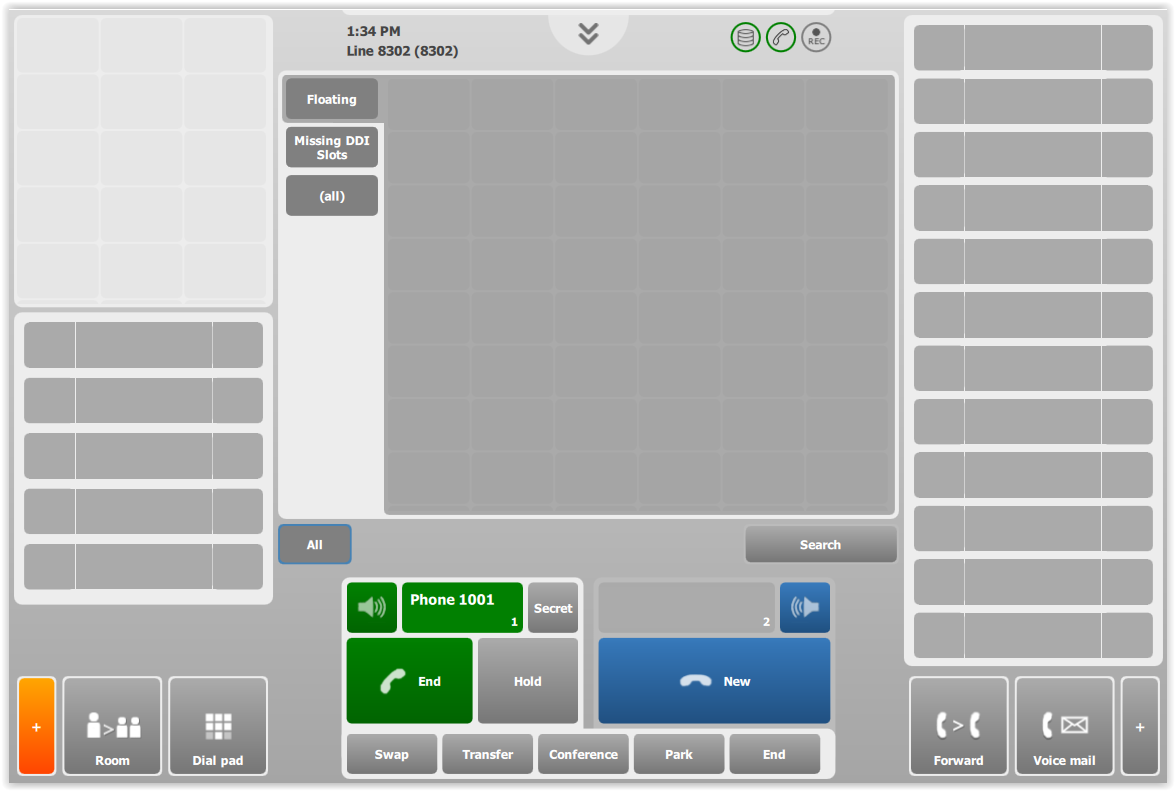
2.An incoming ringing call reaches the trader's extension. The call matches a key named Remote party X, and this key is automatically displayed in the first floating slot available. The key blinks, exactly as if it was displayed inside its original keys panel. 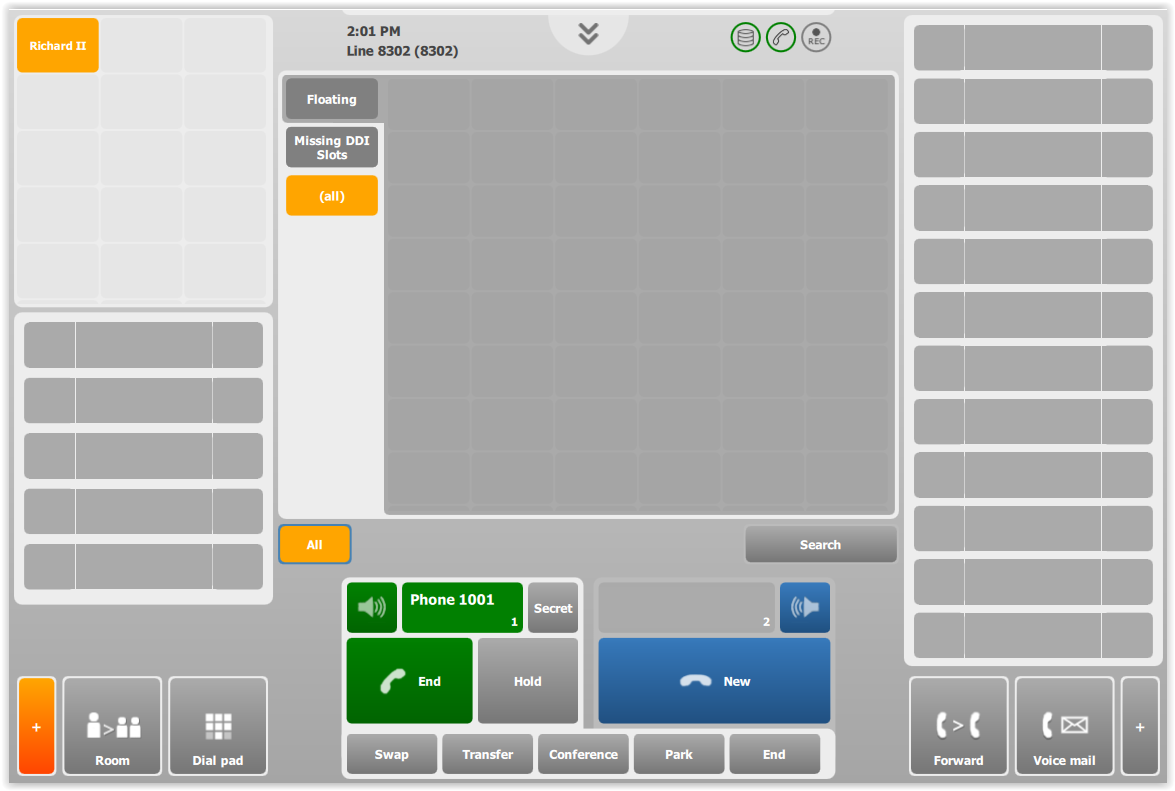
3.The trader puts the first call on-hold. The matching key is displayed in the first available floating slot, here the second slot of the bar. At this point, pressing any of the keys inside the floating bar would perform the action associated to it: accept the incoming call or resume the held call. 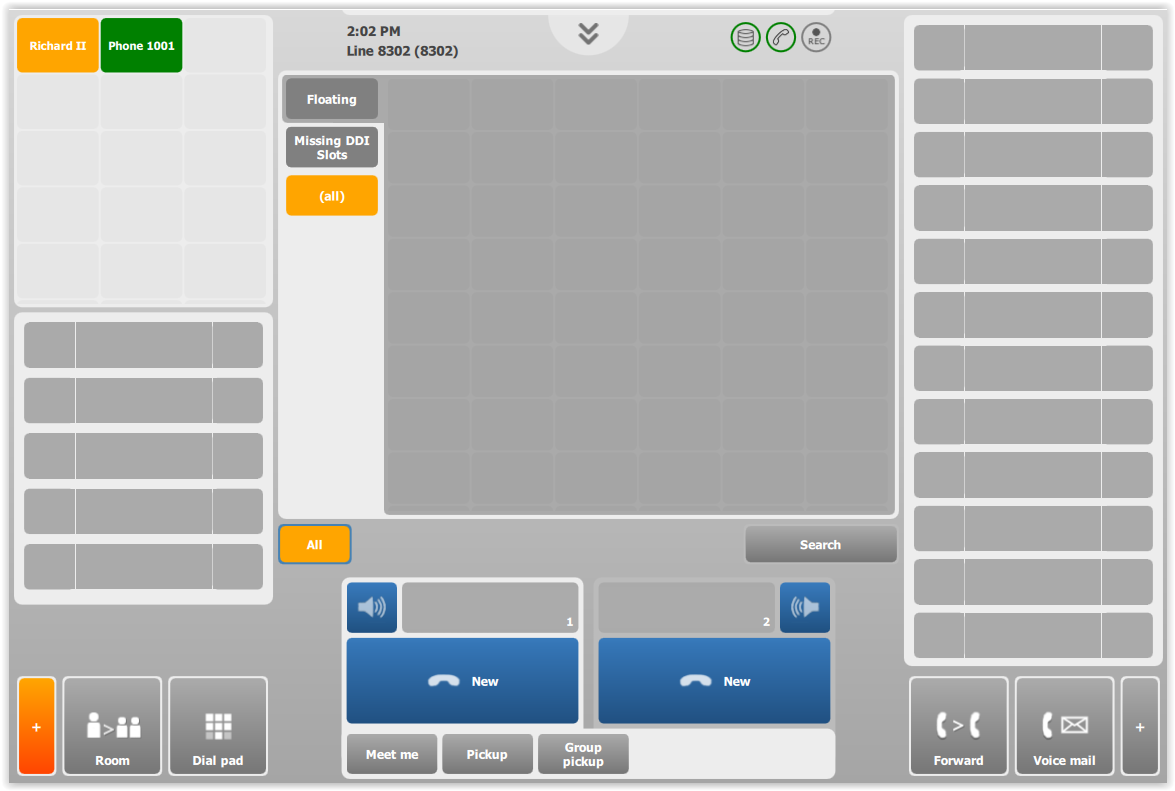
4.A call is put on-hold by the other trader. The matching key is displayed, again, in the first floating slot available. For more information on how floating slots are assigned to events, see Usage section. 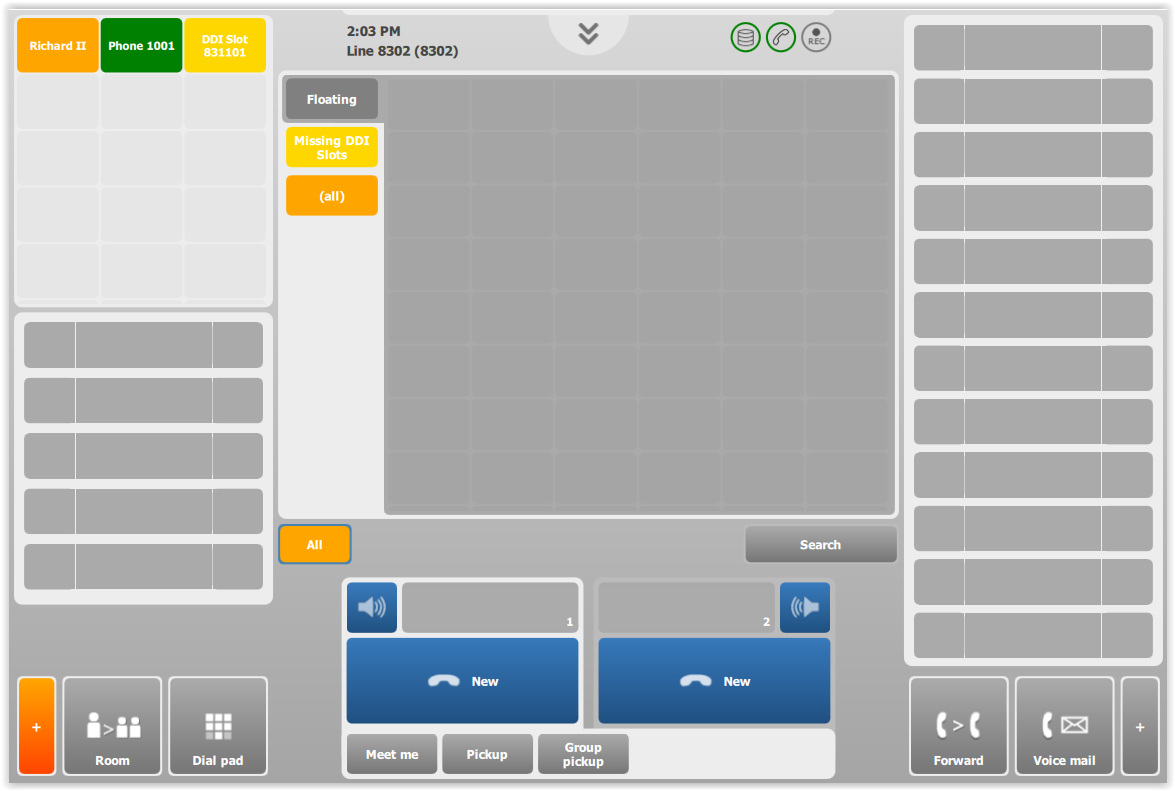
5.A new incoming ringing call reaches the trader's extension. This time however, it does not match any key in the trader's profile. In that case, the system displays the call in the floating bar using the color scheme corresponding to its state, and the display name of the call. 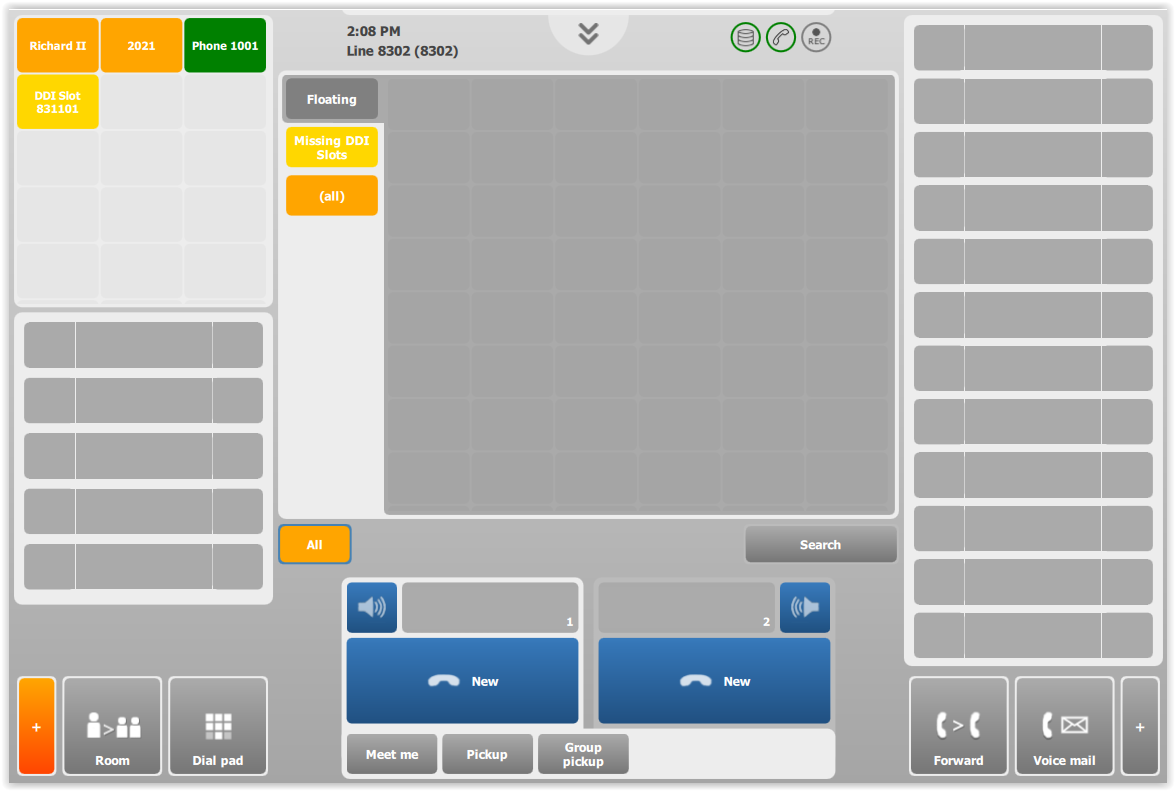
|