Avoid redundant information in floating keys


Avoid redundant information in floating keys |
|
| Trading and C&C > Floating keys > Usage |
Two incoming calls reach the trader's dealer board, but one of them is already visible on the screen. It assumes: •Floating hide visible is enabled (see Configuration), •Floating incoming type take into account local calls (see Configuration), •Two shortcuts,John and Andrew, are defined and respectively associated to Page1 and Page2.
1.Trader is logged in, floating keys bar is empty. Trader displays the keys page Page1 by pressing the corresponding button in the navigation bar. The first key John gets visible on the screen. 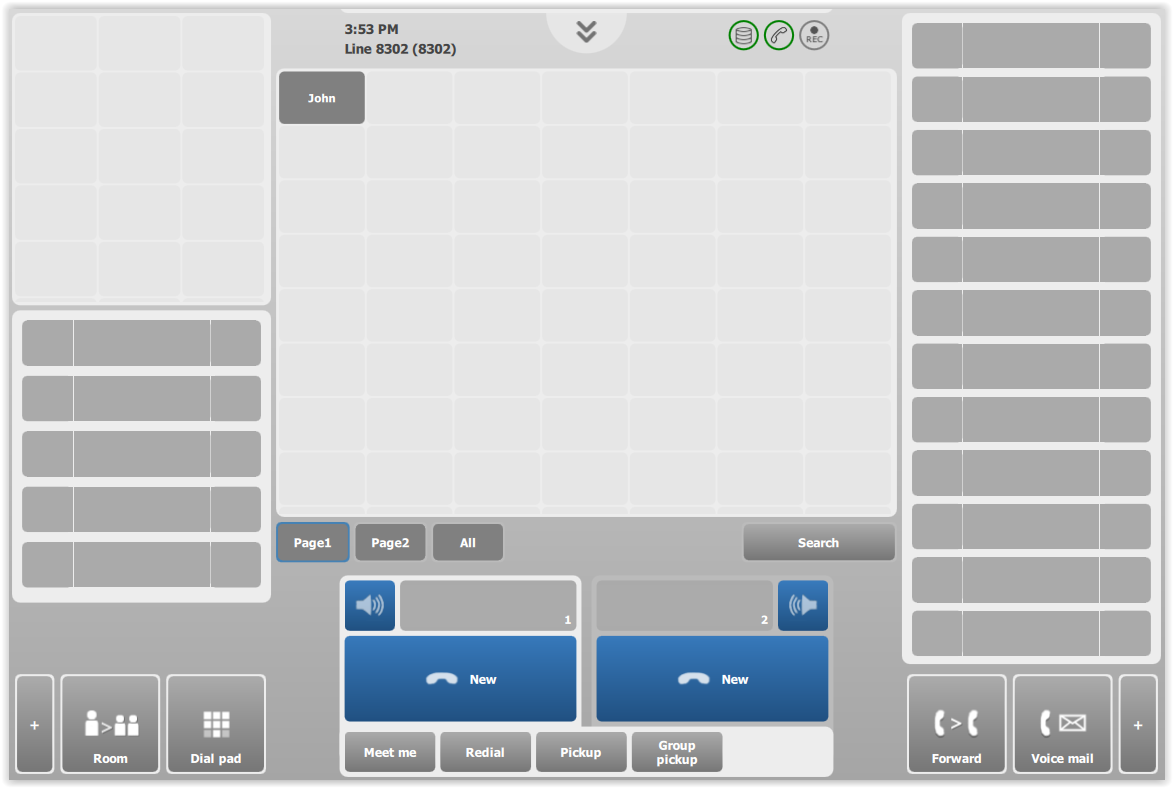
2.Remote party Andrew is calling. The matching key is not currently visible on the screen, so it is automatically displayed in the floating keys bar. 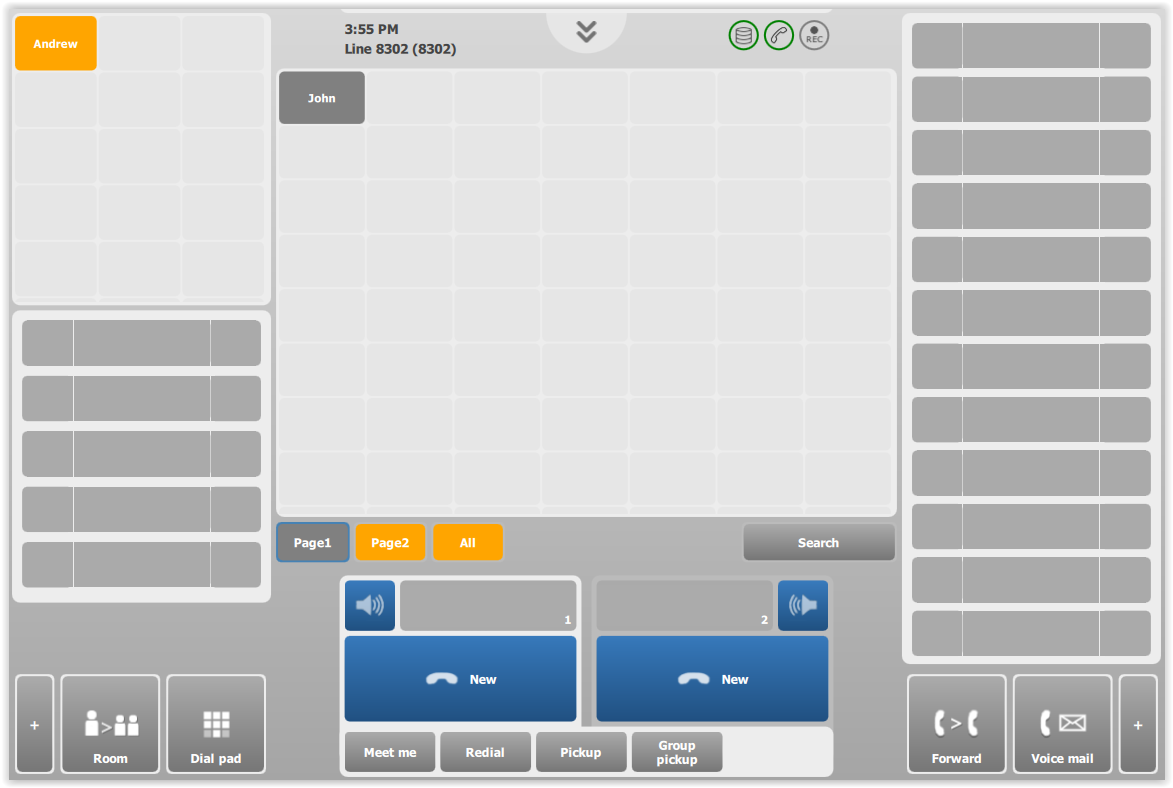
3.Remote party John is calling. Trader has now two incoming calls. This time, as the matching key is already visible on the screen, it is not automatically added to the floating keys bar. This avoids having several times the same information on the screen. 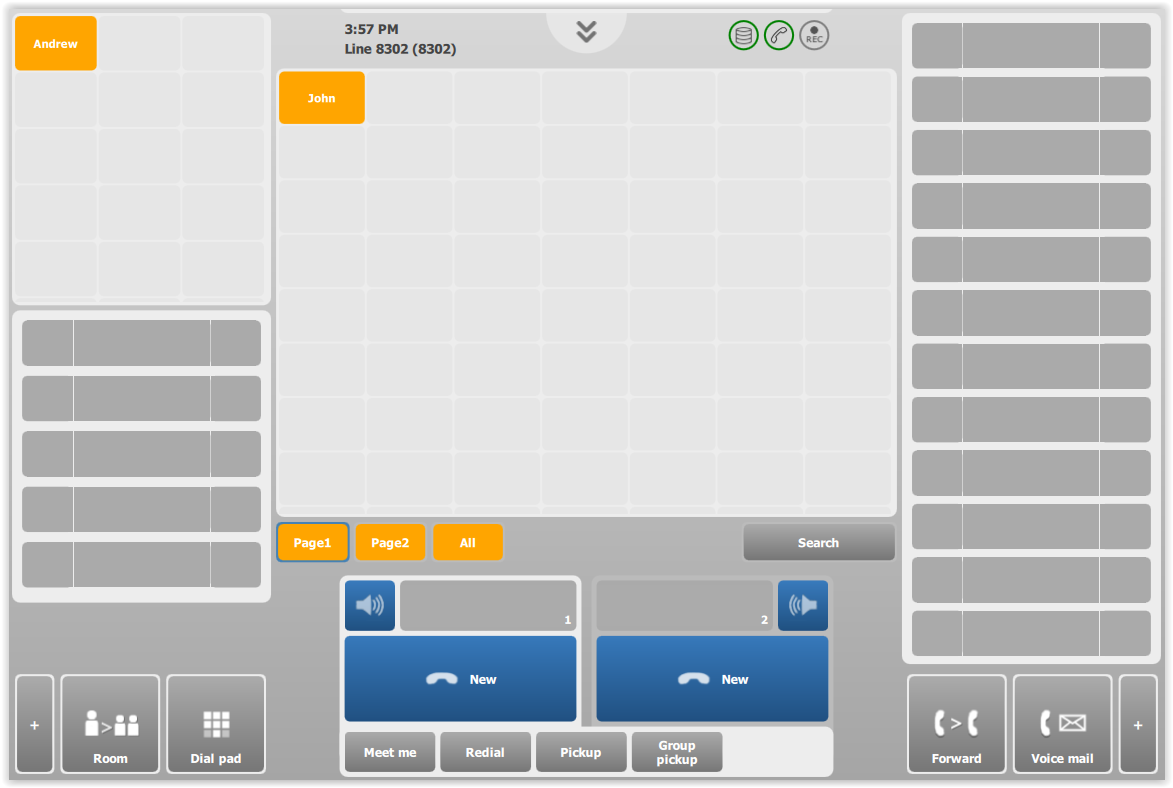
|