Enabling the floating applet


Enabling the floating applet |
|
| Trading and C&C > Floating keys > Configure |
1.From the TSS Console/account management, select a user or alternatively a shared profile and click on in order to edit it. 2.In turret layout tab, select for instance applet 1 and choose floating in the drop down. 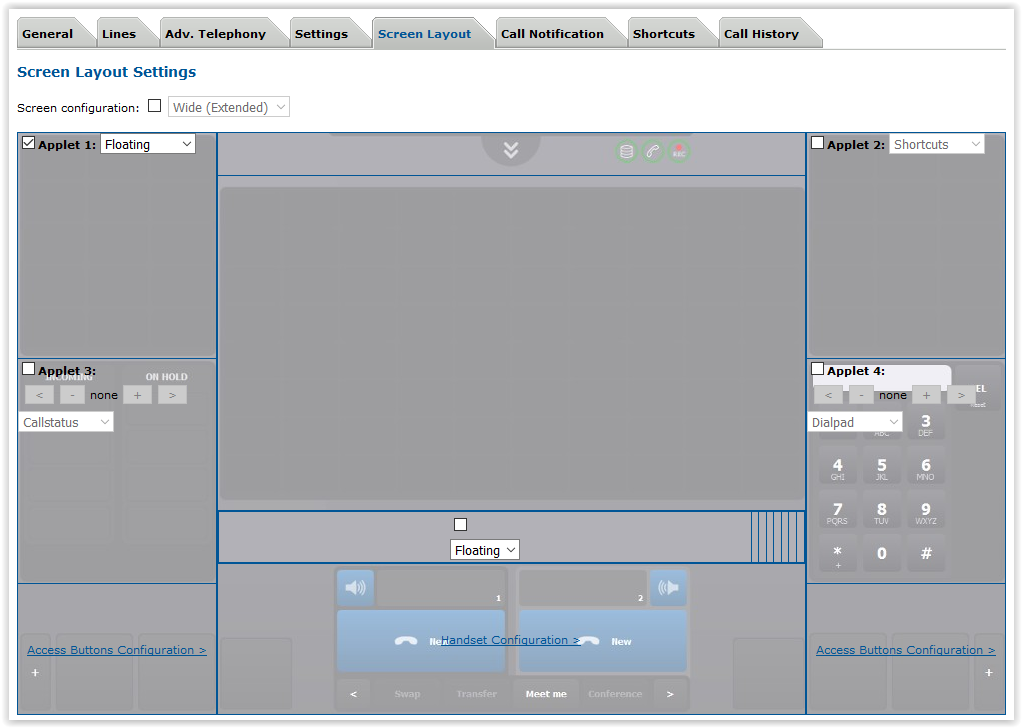 3.Click on the update button at the bottom of the screen to commit changes.
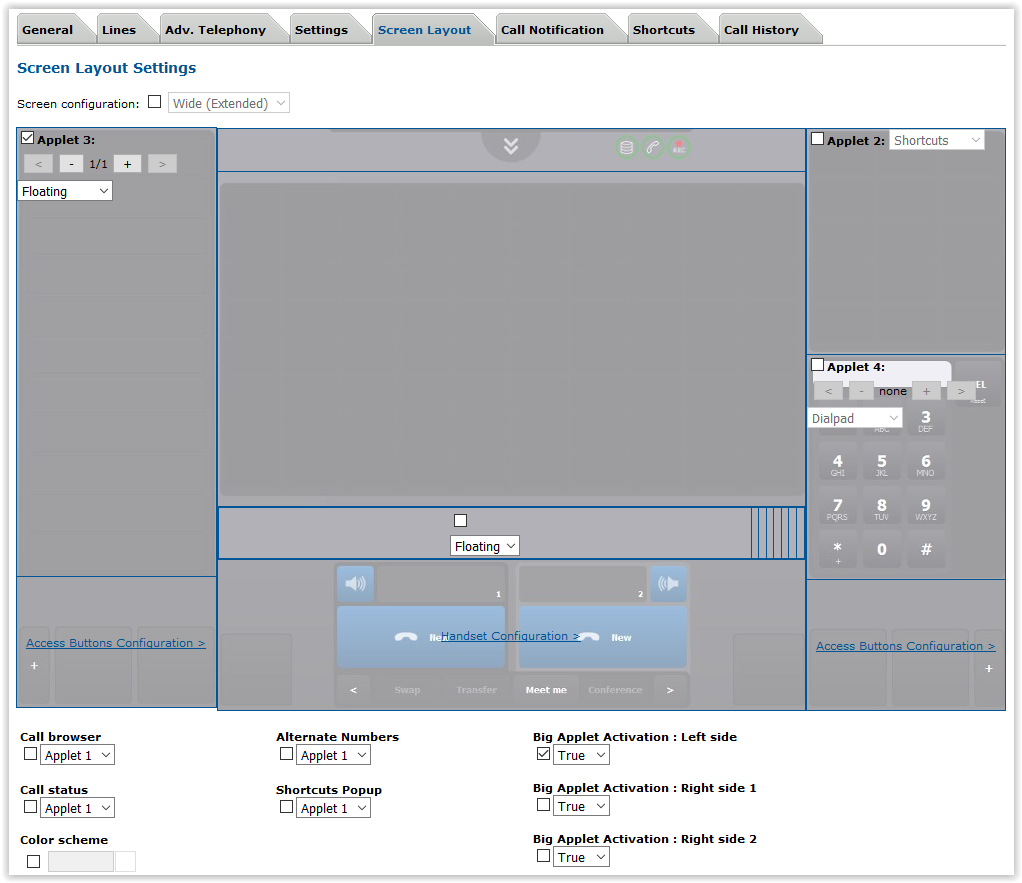 |




