The package needs to be installed using the software provided by IPTrade.
Important: please note that you must be the target computer Administrator in order to install the TPO package correctly. If the installation is attempted with an account with insufficient privileges, the installation process may fail.
Install TPO package (launch OLD services.[release].msi). The following window pops up.
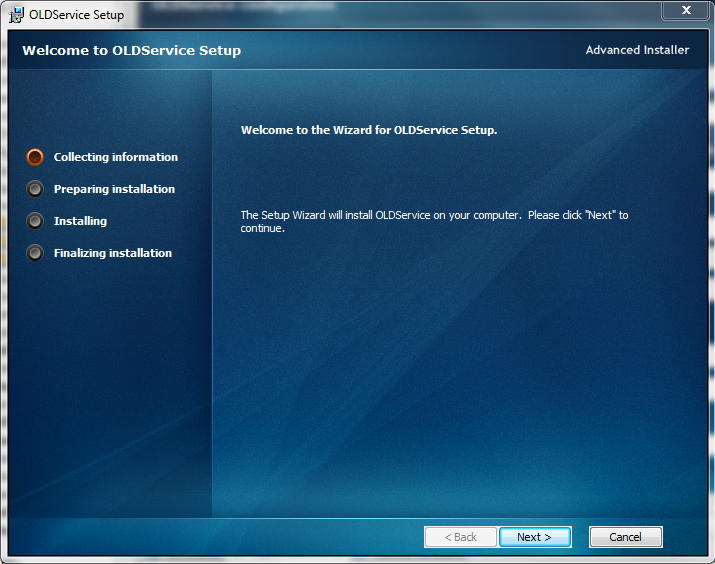
Click “Next”
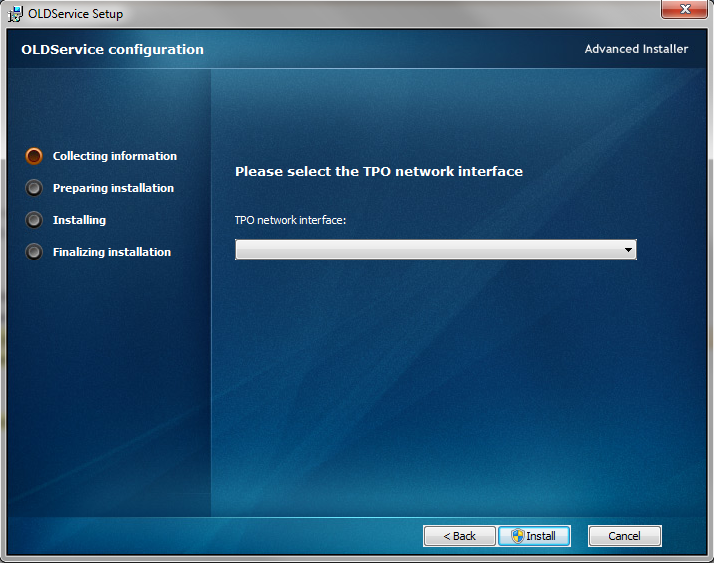
At this step, you can choose the Network Interface that will be used by the TPO. Please note that you won't be allowed to continue the installation if no interface is selected. Once the interface is selected, click “Next”
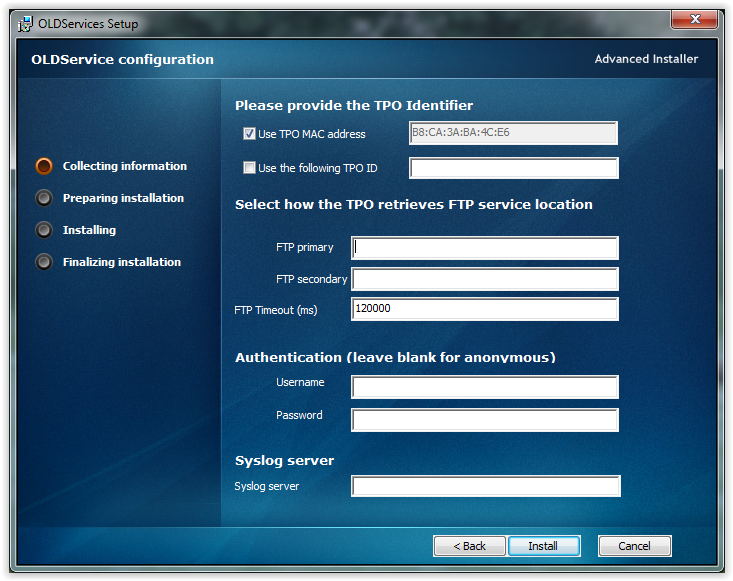
The following information are needed to fill the corresponding fields.
•TPO Identifier: MAC address or arbitrary name can be chosen. The name must be the same has the one entered in device identifier on TSS at step 1. This must be the same name (TPO ID = device identifier) otherwise the TPO will not be recognized by the TSS. •FTP service: Insert the TSS hostname/IP address. Alternate FTP server is optional. •FTP timeout •Username •Password •Syslog server (optional): if no syslog server is indicated, TSS syslog server will be the default one. Click “Install”
During the installation process, please be advised that some third party software may be required. Those are necessary in order to make the TPO functional. Default options can be kept during the installation of third party components. Typically, you may be asked to confirm the installation of Microsoft Visual Redistributable and WinPcap.
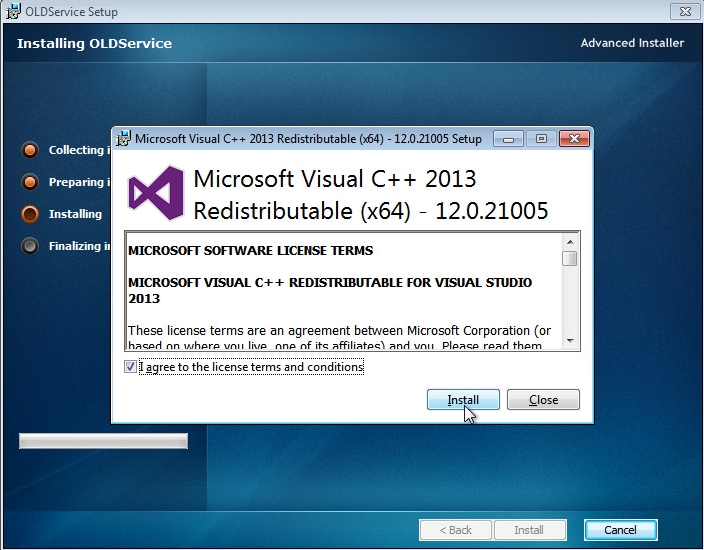
For Microsoft Visual Redistributable, just comply with terms and conditions and click install
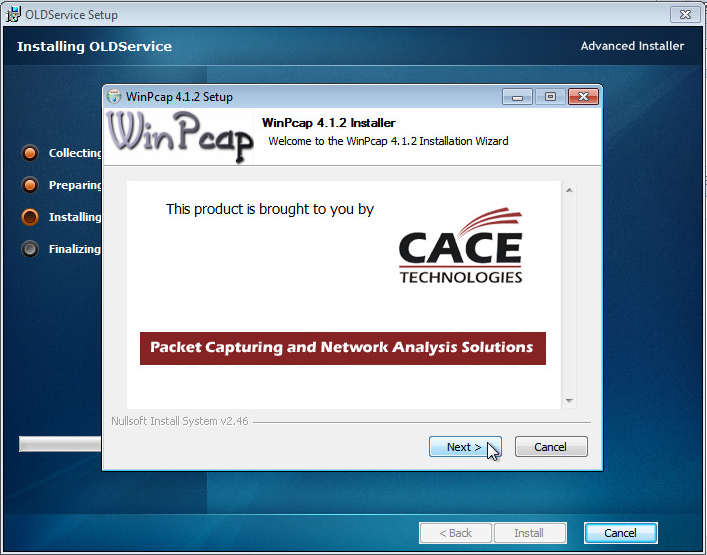
For WinPCap, just click "Next" until the installation completes.
|


