At previous step, TPO is an empty known resource. Administrator must handle configuration through a "TPO cluster" configuration whatever the redundant TPO cluster mode is enabled or not.
Next step until the end of the procedure consider that administrator want to create a standalone TPO cluster and don't want to add TPOs to an existing TPO Cluster (See TPO Clusters for this). A standalone cluster can easily migrate to a redundant cluster.
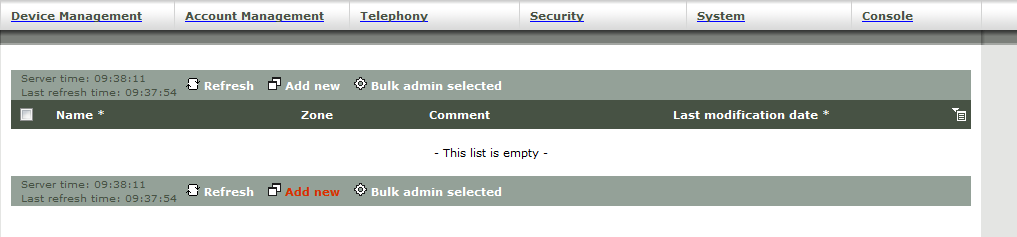
On TSS console, go to "Device Management/TPO cluster" and press "Add new".
On this new panel enter a TPO Cluster name under profile name text box (for example "MyTPOCluster").
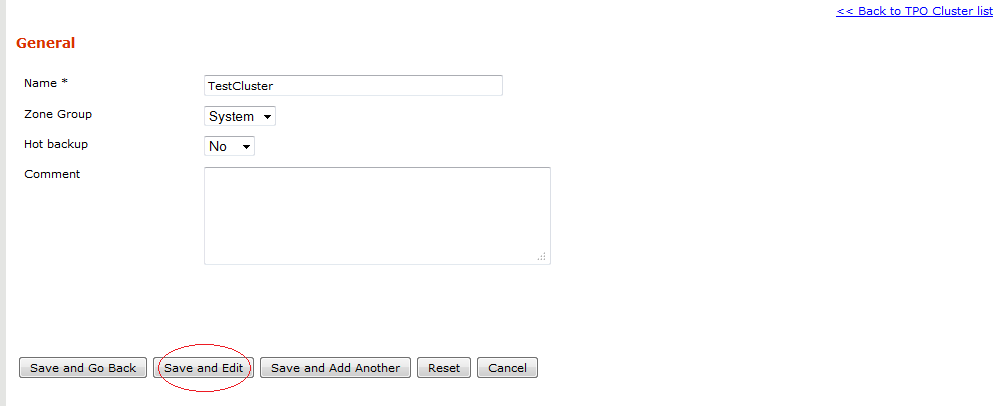
Enter a comment if needed and press "Add and Go Back". Then edit the MyTPOCluster cluster and go to the "TPO Cluster" tab.
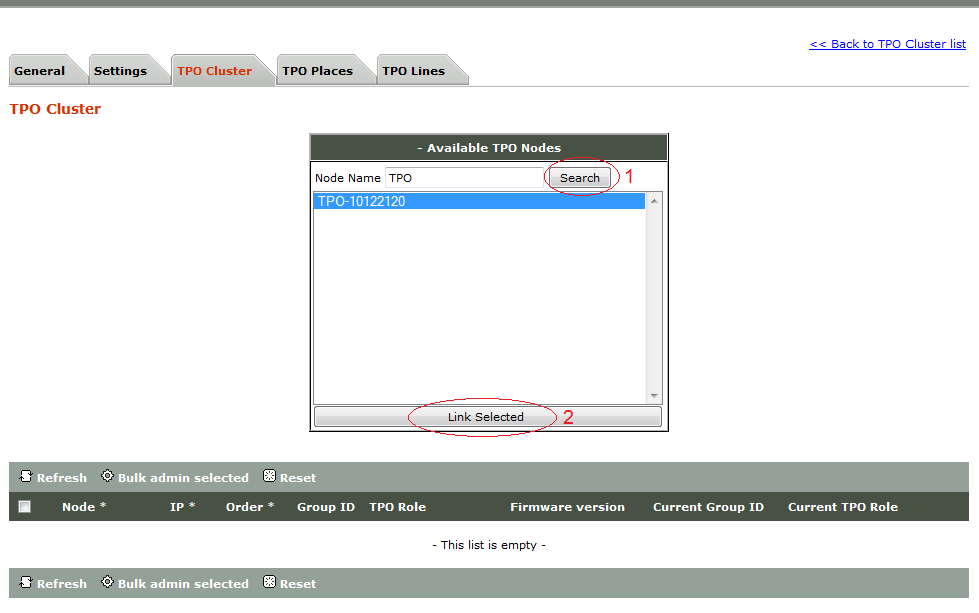
1. Click on "Available TPO Nodes" and search for the TPO you've created in step 1.
2. Select it and click on "Link Selected" button.
The TPO is now linked to the TPO Cluster.
|


