Virtual appliance - First launch on TSS 2.1


Virtual appliance - First launch on TSS 2.1 |
|
| Solution Installation > TSS Installation > Using the TSS Virtual Appliance > Install on ESXi > Virtual appliance - First launch |
Once the deployment is complete, you can proceed with the power on of the TSS Virtual Appliance.
In order to provide an “out of the box” experience to the final user, the TSS Virtual Appliance underwent a Sysprep operation before the OVA file was created. As a result, at first start-up of the Virtual Appliance, the Operating System will make all the configuration like it was the first time it started.
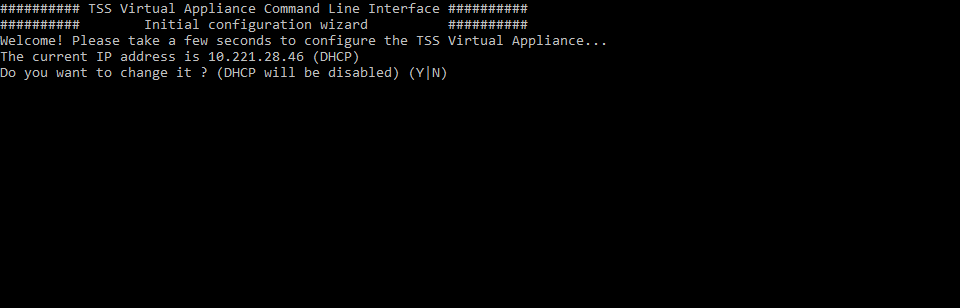
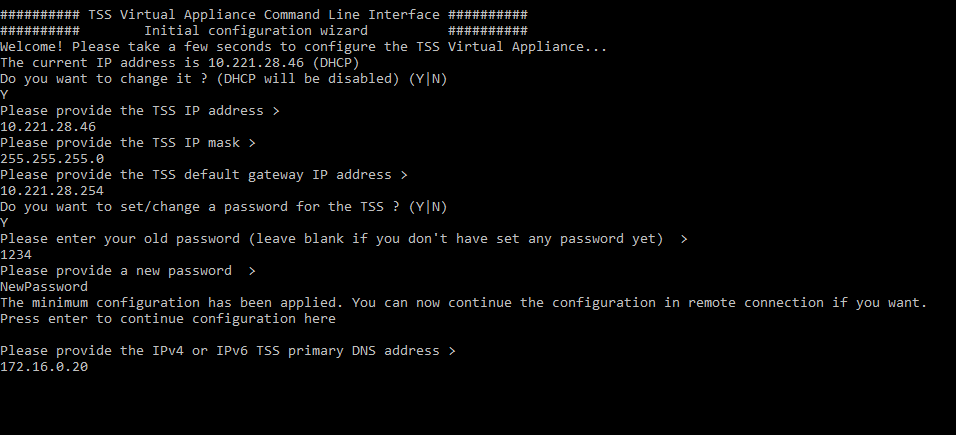
Once the configuration is complete, the Operating System will prompt the following Command Line Interface.
This Command Line Interface is the only interface available on the TSS Virtual Appliance. It allows you to perform administrative tasks and configuration operations. Your interaction with this minimalistic interface is only required once at the first deployment of the TSS Virtual Appliance. An IP Adrdress has been already defined through the DHCP as well as a default password ("1234"). Therefore, it is possible to configure the TSS locally or remotely.
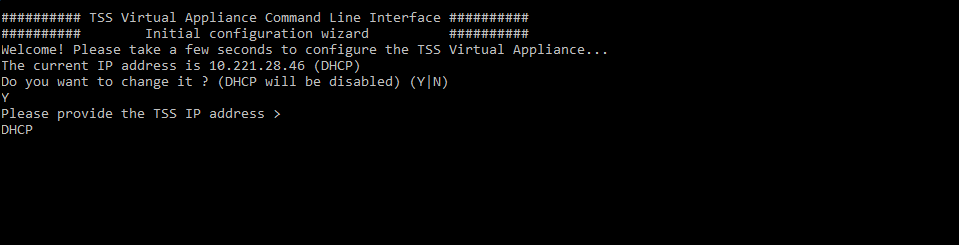
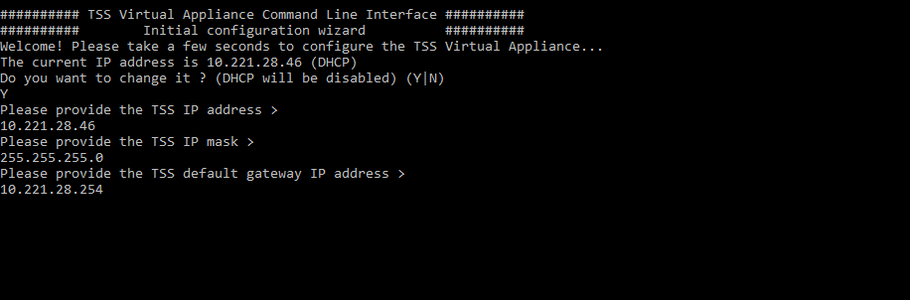
The CLI requires an IPv4 or IPv6 address. This address is the address of the TSS. You can either let DHCP decide for your network configuration or configure it statically. If an IP address is defined statically, the CLI asks you to provide the network mask (if IPv4) and the default gateway.
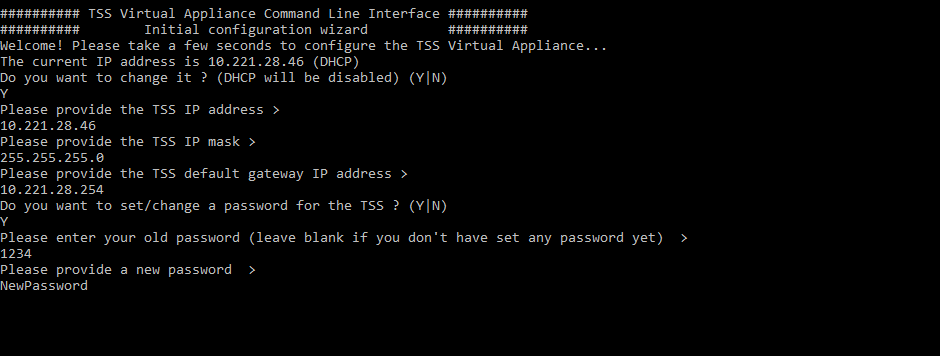
A default password has already been defined to make a remote session possible for the configuration. The default password is "1234". It is possible to configure a new password for the TSS Virtual Appliance. If a password is set, the configuration can be completed either locally or in remote connection. Otherwise, all must be done locally.
The CLI requires at least a primary DNS server in order to be functional. This primary DNS server can be provided under the form of an IPv4 or IPv6 address.
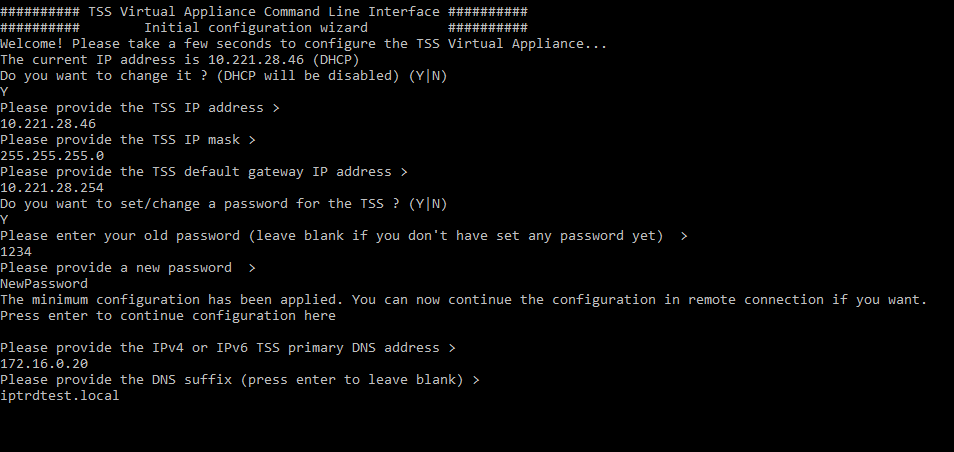
The next setting is the DNS suffix. This setting is optional but will be required if you plan to enable the HTTPs or FTPs on the TSS Virtual Appliance. It will be used in conjunction with the TSS computer name in order to "build" the Fully Qualified Domain Name (FQDN).
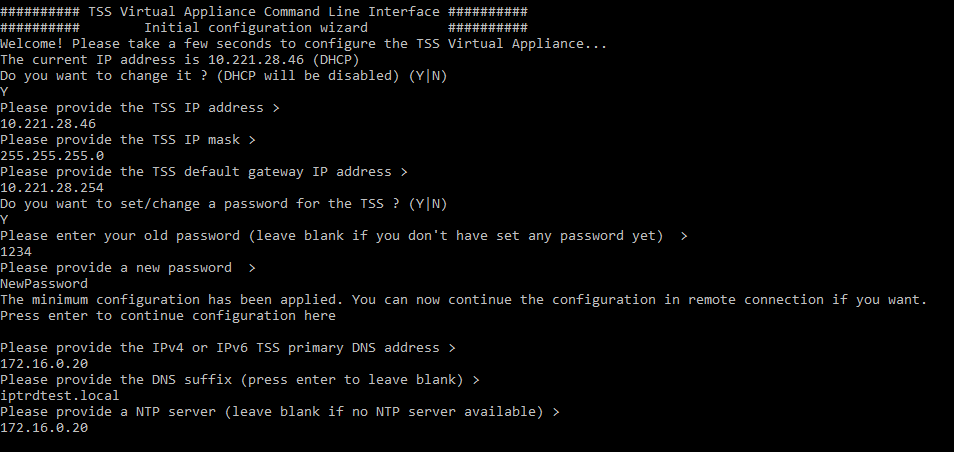
There is the possibility to set a NTP server. This setting is also optional. The TSS synchronize its time with this server.
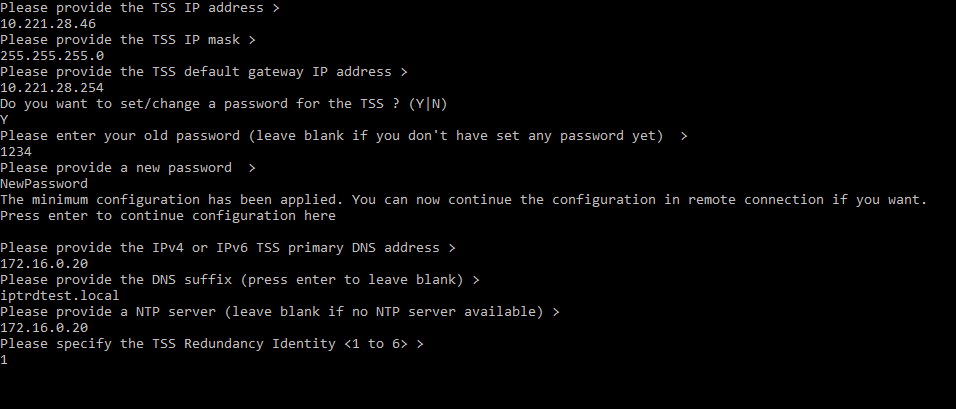
The last setting that you must provide is the TSS redundancy identity. This setting determines whether this TSS is a primary or a secondary server.
|