Manual local ducking


Manual local ducking |
|
| Audio Processing > Automatic actions > Local / Global ducking > Usage |
Turning on Ducking is turned on when user press “Ducking” button while ducking mode is off 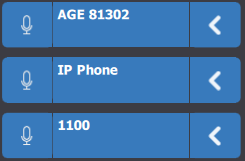 Initial state when ducking is off
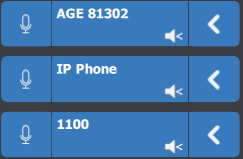 Initial state when manual ducking is on System behavior while manual ducking is on
Turning off without persistency Ducking is turned off when: •user press “Ducking” button while ducking mode is on •user activates speaker phones mode (see: Speakerphone mode) over one of the major handset Turning off with persistency Not applicable to manual mode |