Call forwarding


Call forwarding |
|
| Trading and C&C > Turret Proxy To Open communication (TPO) > DDI Sharing > DDI Lines Sharing > Usage > Telephony functions > PBX dependent features |
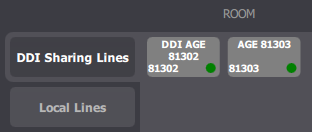
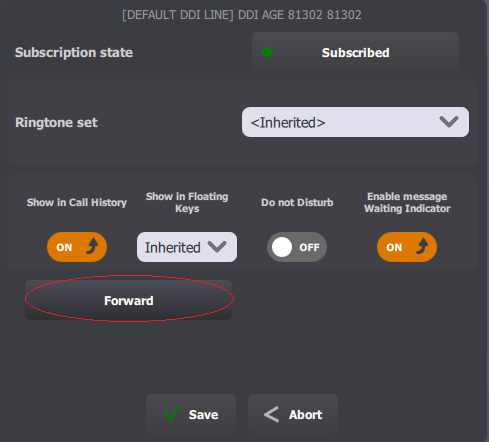
Call forwarding enable traders to temporarily redirect in-bound calls received on a shared DDI line to another destination which can be an external telephony line, an IP phone line or another turret.
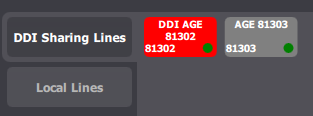
Removing the forwarding rule is achieved Note (1)It is important to notice that the Call forwarding button which can be programmed in the quick functions bar or in the status bar does apply on shared DDI lines but only on the primary/secondary extensions of the trader. (2)Call forwarding can be enabled or disabled on a per-shared DDI line basis and use a different extension for each line. (3)Call forwarding rules remain active even when trader’s logs out from the turret. They are however not restored after restarting the TPO service which hosts the shared DDI line. |