Do not disturb


Do not disturb |
|
| Trading and C&C > Turret Proxy To Open communication (TPO) > DDI Sharing > DDI Lines Sharing > Usage > Telephony functions > PBX dependent features |
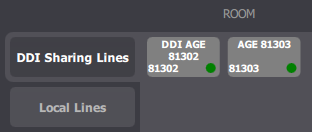
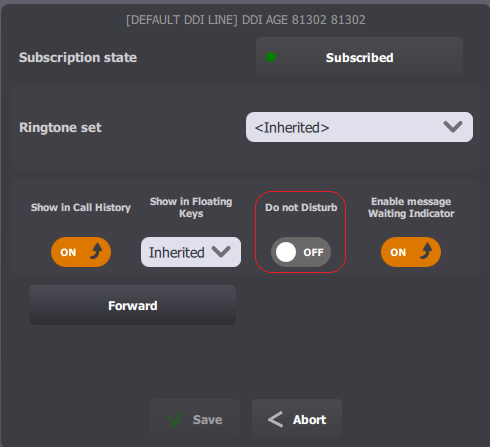
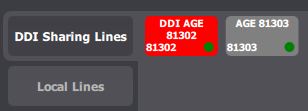
Do not disturb (DND) allows traders to temporarily reject in-bound calls received on a shared DDI line.
Note (1)DND can be enabled or disabled on a per-shared DDI line basis. (2)DND rule is not stored as a DDI line property in the TSS. It's a runtime state of the line maintained by the TPO. When place starts DND is not activated. Once a user active DND, it remains active until a user deactivates it or until place is stopped.
(3)DND rule remains active even when trader’s logs out from the turret. |