Set page-shortcut rigntone set


Set page-shortcut rigntone set |
|
| User Options > Ringtones > Usage |
Page-shortcut
A page-shortcut is the relation between a shortcut and a page. You have to edit a shortcut from a specific shortcut page (not from the "(all)" page) to have your changes to apply to the relationship between the shortcut and the page rather to the shortcut itself. See how to set a shortcut ringtone set if you want your changes to apply to the shortcut itself regardless of the pages in which it is located. From a turret
Switch to maintenance mode
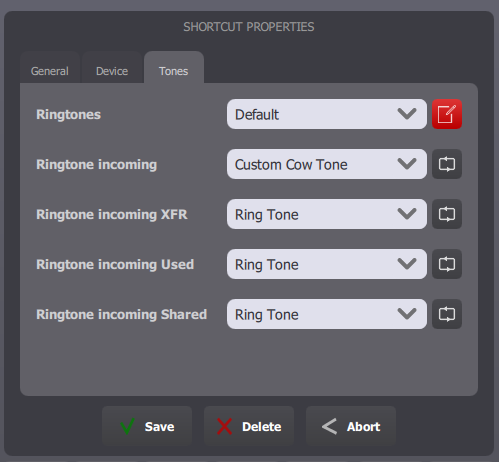
Select the shortcut page that contains the shortcut to edit, then select the shortcut to edit. The shortcut edit form opens and contains three tabs. Select the tab "Tones".
Customize, then click Save.
From TSS Console
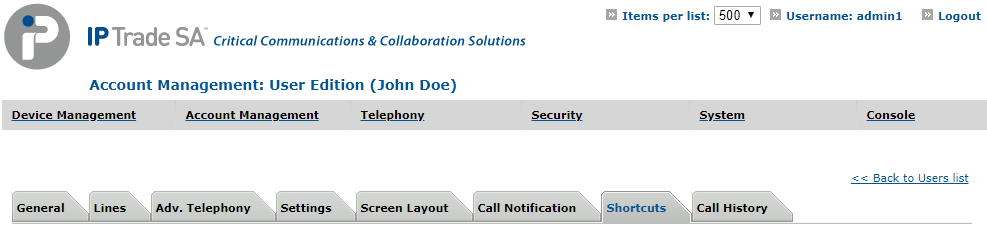
Select your user, in Account Management > Users and go to Shortcuts tab.
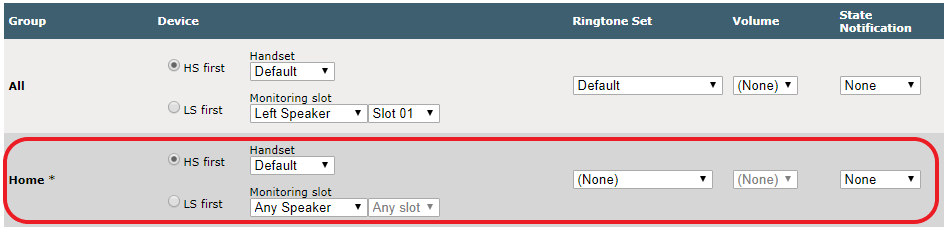
In section Shortcuts, select the shortcut to edit.
Edit ringtones set and volume for your group
Then click Update or Update and Go Back. |