Set shortcut ringtone set


Set shortcut ringtone set |
|
| User Options > Ringtones > Usage |
From a turret
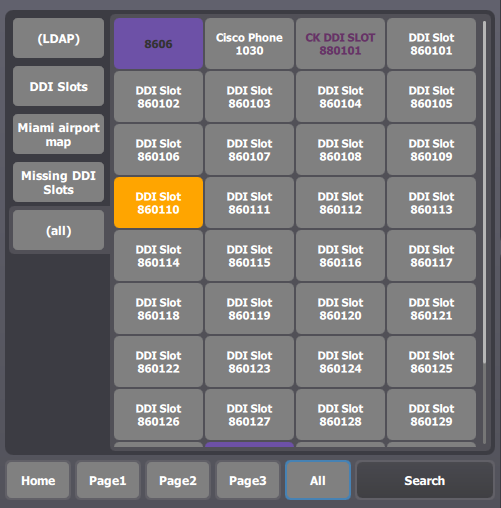
Go to "All" Shortcut page then select (all) group
Switch to "maintenance" mode
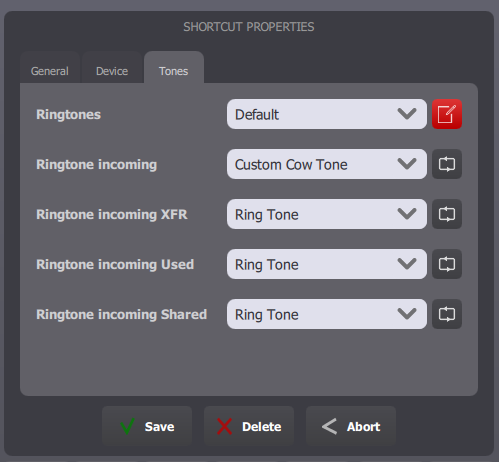
Click your shortcut and go to Tones tab
Click on the ringtone set's edition button to access the customization part if needed, then click Save.
From TSS Console
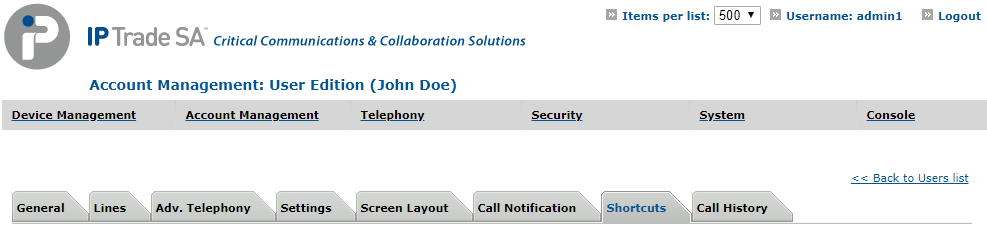
Select your user, in Account Management > Users and go to Shortcuts tab.
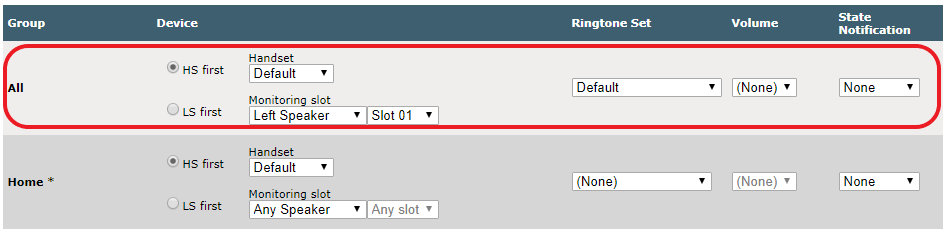
In section Shortcuts, select the shortcut to edit.
Edit ringtones set and volume for group All
Then click Update or Update and Go Back. |