Create a new ringtone set


Create a new ringtone set |
|
| User Options > Ringtones > Usage |
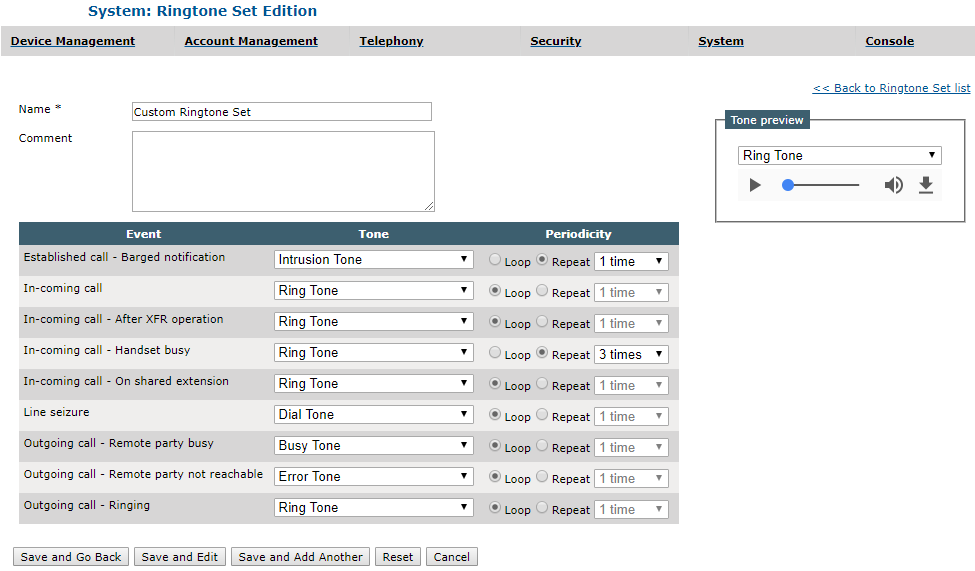
A ringtone set is a set of sound events each one associated to a ringtone (built-in or custom) and a type of repetition (loop or repeat from 1 to 50 times). A ringtone set can be set on a profile, a line, a shortcut, a shortcut page or a pages-shortcut (a pages-shortcut is the relation that links a shortcut to a page of shortcut). From TSS Console
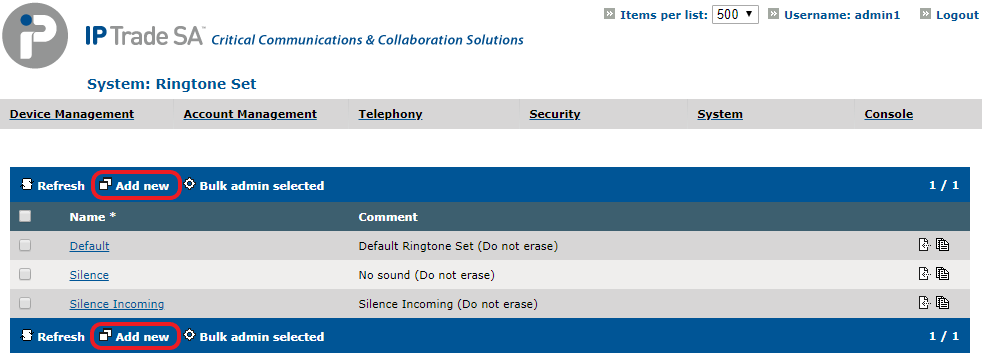
Go to System > Ringtone Set and click on Add New
Fill the ringtone set edition form and select a ringtone and a periodicity for each sound event.
Click on one of the Save buttons. |