Set shortcut page ringtone set


Set shortcut page ringtone set |
|
| User Options > Ringtones > Usage |
From a turretOnce logged in, switch to "maintenance" mode.
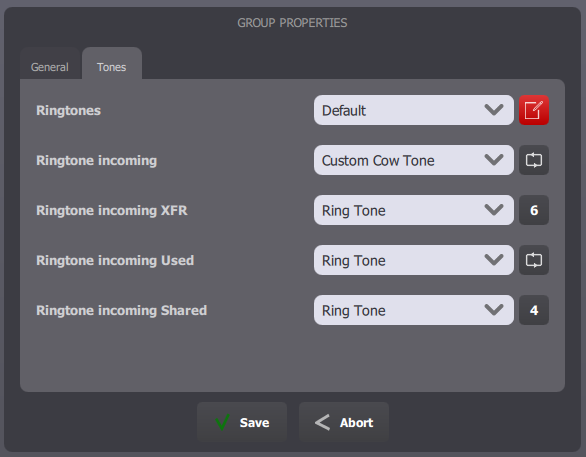
Select the shortcut page to edit or create a new one. The shortcut page edit form opens and contains two tabs: "General" and "Tones". The tab "Tones" allows you to set a specific ringtone set and volume for your shortcut page. In addition to this, by pressing the edit button next to the "Ringtone" dropdown, you can change the ringtones associated to different incoming call events.
From TSS Console
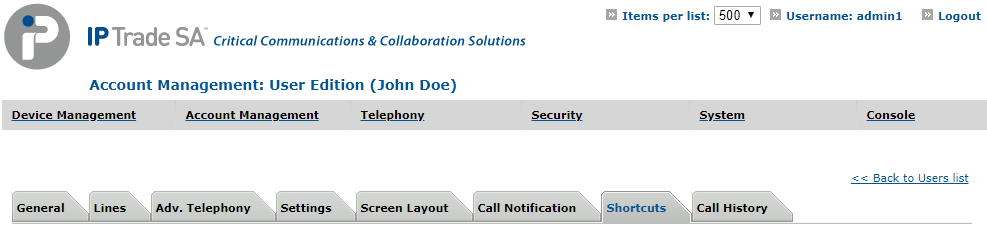
Select your user, in Account Management > Users and go to Shortcuts tab.
In section Shortcut Pages, select the shortcut page to edit.
Select your ring tones set
Then click Update or Update and Go Back. |