Replay the Recorded Call


Replay the Recorded Call |
|
| Voice Recording > ReplayBox Interface > Usage |
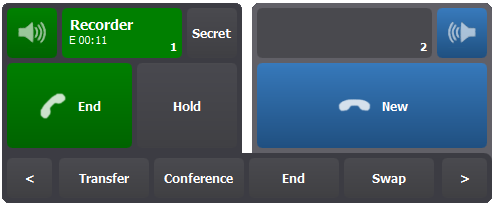
Once you have selected a recorded call and start to play it, it appears as a standard call (named Replay) in the handset panel and you can listen to it.
During the replay call listening, you can: •Navigate within it as described in the Navigate the Recorded Call section. •Stop it either by pressing the Stop button in the player or the End button in the handset panel. •Insert it in a conference as described in the Insert the Recorded Call in a Conference section.
Note: The replay call is automatically removed from the handset panel at the end of the replay.
|