Uninstall version


Uninstall version |
|
| Solution Installation > TSS Installation > Using the TSS Virtual Appliance > Optional Configuration > Optional setup using component manager |
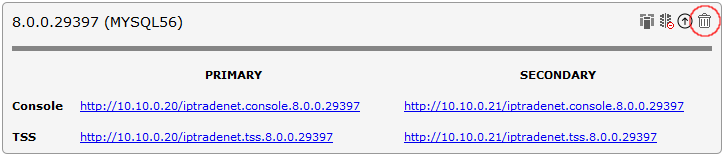
OverviewComponent Manager application offers 5 banks to install TSS/Console application. If all banks are in use and you want to upgrade or install a new version you have to first uninstall another version. Uninstall option removes the TSS/Console application and deletes the associated database. If replication is enabled, the version will be uninstalled on the secondary server as well. Uninstall versionTo uninstall a TSS/Console version: •Open the Component Manager in a web browser. •Select the TSS Versions tab. •Press the "Uninstall" this version icon next to the version to uninstall.
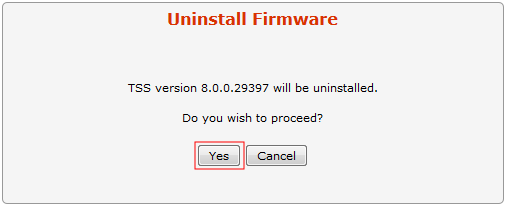
•Press the "Yes" button to confirm.
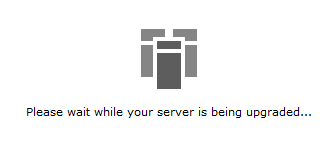
•Wait for the uninstall process to complete.
•Once done, the version disappears from the Component Manager's main screen.
|