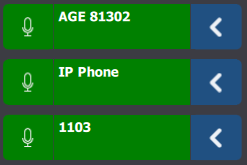
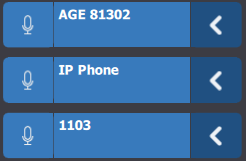
A speak button is checked

Top  Previous  Next
Audio Processing > Automatic actions > Local / Global ducking > Usage > Automatic local ducking > System behavior while automatic ducking is on
Speak button checked

Speak button checked

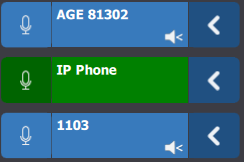
Initial state

Initial state

Select an entry

•if call is part of speak, call volume is restored

•if call is not part of speak, call volume remains reduced

AutomaticDuckingSState1

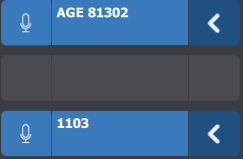
Unselect an entry

•if call was part of speak, call volume is reduced

•if call was not part of speak, call volume remains reduced

AutomaticDuckingSState2

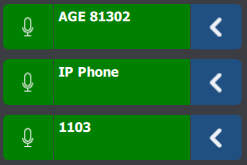
Press the checked speak button

•related speak button is unchecked

•call turns blue

•microphone is off

•ducking is turned off with persistency

AutomaticDuckingSState3

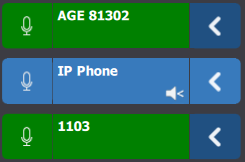
Press a monitor entry push to talk button

•previously checked speak button is unchecked

•previously checked call turns blue if it is not except the checked push to talk entry

•microphone is on for call on checked push to talk entry

•ducking remains on

•volumes of all calls except checked push to talk entry are reduced

•volume of call on checked push to talk entry is restored

AutomaticDuckingSState4

A call ends, or several calls end, or even all calls end due to remote party hanging up or user action

•monitor entries are freed

•microphone is off

•speak button remains checked

•ducking remains on even it doesn’t act on any call

•ducking will remains on until user uncheck the speak button or make another action that turns the ducking of

AutomaticDuckingSState5