Global ducking


Global ducking |
|
| Audio Processing > Automatic actions > Local / Global ducking > Usage |
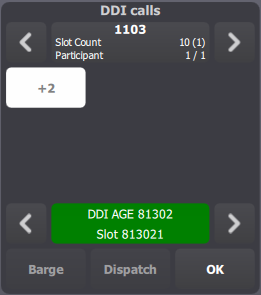
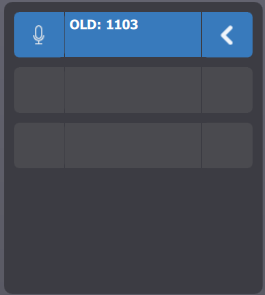
Given two traders connected to the same call on a DDI line. Both traders have their call on monitor.
Initial StateBoth traders are in an idle talk state and they both ear what the remote party says (ie: ducking is disabled).
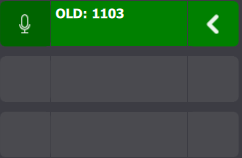
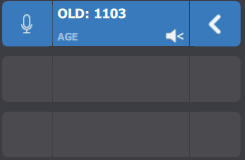
Global ducking turn onThe first trader presses the Microphone button next to the call's monitor entry.
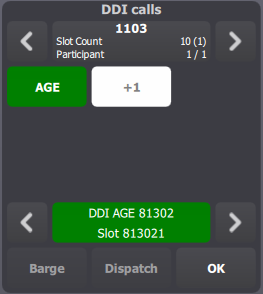
In the DDI slot, the first trader's state switch to "talking".
Then, the second trader's call is automatically ducked.
Global ducking turn offOriginal volume levels are restored when •all users close their microphones (or after a configured delay); •the ducked user activates his microphone for the call; •the ducked user manually turns ducking off. |