Join existing call


Join existing call |
|
| Trading and C&C > Turret Proxy To Open communication (TPO) > DDI Sharing > DDI Lines Sharing > Usage > Telephony functions > PBX dependent features > Video Call > Usage |
On one DDI call/slot, only one DDI line user can send his video to remote party at a time. There is no way for the remote party to see two DDI line user videos on the same call. First DDI line user who sends his video takes ownership of the outbound video channel, afterward, other users have to way for the video channel to be freed before starting to send their video.
When user joins an existing call, video behavior depends on: •Video state of the existing call •User configuration: Default video state for outgoing DDI call
Take a look to the following scenarios:
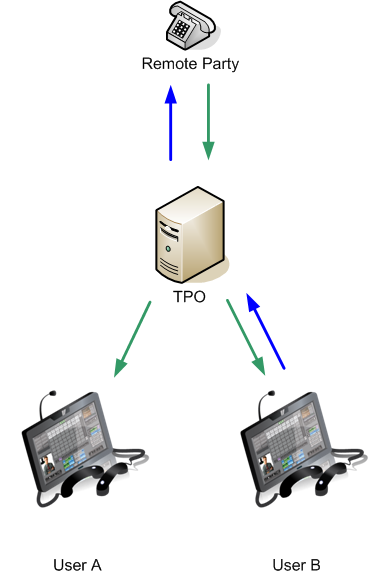
•Consider User B is configured with Default video state for outgoing DDI call set to send_receive.
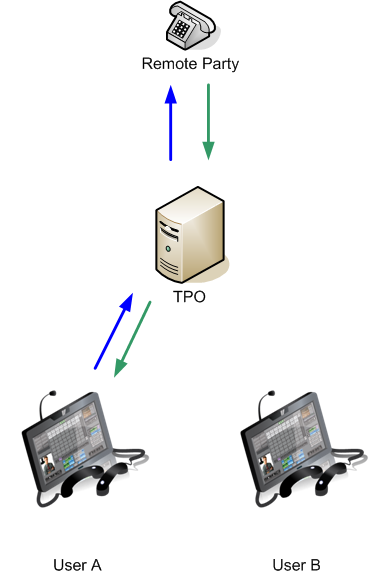
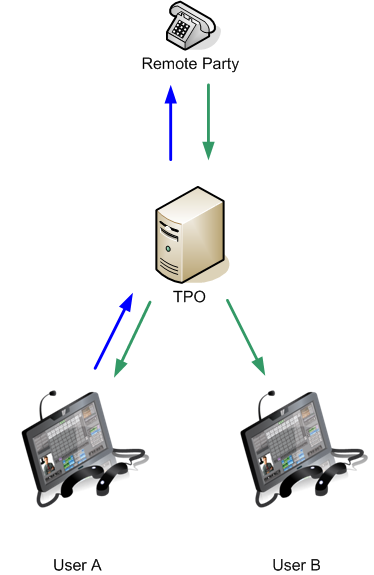
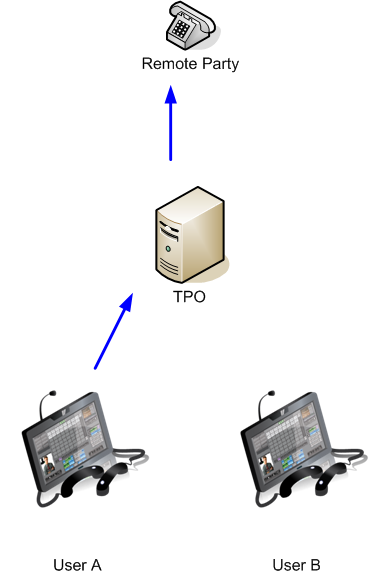
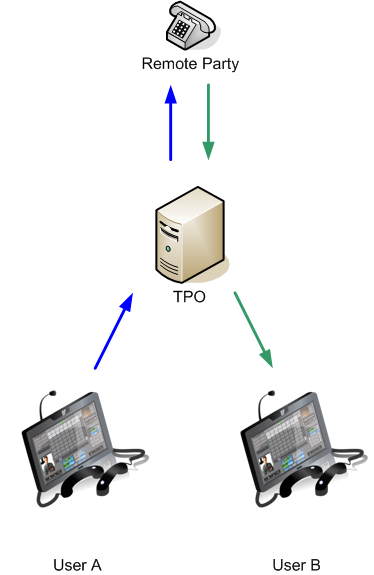
Join a send/receive video call:
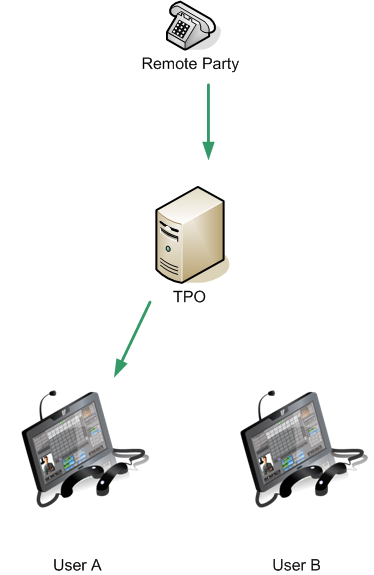
Join a receive only video call:
Join a send only video call:
|