Set line ringtone set


Set line ringtone set |
|
| User Options > Ringtones > Usage |
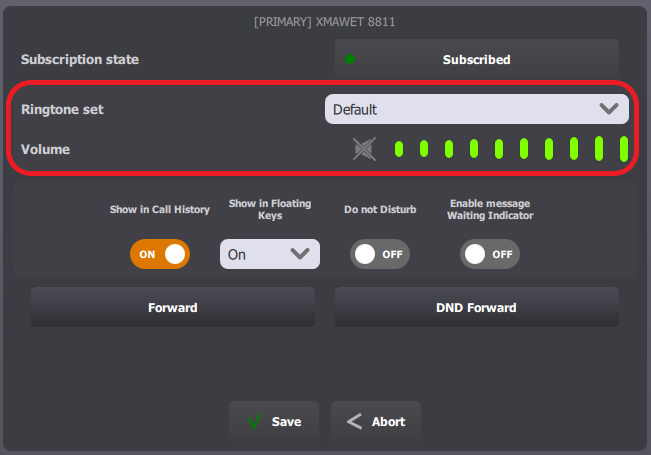
From a turretOnce logged in, open the Room Panel and select the line to edit. The line edit form opens and allows you to set a specific ringtone and volume for events on that line.
From TSS Console
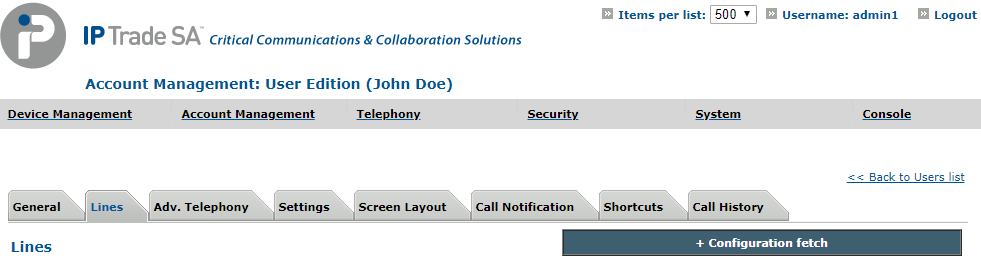
Select your user, in Account Management > Users, and navigate to the Lines tab.
Select a line to edit.
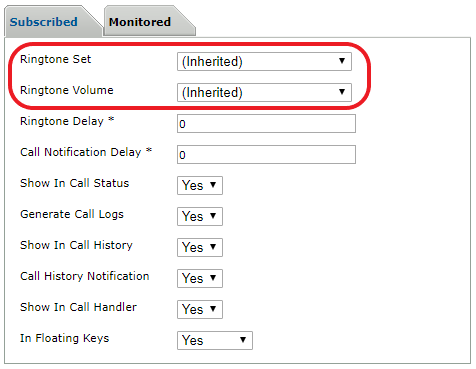
In section "Subscribed" or "Monitored", at the bottom of the edition form, edit the ringtone set and volume.
Then click Update and Go Back. |