Refresh shortcuts automatically


Refresh shortcuts automatically |
|
| User Options > Shortcuts > Advanced Usage |
This feature allows refreshing shortcut data automatically on the Turret, following changes performed by an administrator on a user/shared profile on the TSS Administration Console. This allows pushing configuration changes without requiring a logout/login of the user. To allow changes to be made without interrupting the user's activity on the turret until the changes are completed (or the user's activity allows it), changes can be temporarily held in the users and shared profiles. This feature can be used in the context of DDI Private Wires lines pre-provisioning. Hold shortcut changesLet's say that a user requires some changes (like adding shortcuts) to be performed in one of his profiles wihtout requiring a logout/login operation.
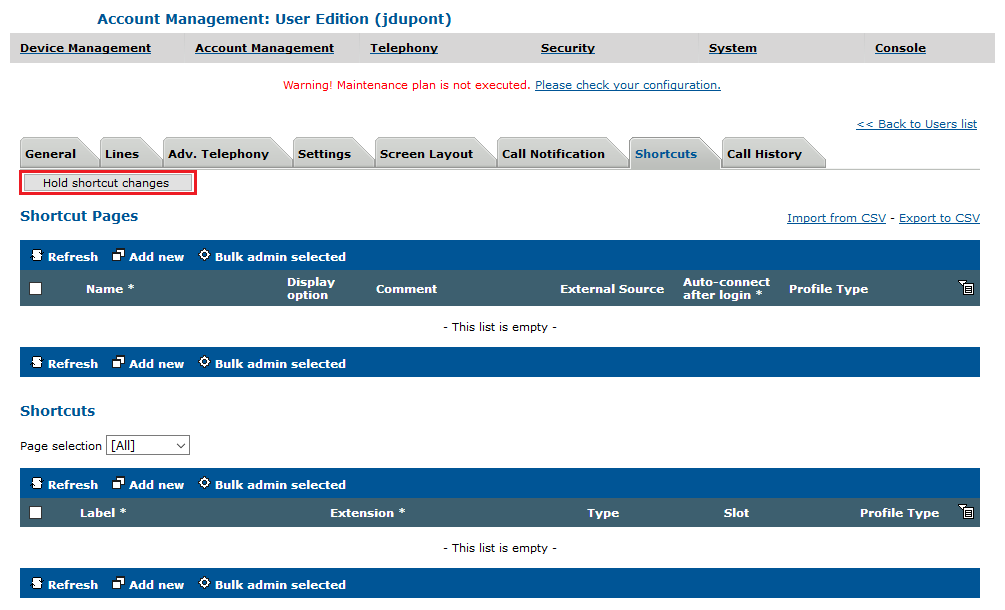
The administrator temporarily disables shortcut data refresh on the turret by pressing the Hold shortcut changes button inside one of the user's profiles.
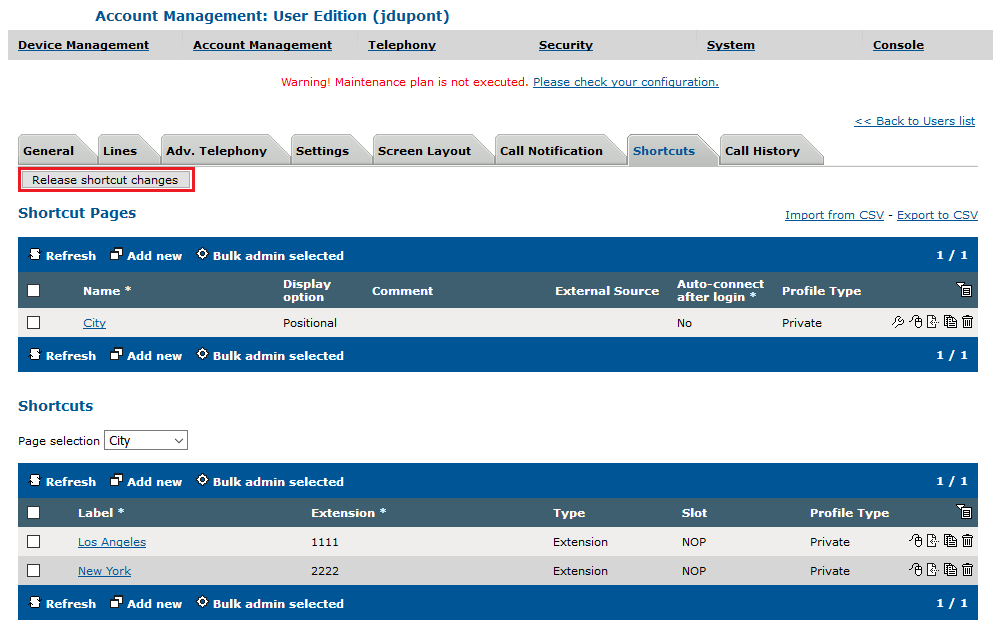
The button turns to Release shortcut changes to indicate that changes are held. The administrator can create, update or delete any shortcut pages or shortcuts in the profile without the user being interrupted in any way. The Turret will not receive any notification from the TSS until the shortcut changes is released. Release shortcut changesOnce the shortcut changes have been done (and maybe once the user's activity allows to reload the changes), the administrator presses the Release shortcut changes button. |