Highlighting shortcuts


Highlighting shortcuts |
|
| User Options > Shortcuts > Advanced Usage |
A shortcut which does not reflect any activity will appear with a default background and text color, dependent on the theme applied for the current user.
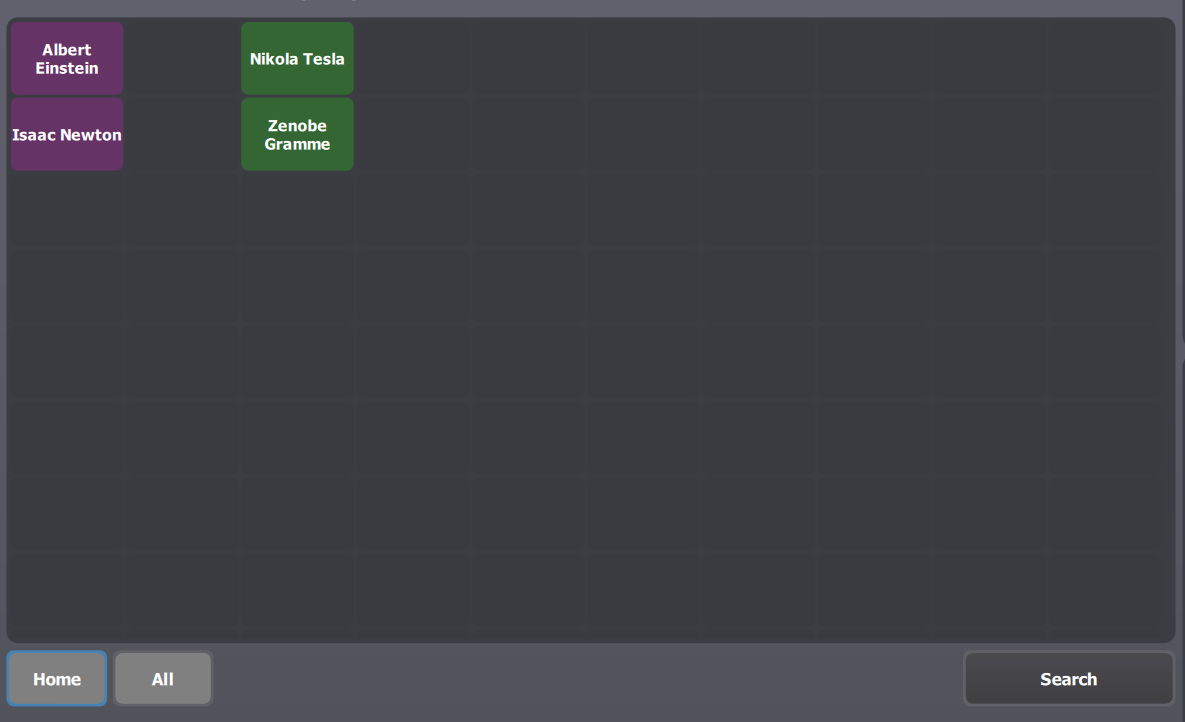
There is a possibility to customize these default colors for each shortcut or for an entire page, allowing users to distinguish more clearly individual shortcut or groups of shortcuts.
The picture below illustrates a shortcut page where two groups of shortcuts are highlighted with a distinct color.
|