Retrieve Recorded Calls


Retrieve Recorded Calls |
|
| Voice Recording > ReplayBox Interface > Usage |
•To open the ReplayBox Interface, press the Recorder access button:
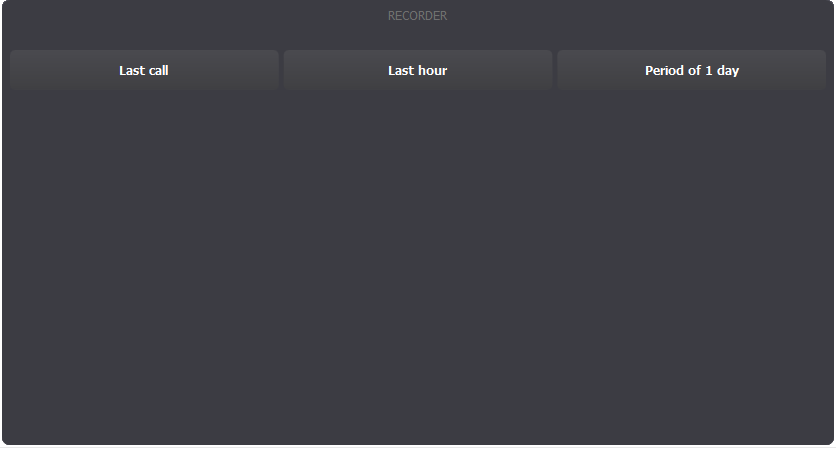
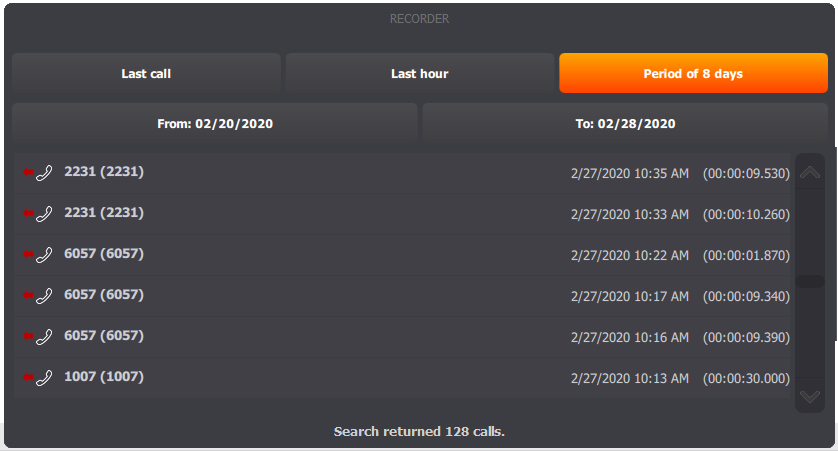
•The Recorder window opens and displays different filters to retrieve the call that you want to replay. •Select one of these filters.
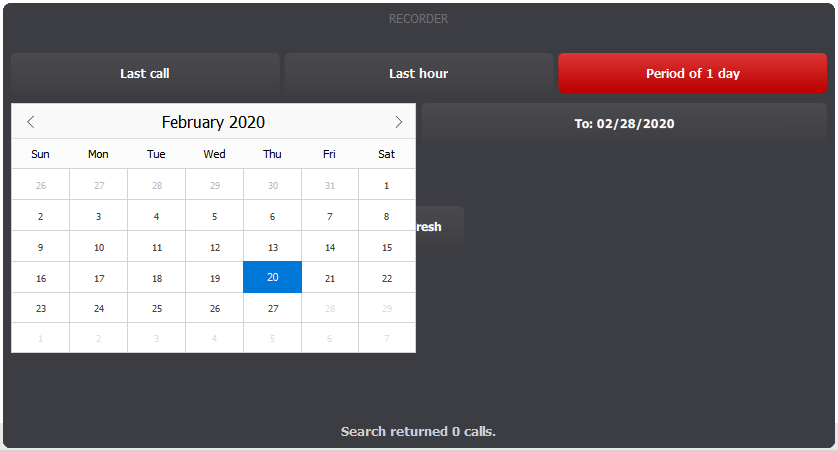
•Here, we selected the "Period" button. •The "from" and "to" buttons appear and the results for the predefined period (current day) are displayed. •Change the "from" date to one week earlier.
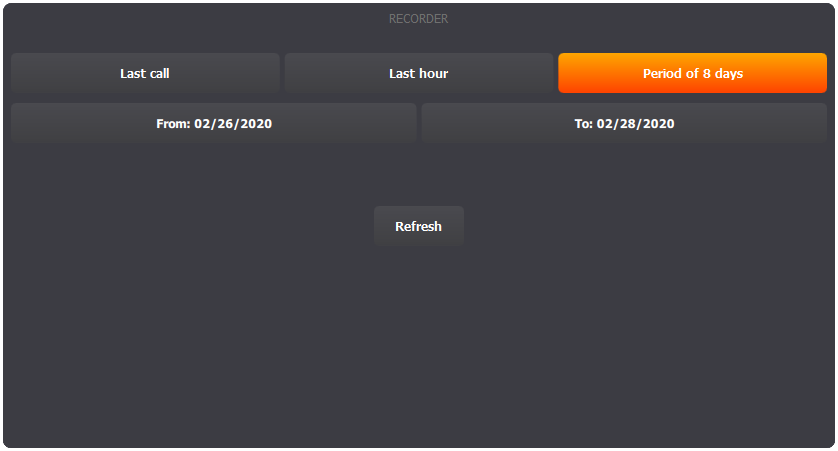
•The "period" button is now orange and a "Refresh" button appears. •Click the refresh button.
•The Recorder window now displays the list of all matching calls.
•Press on a line to select the corresponding recorded call. |