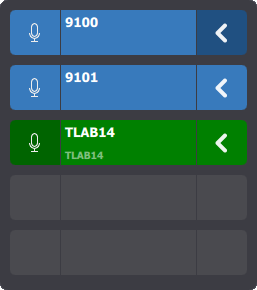
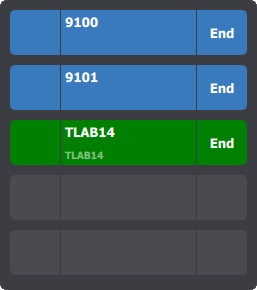
Normal mode
The central area of each entry displays the call's display name (call extension or the shortcut label) and talker identity (name of the person who is currently talking).
Available buttons are :
•Speak (left): once pressed, the entry becomes green (like the third entry here) and the microphone is activated. •Select (right): once pressed, the button becomes dark blue (like the first entry here). If the user presses the Speak access button, all selected entries switch to hand-free mode and become green. When the user swipes an entry to either left or right, the call is closed.
|