Restart IIS
There are several ways to restart IIS on Windows Server :
•Command line •IIS control panel interface
Command line
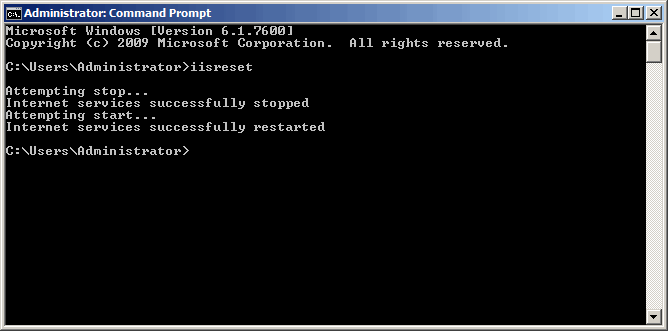
•Press Start button •Press Command Prompt button •Enter text iisreset and press ENTER key
IIS control panel interface
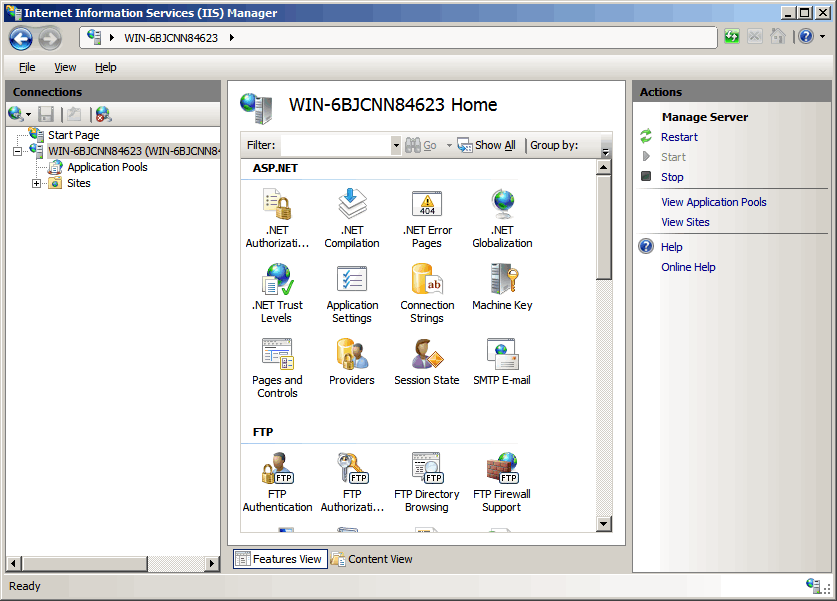
•Press Start button > Administrative Tools > Internet Information Service (IIS) Manager • Select server_name node in Connections pane (on left side) •Press Restart button in Actions pane (on right side)
|


