Failed to uninstall application


Failed to uninstall application |
|
| Solution Installation > TSS Installation > Install TSS on a standard server > Troubleshoot |
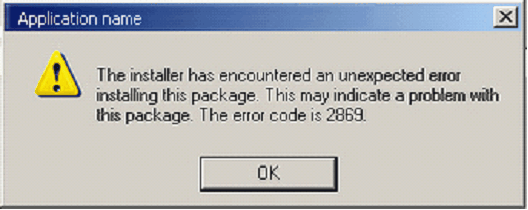
IntroductionOn uninstall TSS/Console application is not removed from control panel – This can be related to UAC present with Windows Server 2008.You can obtain following message (error 2869):
Resolution
•Open DOS command (Execute > cmd) •Go to folder that contain installable package •For both package, enter command: msiexec /i MySetup.msi (replace MySetup by proper install package name)
|