Back up Database


Back up Database |
|
| Solution Installation > TSS Installation > Install TSS on a standard server > Maintenance > Microsoft SQL Server |
IntroductionThis topic describes how to back up database with Microsoft SQL Server Management Studio.
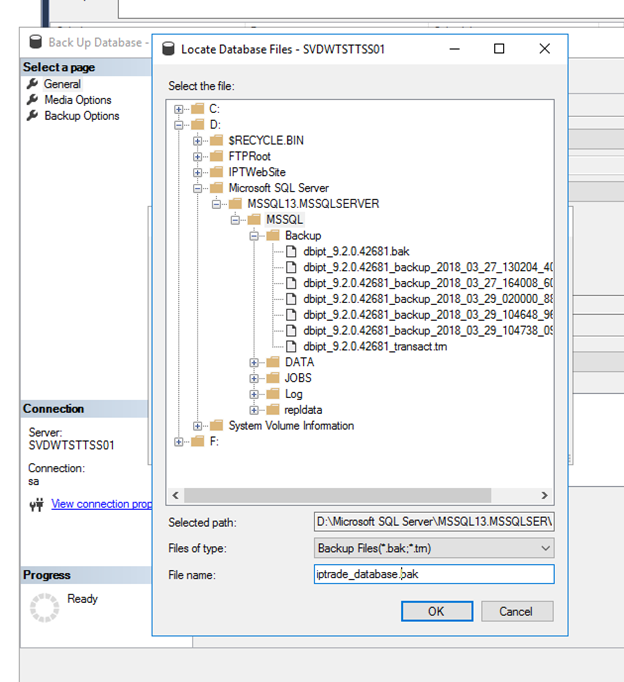
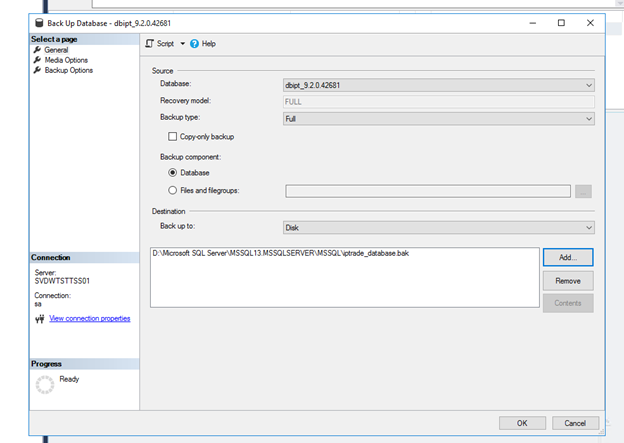
Back up Database•Open SQL Server Management Studio •Connect to server •In Object Explorer, right click on database_name > Tasks > Back Up... •In Destination pane, press Remove button •In Destination pane, press Add button •Press ... button •Select folder where you want to back up database (for example: C:\) , enter backup name (for example : iptrade_database.bak) and press OK button.
•Press OK button to return to main panel
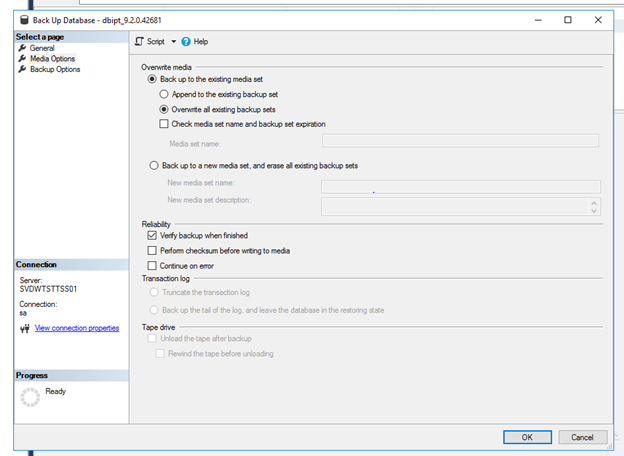
•Press Media Options button (on left side) •Select option Overwrite all existing backups sets •Check option Verify backup when finished •Press OK button to launch back up procedure.
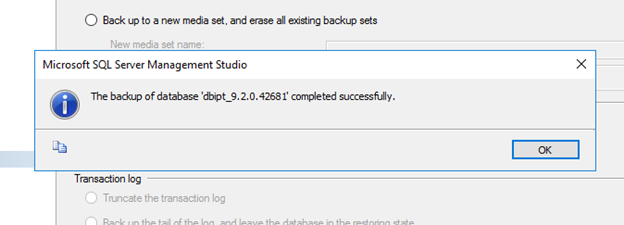
When backup up procedure is finished confirmation message appears
•Press OK button
|