MySQL Workbench


MySQL Workbench |
|
| Solution Installation > TSS Installation > Install TSS on a standard server > Install Database Management System > MySQL |
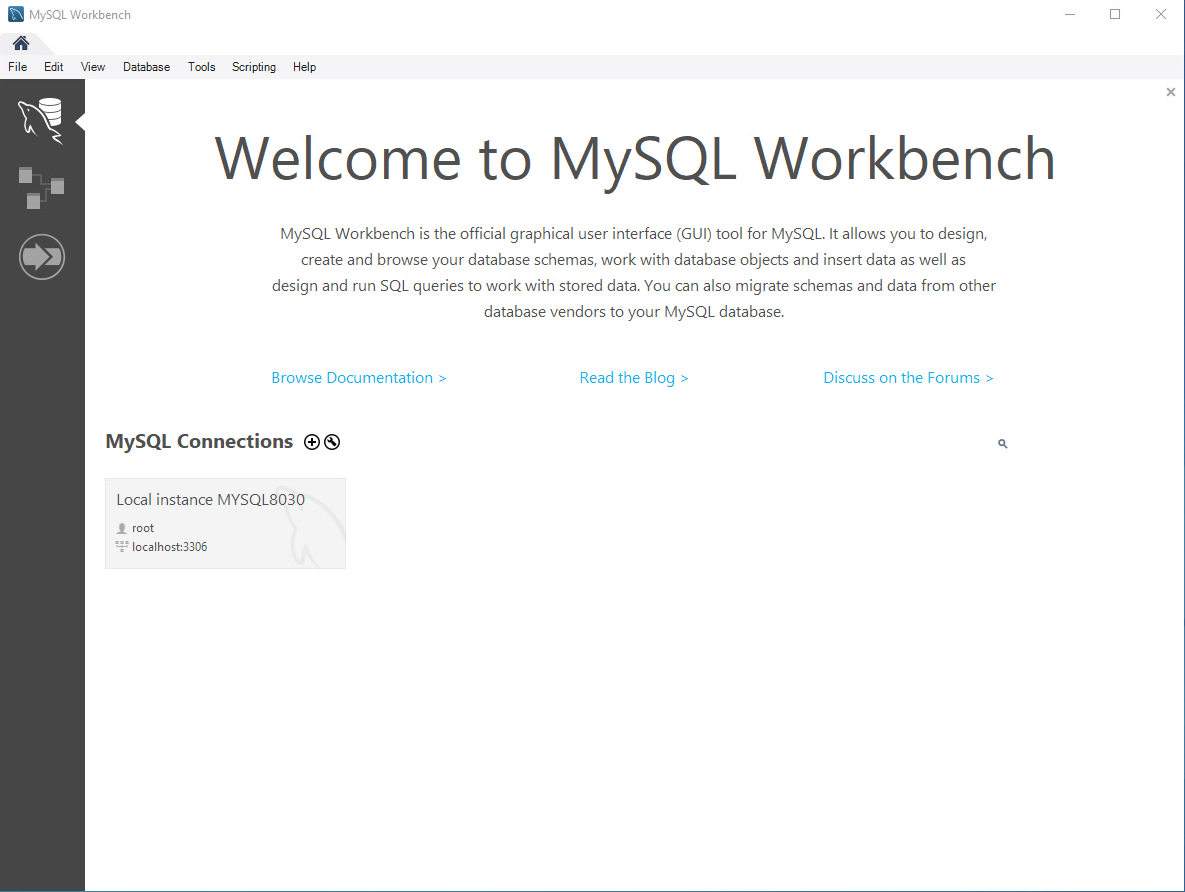
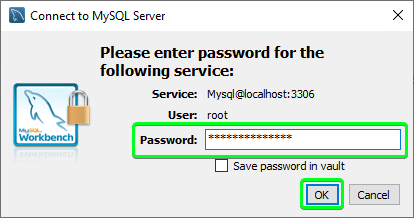
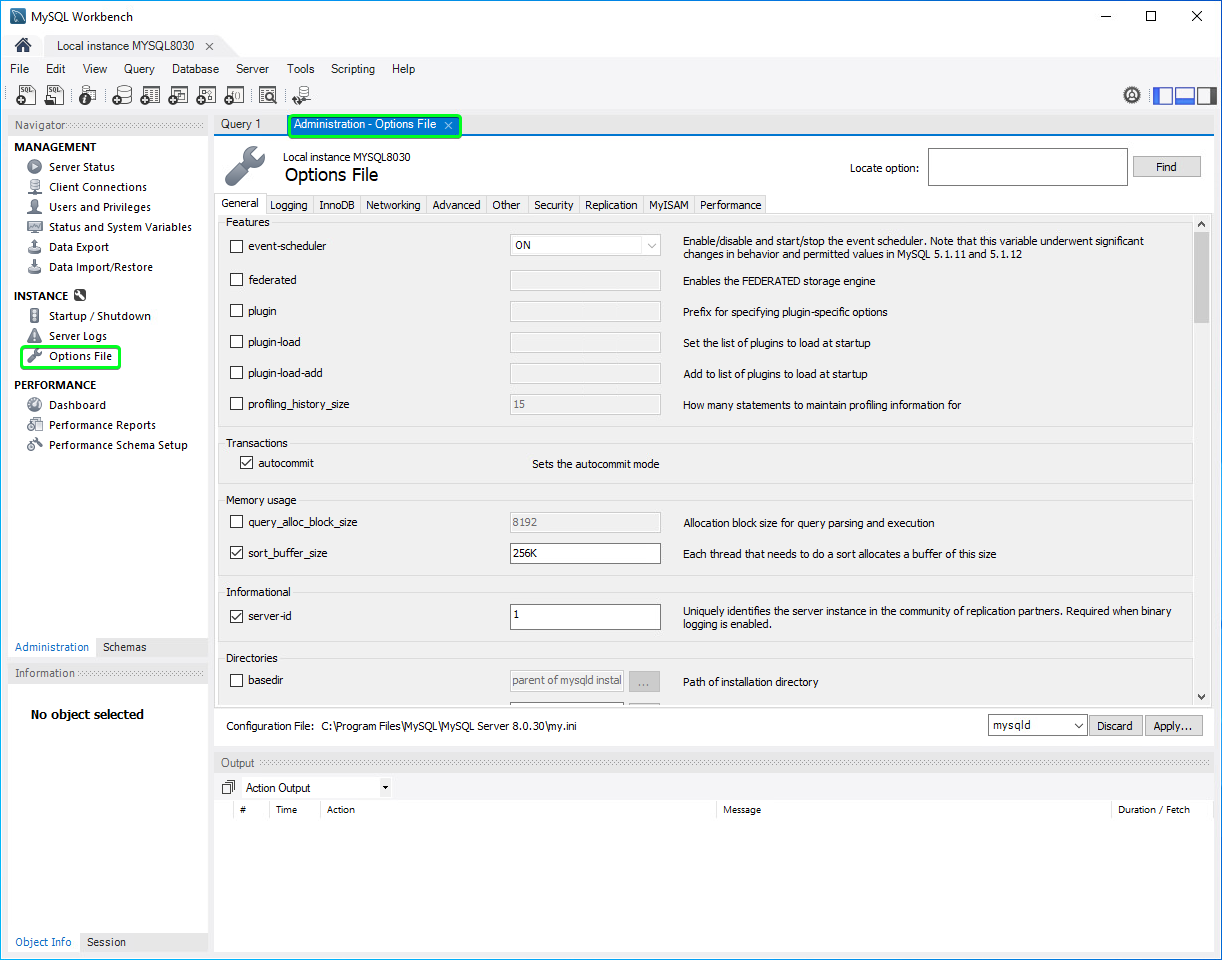
IntroductionThis section describes the procedure to configure MySQL 8.0. Run MySQL WorkbenchOnce installation is finished MySQL Workbench is starting. This application can be accessed under Start Menu > Programs > MySQL > MySQL Workbench.
MySQL Workbench is a unified visual tool for database architects, developers, and DBAs. MySQL Workbench provides data modeling, SQL development, and comprehensive administration tools for server configuration, user administration, and much more. MySQL Workbench is available on Windows, Linux and Mac OS. |