Filtering the entries


Filtering the entries |
|
| Enterprise Telephony > Common > Call History > Usage |
The panel allows filtering the entries to quickly find the required call.
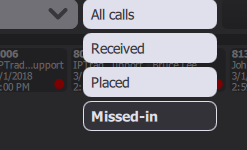
To apply a filter on the call history entry type, use the drop down list on the top right:
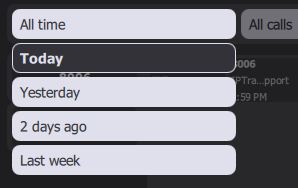
To apply a time filter, use the drop down list on the top left:
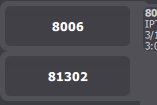
To apply a filter on specific telephony lines, use the buttons on the left column of the panel. By default all lines are selected, click on any line button to unselect/select it.
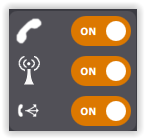
When user has configured to display type filter, button are available on panel to filter calls by type. Type are VoIP, Radio and Intercom.
The line filter can also be automatically set on login and type filter can be displayed or not. See Configure. |