Multiple pending calls


Multiple pending calls |
|
| Enterprise Telephony > Common > Call Transfers > Call Transfer monitoring > Usage |
In addition to the conditions listed at the beginning of this section, it is assumed that
•The IP phone with 1109 extension – the transferee – is registered to the PBX ;
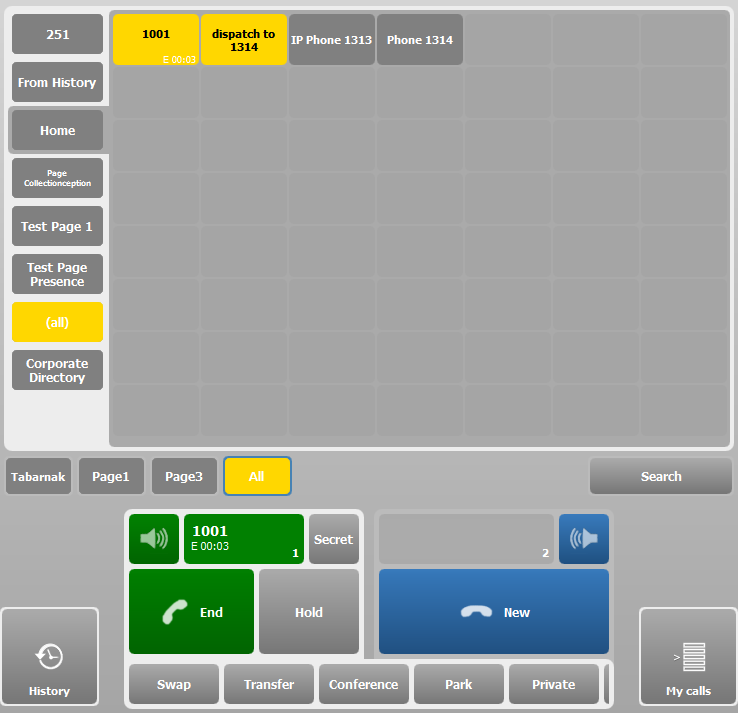
1.The attendant is on call with a distant party on extension 4002. The attendant presses the dispatch key.
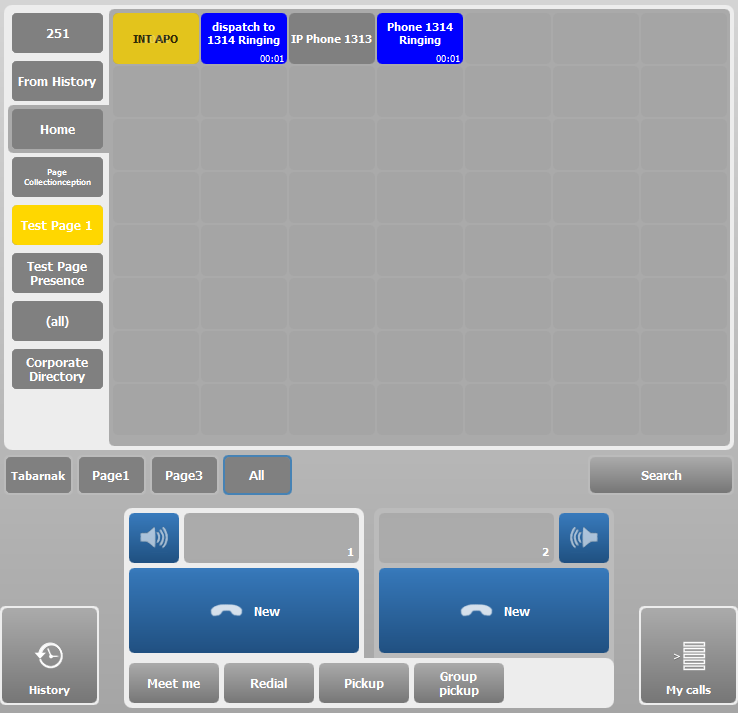
2.The dispatch key starts flashing and the ringing indicator is displayed. The target’s phone is ringing. The transferee identity is alerted as the calling party on the target’s phone. The transferee with extension 1001 is put on hold.
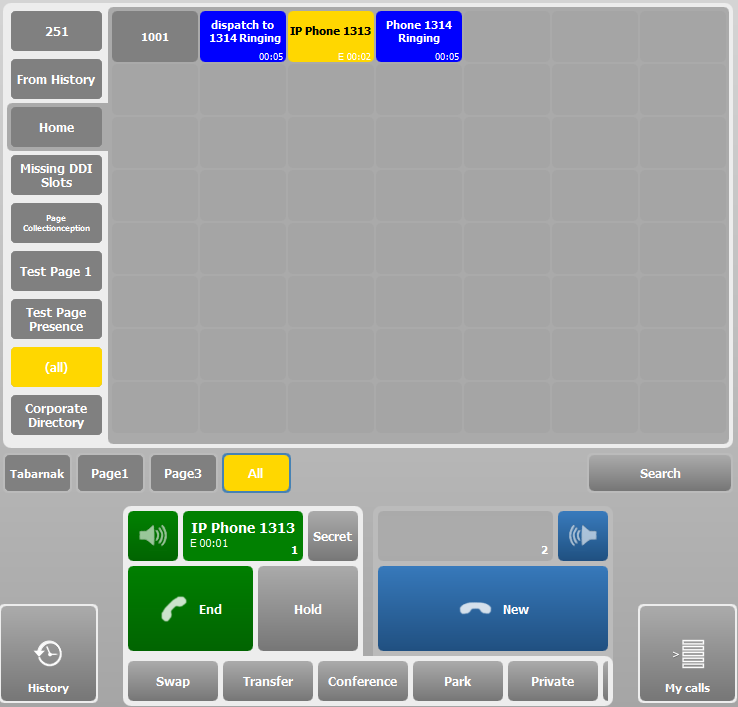
3.The attendant accepts a second call from extension 1313. The attendant presses the same dispatch key a second time whereas the first dispatch operation has not yet been completed.
4.Since the target reports now a busy status, the busy indicator is displayed on the dispatch key and the number of calls (2) waiting to be acknowledged by the target is appended to the key label.
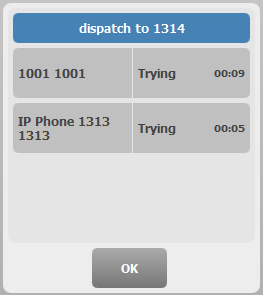
5.The attendant can display the list of pending calls by keeping the dispatch key pressed for two seconds. This list is displayed in Dispatching progress applet which shows the status and the caller identity for each call. Optionally, the attendant can reclaim one of the calls by pressing the corresponding key in the applet.
Other considerations 1.The option profile.setting.dispatchcalls.hidecallbrowser can be enabled in order to hide the Dispatch progress applet immediately after a call has been reclaimed.
2.If the option profile.setting.callduration.enabled is set to true, dispatch keys also give how time the calling party is waiting ;
|