Enable remote capture


Enable remote capture |
|
| Solution Installation > TSS Installation > Using the TSS Virtual Appliance > Optional Configuration > Optional setup using component manager |
Enable the remote capture from the Component Manager
Remote capture feature is available on the TSS. It allows you to capture network traffic traveling across from a remote computer. This feature can be enabled from the TSS Command Line Interface of from the Component Manager.
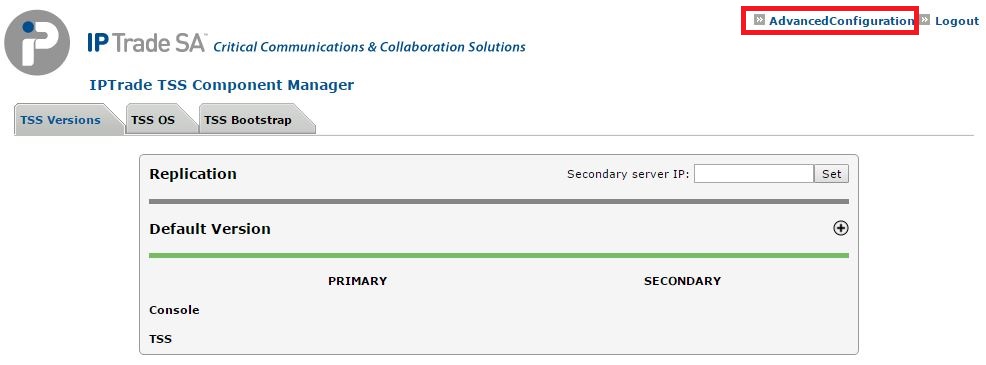
To enable the remote capture from the Component Manager: •Open the Component Manager in a web browser. •Click the Advanced Configuration link.
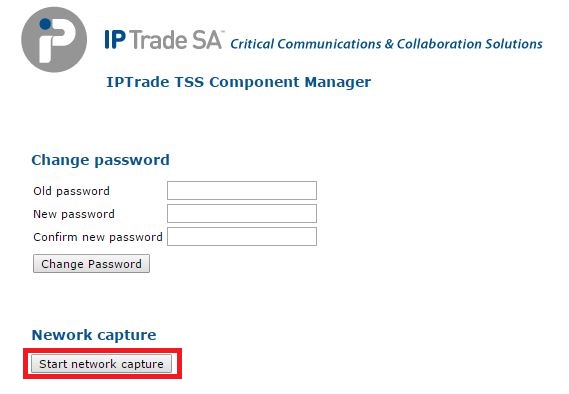
•Press the Start Network Capture button
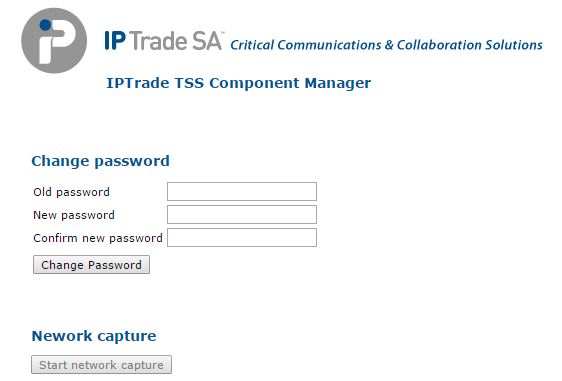
•The remote capture feature is now enabled for a time span defined via the TSS Command Line Interface •During this time span, the button is disabled
|