Creation of an application group


Creation of an application group |
|
| IT&Operations > Devices & Users zones > Configuration |
Application administration can be found on the TSS console, under "Security" > "Application".
To create a new group, select an application. For example "Console" that refers to the TSS Administration Console.
Switch to tab "groups", then click the "Add New" button.
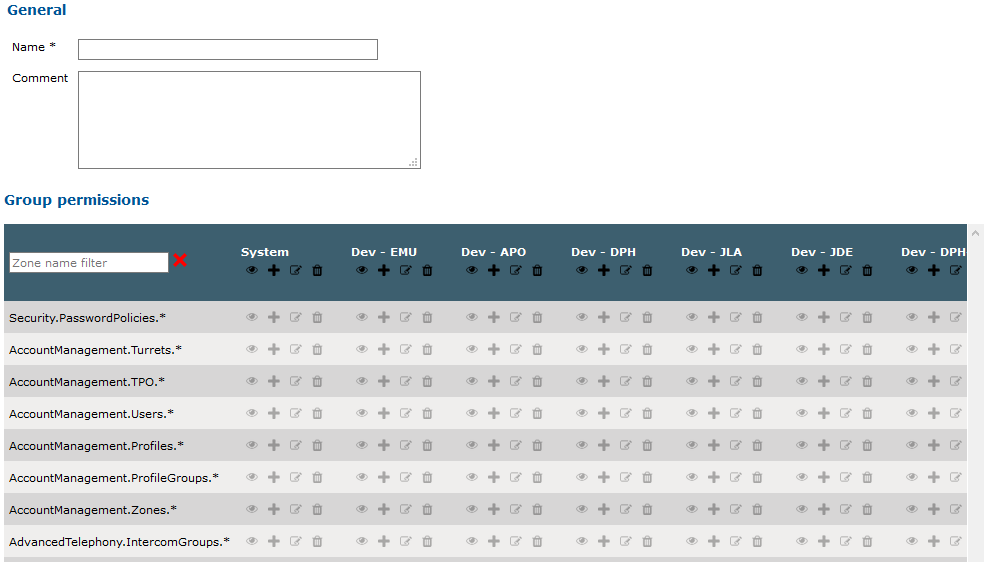
Fill the name field and give some rights the group members.
Read, Add, Edit and Delete rights can be configured for each menu in each zone.
|