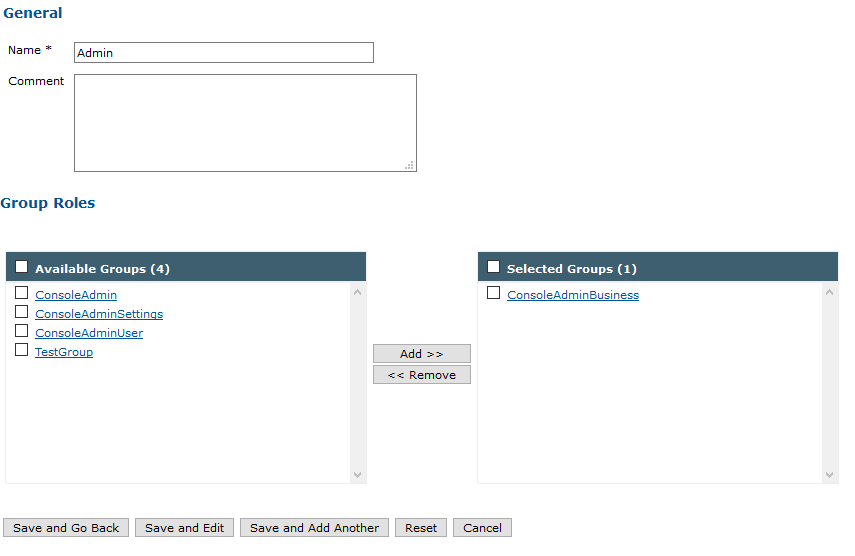
Creation of an application role


Creation of an application role |
|
| IT&Operations > Devices & Users zones > Configuration |
Application administration can be found on the TSS console, under "Security" > "Application".
To create a new role, select an application. For example "Console" that refers to the TSS Administration Console.
Switch to tab "Roles", then click the "Add New" button.
Fill the "Name" field with a Name and link an application group to that role. |