Configuration


Configuration |
|
| Compliance > Assure > Walk The Floor |
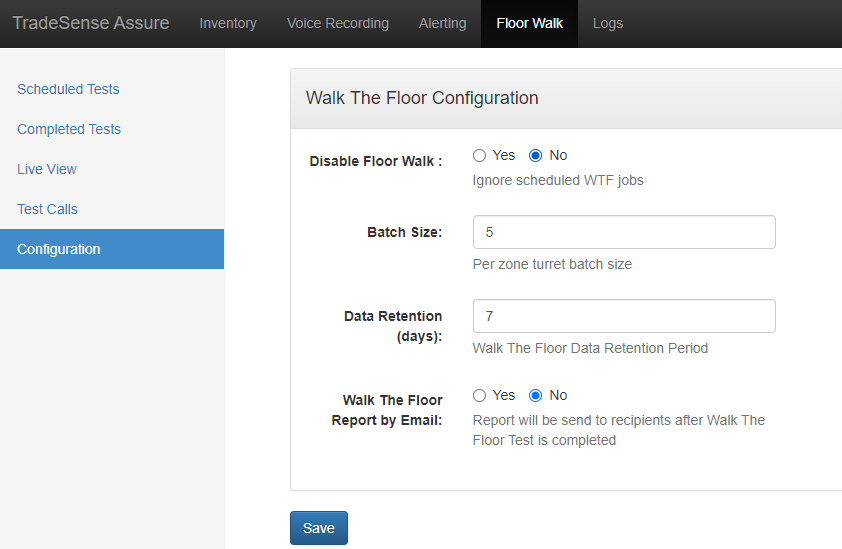
In the Configuration menu, a few settings are available.
•Disable Floor Walk : This option disables TSS scheduled Walk The Floor jobs on this Tradesense •Batch size : it's the maximum number of turret that will run the Walk The Floor test at the same time. If remote login is enabled and the number of selected user is lower than the batch size, it's the number of available user that will define the number of simultaneous test. •Data Retention : it defines how long the Walk The Floor tests data is saved on Assure •Walk The Floor Report by Email : by enabling this option, a report of each Walk The Floor task will be sent to the recipients configured in the Email configuration.
|