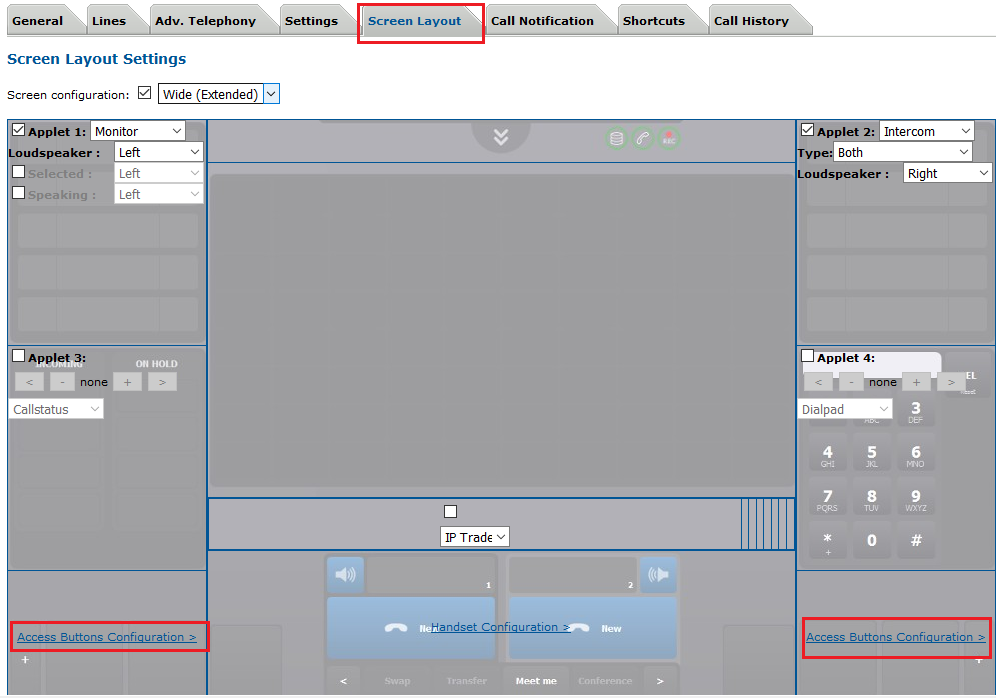
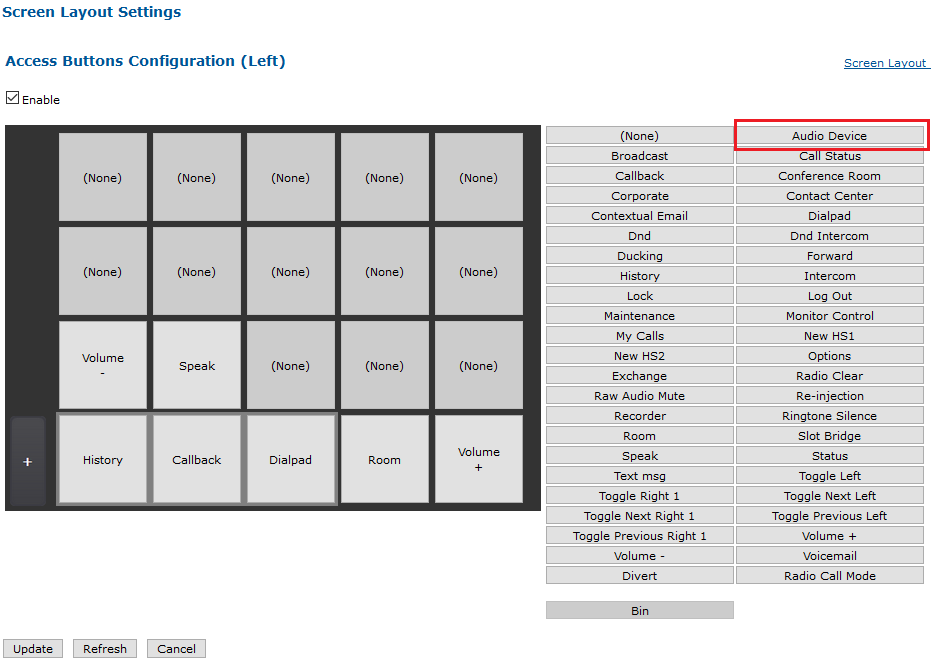
Description: Defines the configuration attached to any Audio Device access button. Audio device redirection allows redirecting calls hosted on a particular physical device (source) to one other physical device. The system allows choosing the target device in a list.
This configuration defines: - which device is controlled by the access button; - the list of available devices (targets) to redirect to.
This setting requires an "Audio Device" access button.
Limitation:
changing the device redirection on-the-fly does not work for traditional conferences and RAW audio channels.
WARNING: the source device used in this key MUST NOT be used in the following key:
Headset device association (profile.setting.hdswapdevice)
Example: profile.setting.accessbuttons.audiodevice = LD1:HD,LD1,HS2 CAN BE defined with profile.setting.hdswapdevice = HS2;LD2
but
profile.setting.accessbuttons.audiodevice = LD1:HD,LD1 CANNOT BE defined with profile.setting.hdswapdevice = HS2;LD1
WARNING: one must not mix LD and HF values. Use only LDs or HFs, but not both: profile.setting.accessbuttons.audiodevice = LD1:HD,HF2 profile.setting.accessbuttons.audiodevice = HF2:HS1,HD,LD1
Constraint: A source device, and a list of target devices, in the form:
[SOURCE]:[TARGET1],[TARGET2],[TARGET3],...
Source and target devices can be any of the following: HS1 | HS2 | LD1 | LD2 | LD3 | HF1 | HF2 | HF3 | LDI1 | LDI2 | HFI1 | HFI2 | HD
Example:
HF2:HS1,HD,HF2
Related settings: Headset device association (profile.setting.hdswapdevice) Use external headset (profile.setting.headset.plantronics) Audio device selector (profile.setting.audioselector) Cancel audio devices redirection when target is active (profile.setting.cancelredirectonactivedevice) Mute mic on calls redirected to HS or HD until push-to-talk (profile.setting.accessbuttons.audiodevice.hshdtarget.muteuntilptt) Audio device border color (profile.setting.audiodevice.bordercolor)
eg: LD1:HD,LD1,HS2 will redirect the Loudspeaker 1 to the headset once the user is logged in, then switch to Loudspeaker 1 when the user press the "Audio Device" access button, the to the Handset 2 when the user press "Audio Device" again.
Cancel audio devices redirection when target is active
truefalse
Key: profile.setting.cancelredirectonactivedevice
Description: Temporary cancel the audio redirection when the target device is active
When using the audio device redirection: - prevents redirecting on an active (not free) device - cancels redirection on an active (not free) device - (re-)active audio redirection when the target device's state switches back to free
Constraint: true|false
Related settings: OLD talk state from LD to HS (profile.setting.old.swap.talk.mode) On-the-fly audio device redirection (profile.setting.accessbuttons.audiodevice) Disable handsets on T4-Flex (profile.setting.handsets.disable)