Audiocodes


Audiocodes |
|
| IT&Operations > Security |
Introduction
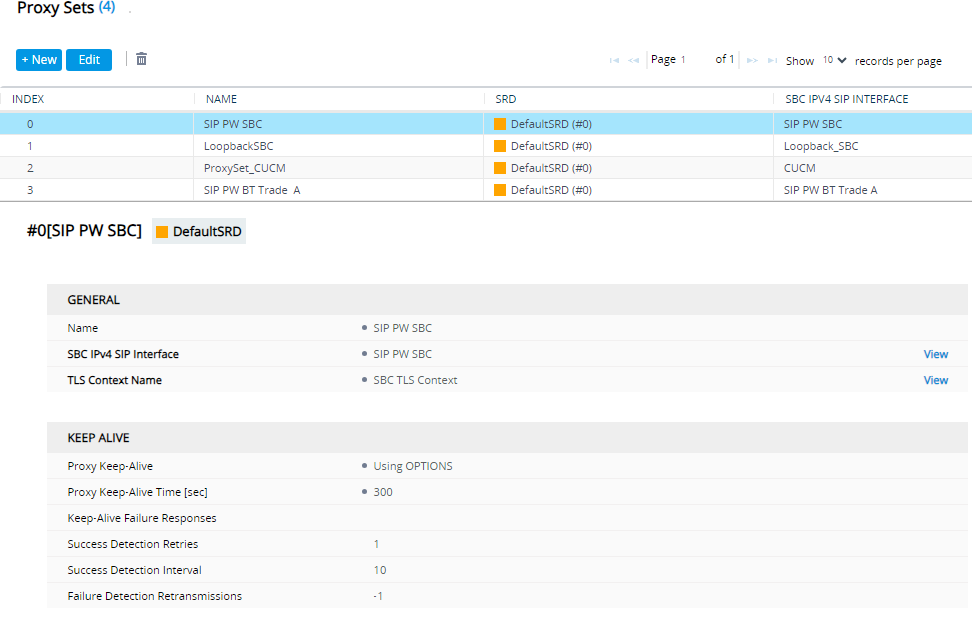
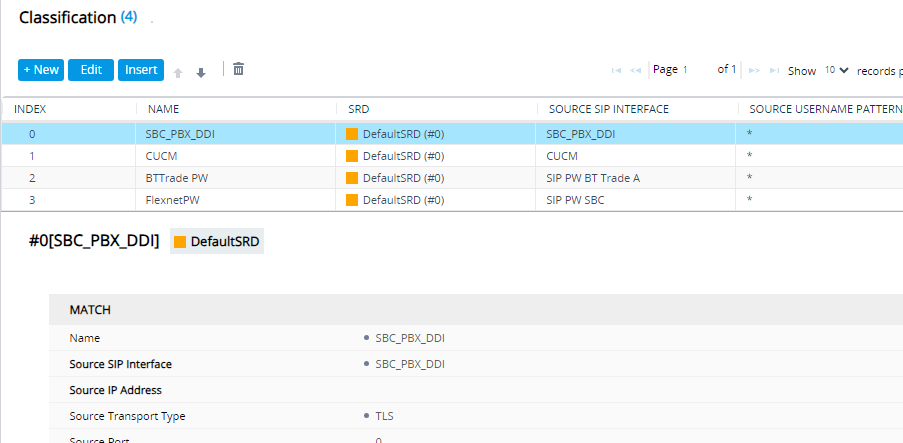
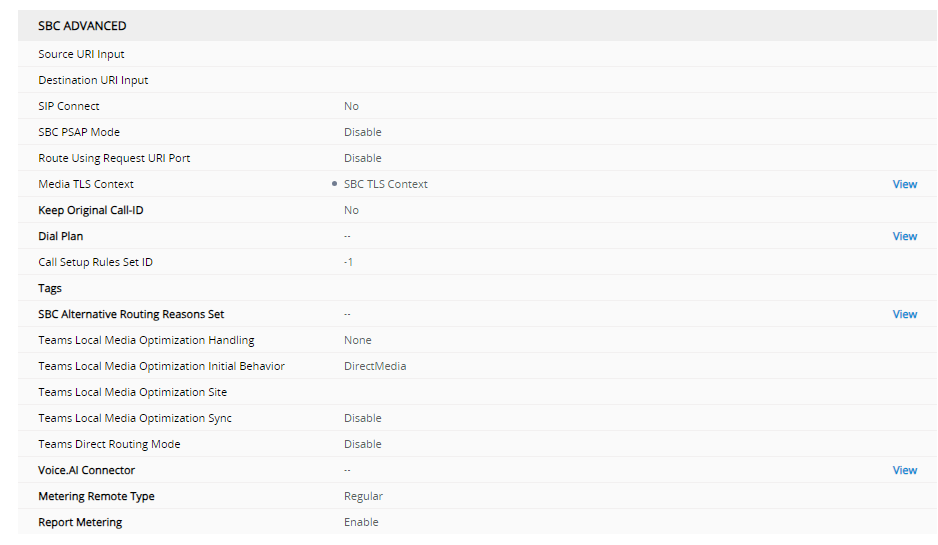
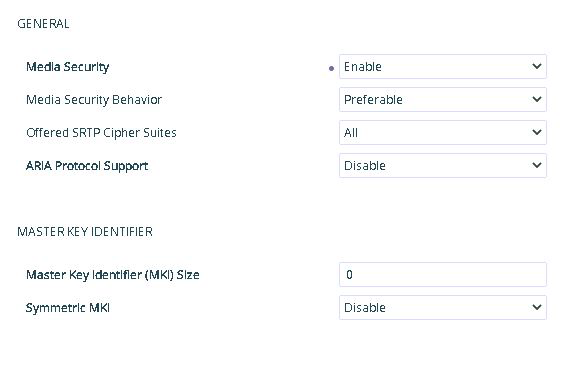
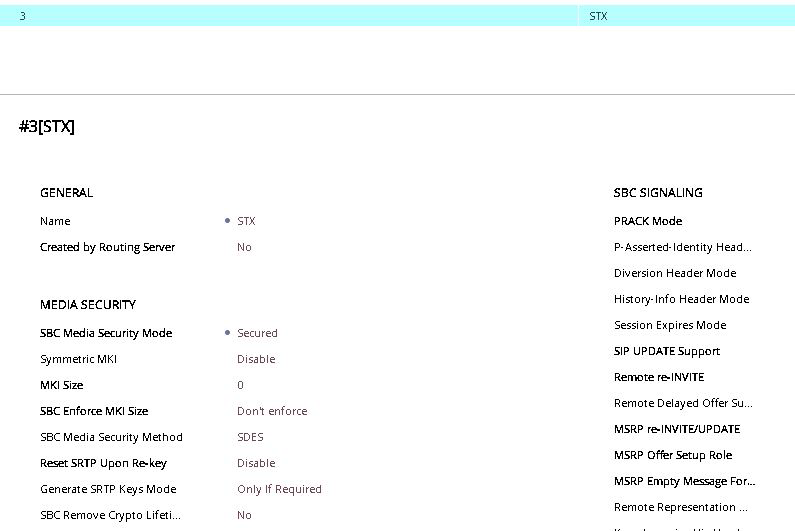
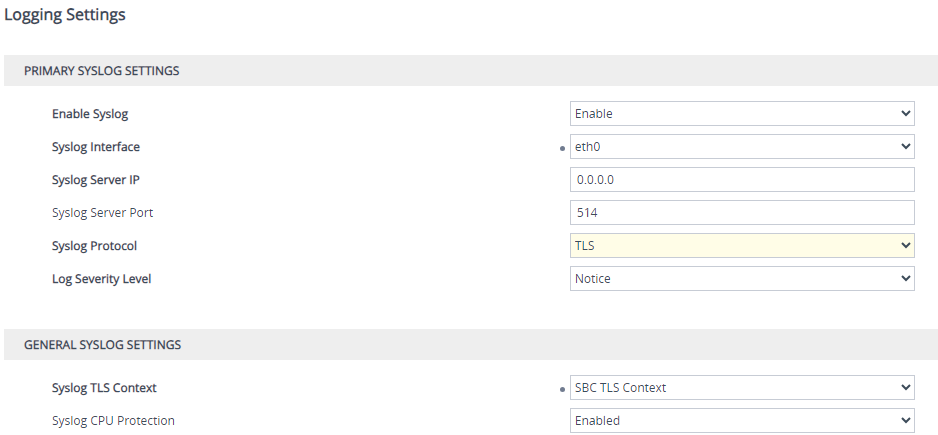
This section of the help is concerned with the configuration required to establish an encrypted connection on the Audiocode SBCs.
The installation, Licensing and Basic configuration for AudioCodes SBC is covered is a section under Solution Installation section of the TSS help see SBC-AudioCodes For specific line type configuration please see SIP PWs or SBC as a PBX
Further information on AudioCodes SBC configuration can be found in the docs folder on the BT Extranet or on the Audiocodes website https://www.audiocodes.com/library/technical-documents)
This section assumes that the SBC has been installed and the basic configuration carried out and so will focus on the configuration needed to enable TLS and SRTP encryption
Secure Configuration
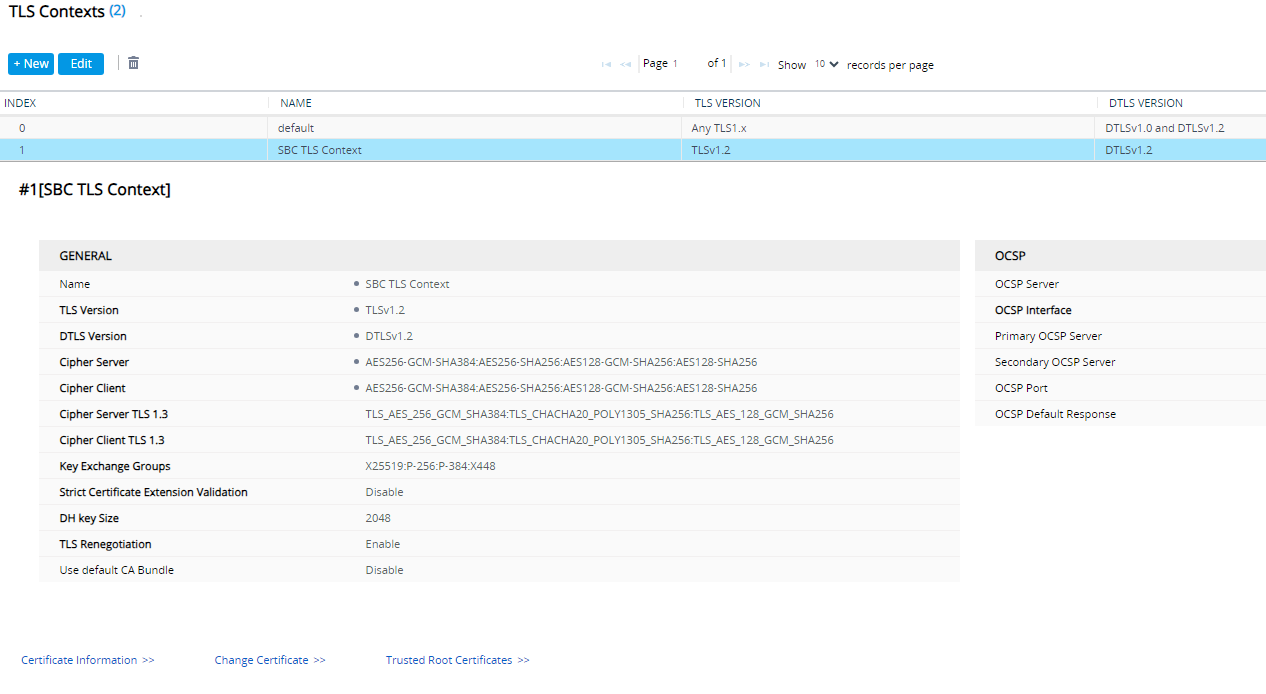
Add a new TLS Context All the configuration will be set in one context so it can be referenced in the rest of the SBC setup.
Navigate to Setup -> IP Network -> Security -> TLS Contexts
From here add a new TLS Context . You can also change the TLS version and Ciphers used. You will want to match these ciphers on the TPO.
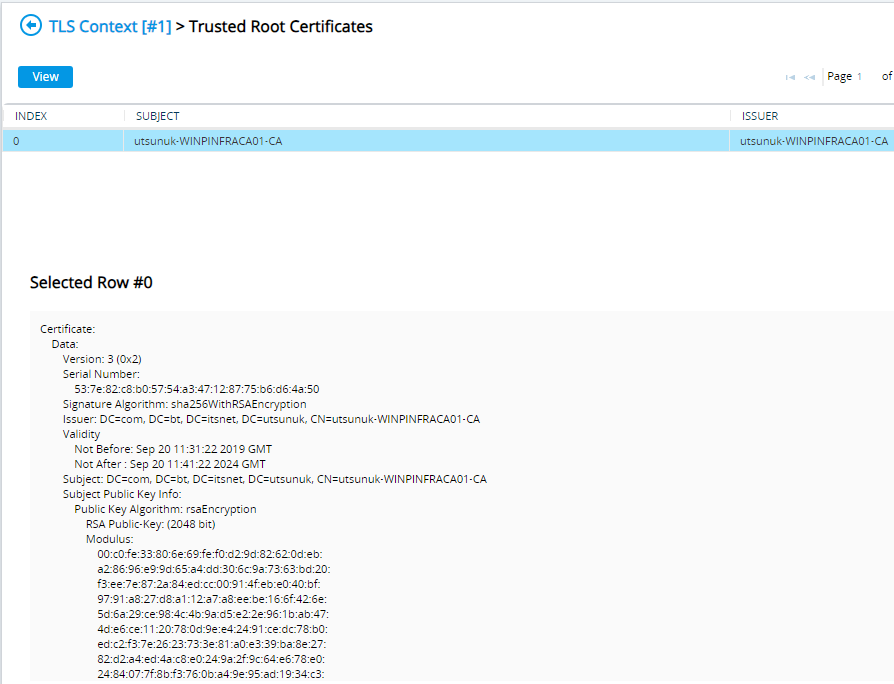
Root Certificates
All Certificates will be issued by the customer
The root certificate must be in base64 format to upload
Navigate to Setup -> IP Network -> Security -> TLS Contexts -> Trusted Root Certificates
Use the Import option to upload the files. The file browser for the upload will not find .CER files as by default it expects .PEM so change the search criteria to all files so they can be selected and uploaded.
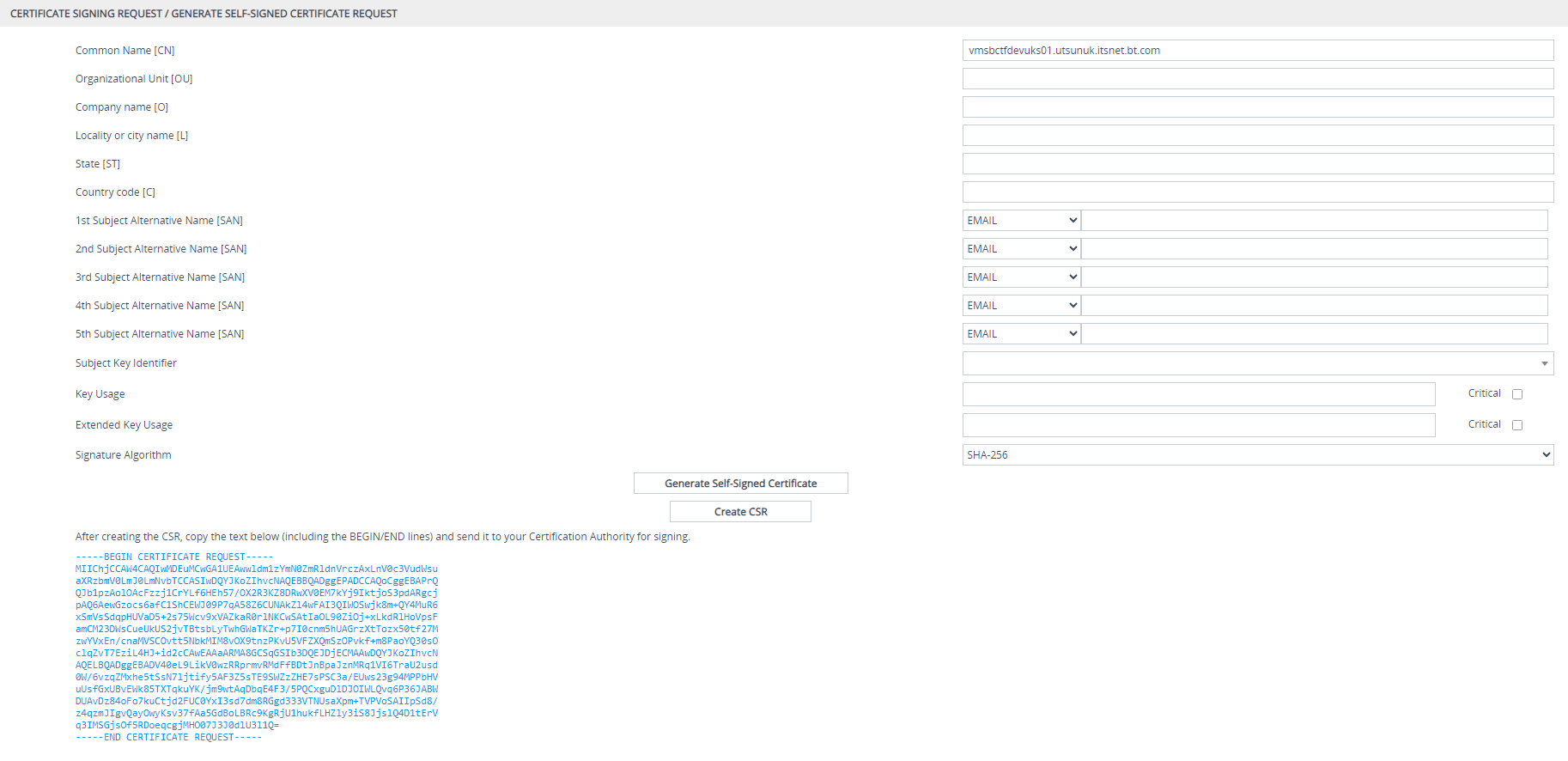
Generating Device Certificates
Now we can generate a CSR request and submit to the customer for approval. Once generated we will upload the certificate
Navigate to Setup -> IP Network -> Security -> TLS Contexts -> Change Certificates
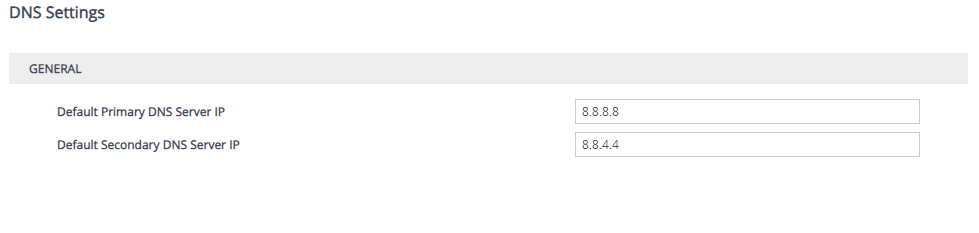
DNS
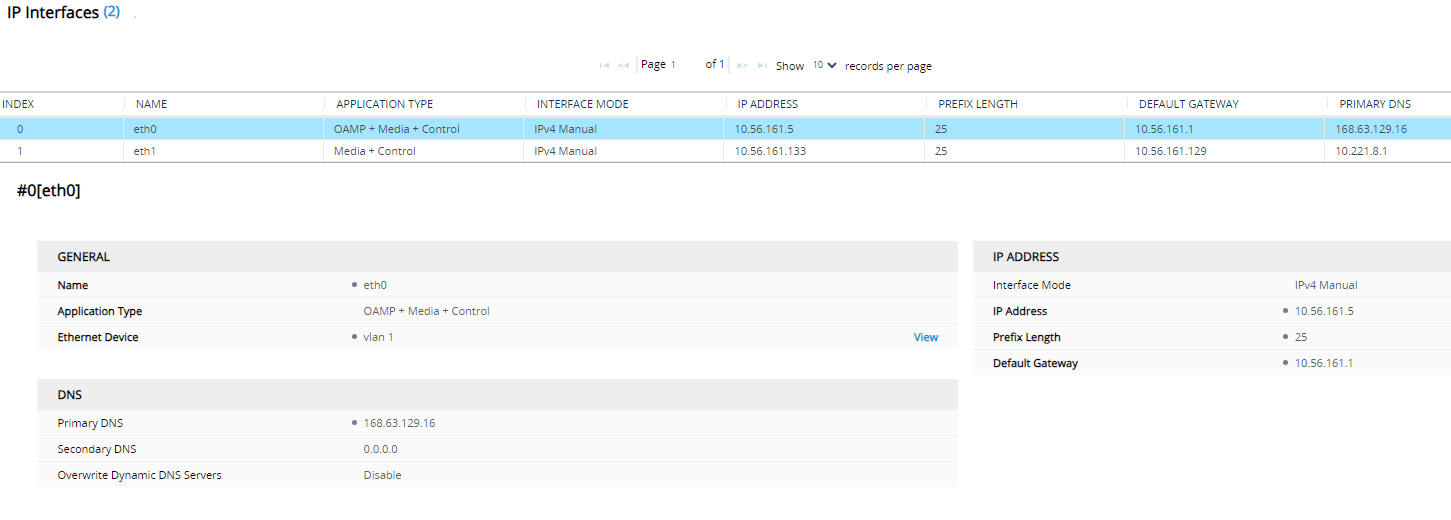
The SBC uses the primary DNS for any interface without an explicit DNS server set. Navigate to Setup -> IP Network -> DNS -> DNS Settings
Alternatively, to set a DNS server per specific interface Navigate to Setup -> IP Network -> Core Entities -> IP Interfaces
To resolve the TPO group ID FQDNs you will need DNS Delegation configured on the DNS server
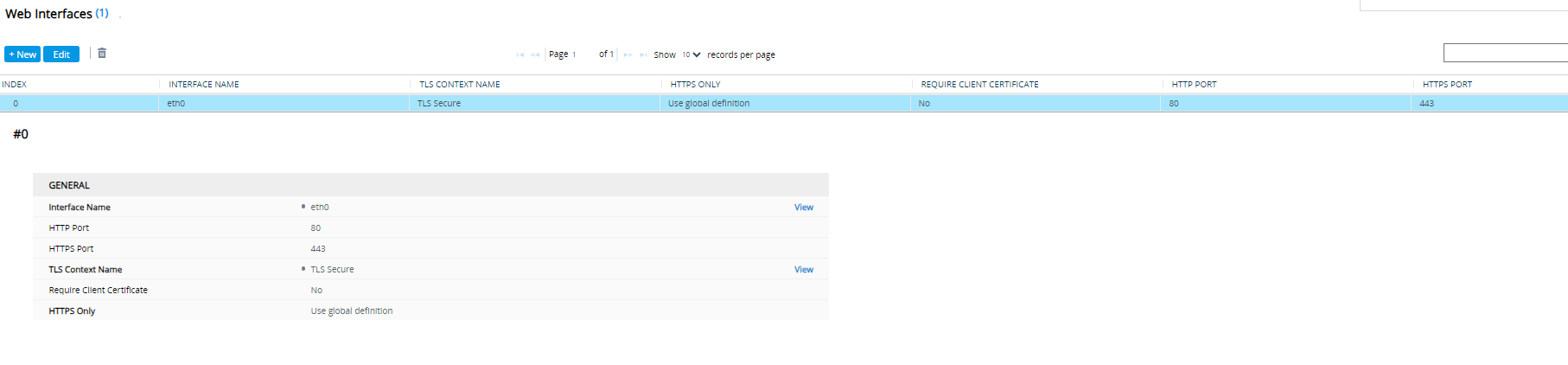
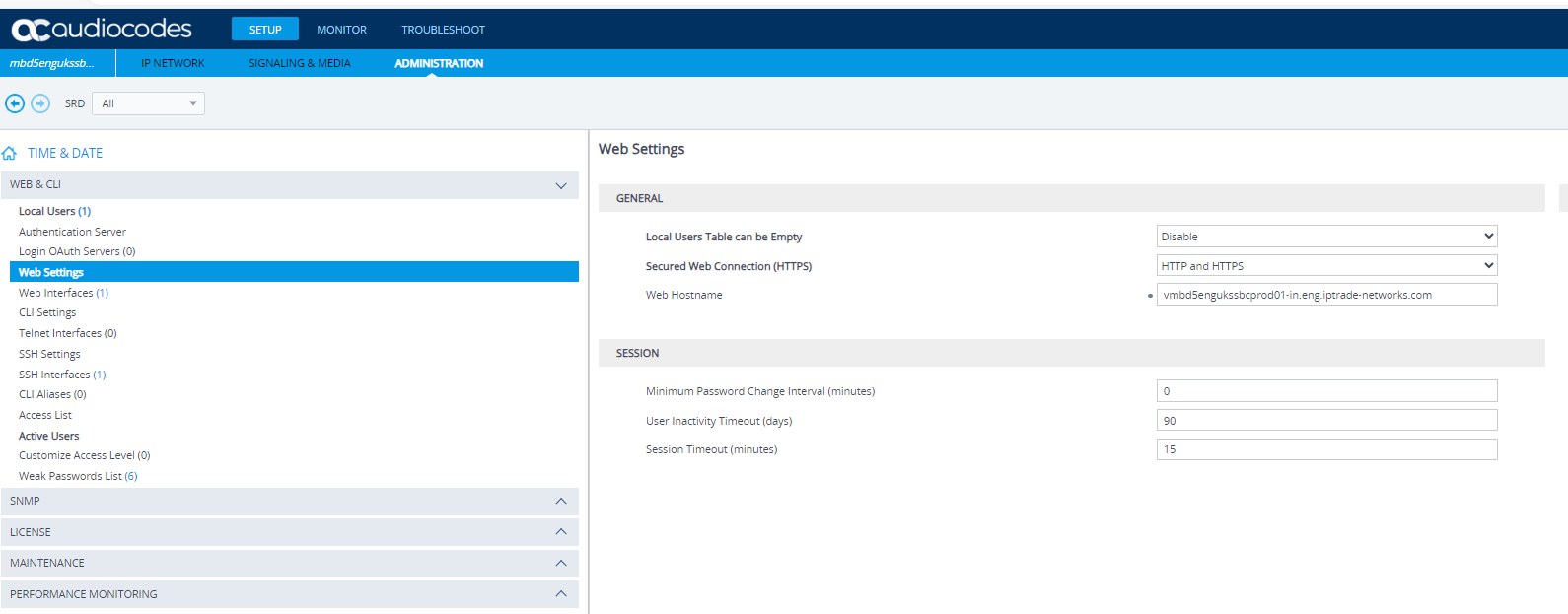
Encrypt WebpageAssign the TLS context created earlier to the desired web interfaceNavigate to setup->administration-> Web&CLI -> Web Interfaces |