Step 2 - Bind queue extension to user account


Step 2 - Bind queue extension to user account |
|
| Attendant Features > Call Waiting Queue > Configure > Using CuCM Line > Single attendant, one call-waiting queue |
The configuration of the attendant console must be updated to have the queue extension registered by the device when the attendant logs onto the console. The procedure below applies when configuring unmanaged devices using the embedded administration module. Similar options are available when working with managed devices under the supervision of the TSS service.
1) Connect to the attendant console administration from your preferred Internet navigator and log onto the device with administration privileges ;
2) From the main menu, navigate to the Account management / Users screen and select the user account created for the attendant – i.e. John Smith ; 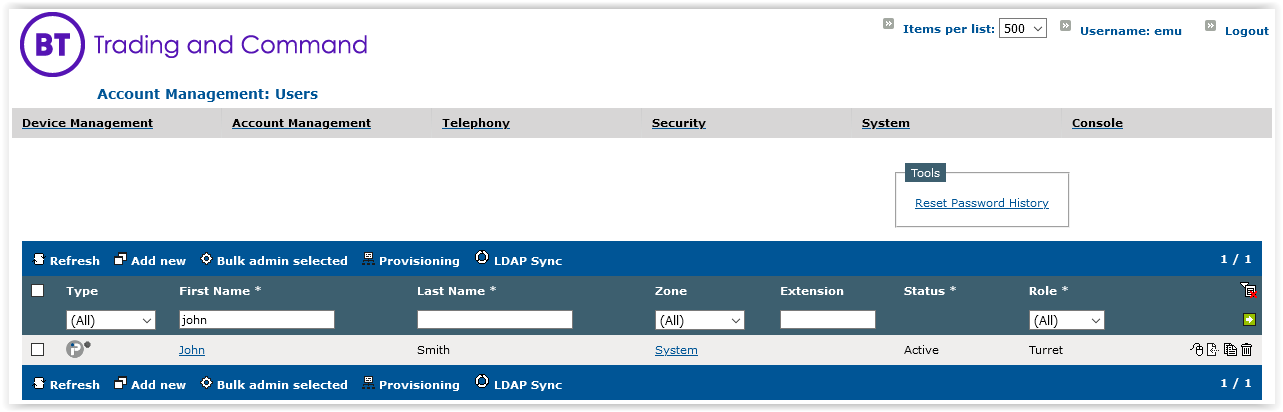
3) The Profile Edition panel is displayed ; 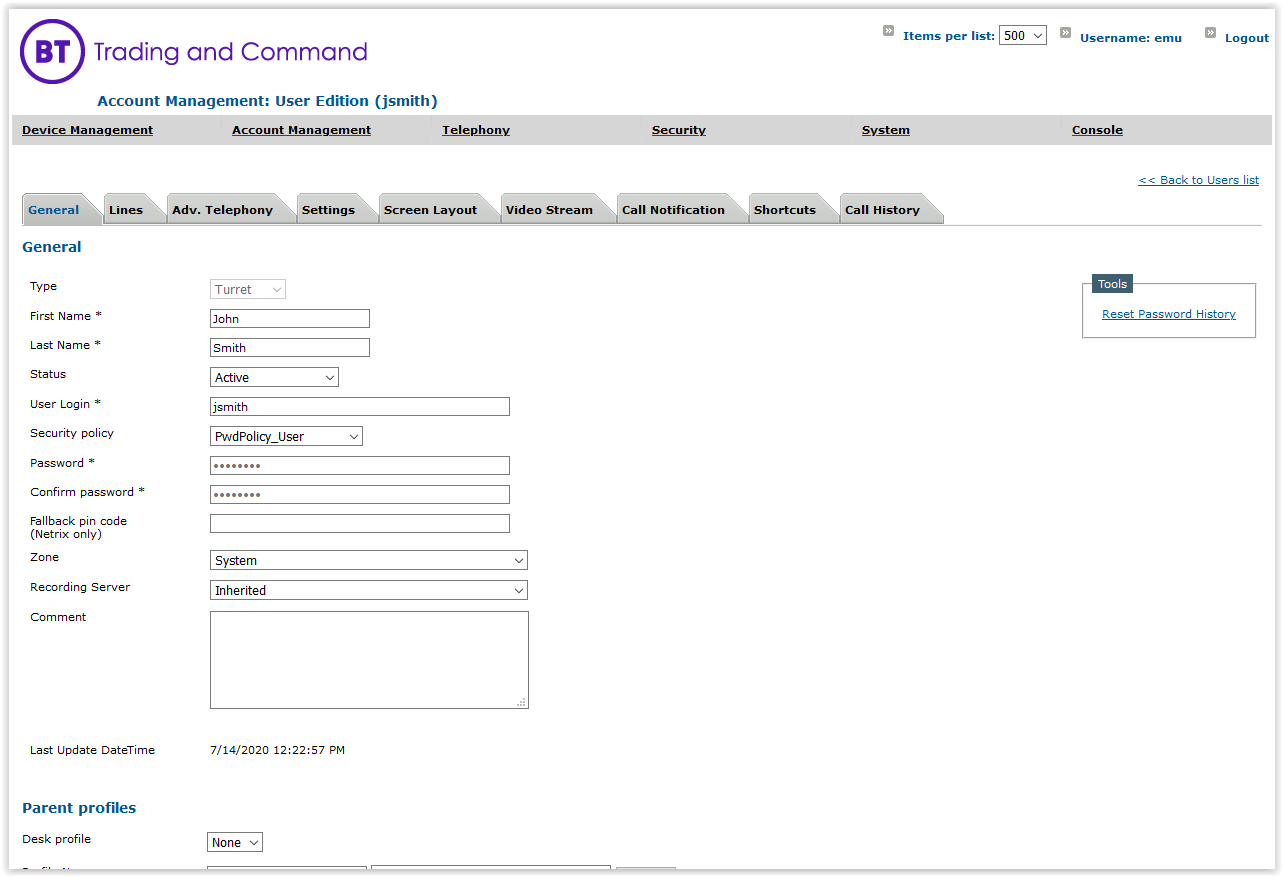
4) Click the Lines tab ;
5) Press Add new button to open the Line Edition form ; fill in the form as per the table below and commit the changes 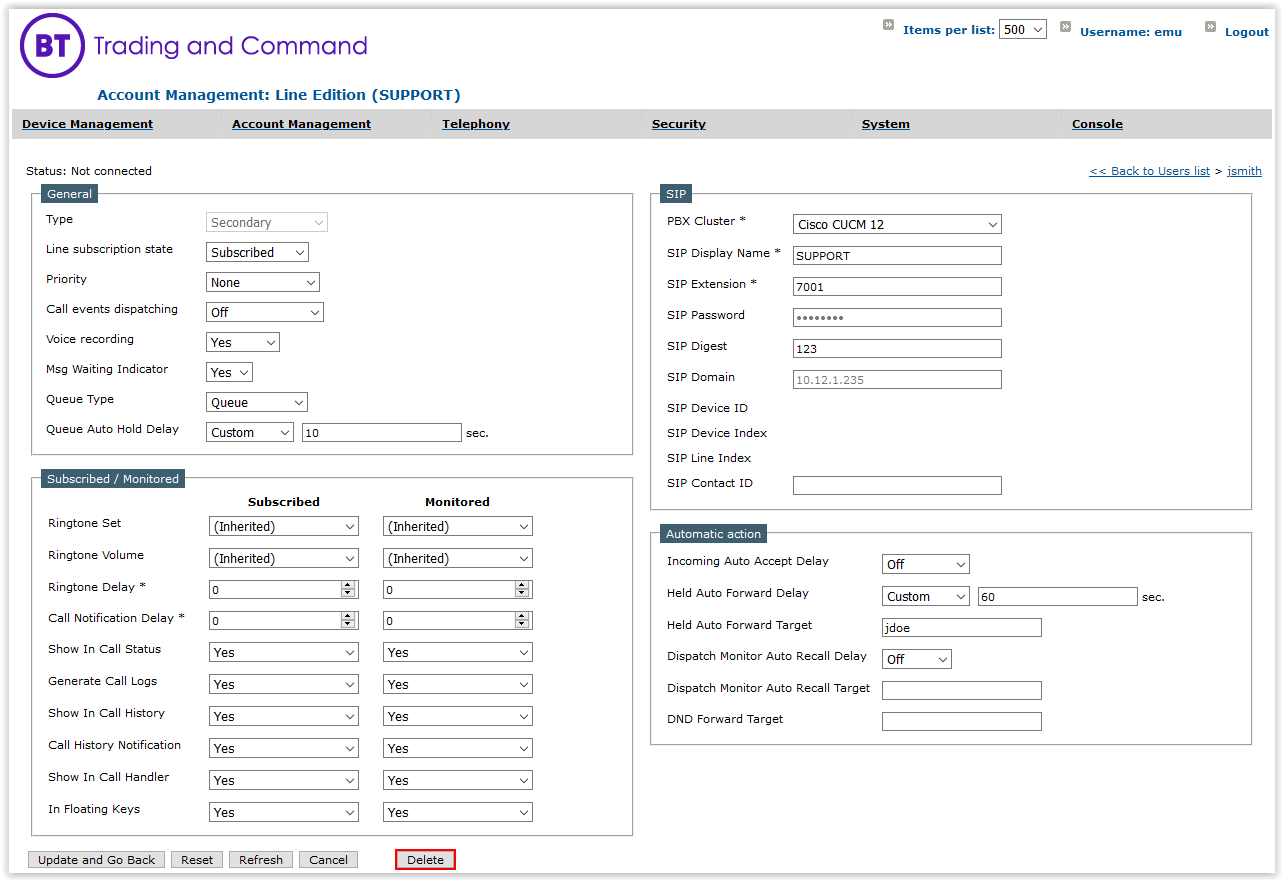
|