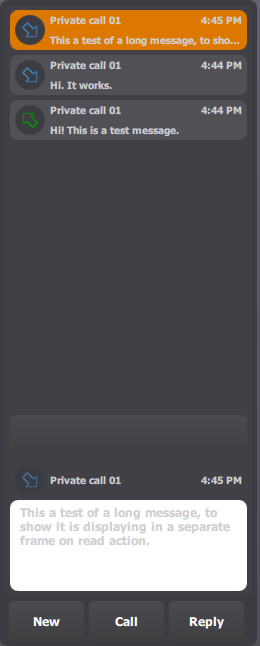
The current selected message is highlighted in the list, and its content appears in the reading pane.
As the system allows querying for new inbound messages on several radio channels, the first field indicates on which radio channel the message was received (here Slot 850101).
The arrow indicates that it is an inbound message (it automatically turns blue to indicate that the message has been read), and the originator and time are displayed next to it.
The message field contains the first few lines of message body. If the message is too big to fit in the message field, simply press it to switch to full message reading mode. The message body is then displayed using the full applet's height. Click the field again to return to the standard read mode.
|