Compose a new message


Compose a new message |
|
| Trading and C&C > Turret Proxy To Open communication (TPO) > DDI Sharing > DDI Lines & Radio Systems > Multicast based radio systems > Cisco Instant-connect Radio Integration > Usage |
Composing a new outbound message is performed by either: 1.Pressing the New button at any time; 2.Or pressing the Reply button when in message reading mode, to reply to that message.
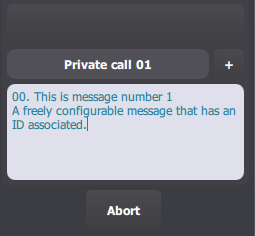
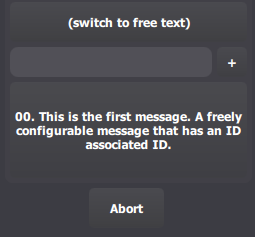
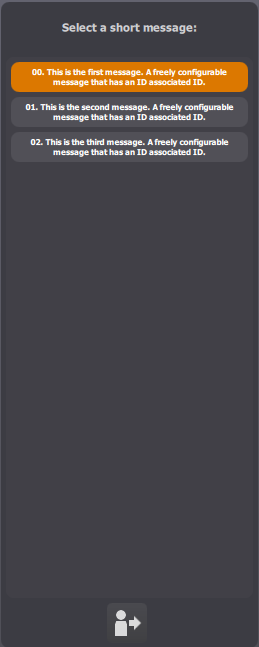
Two modes are available when composing a new radio message: 1.A list of predefined short messages. A short message is selected by default, but can be changed by pressing the message area. A list of messages is then displayed.
2.A free text mode, allowing the user to enter his message manually. Just enter the message body using the keyboard. Switching from one mode to the other is done by pressing the radio channel button. Then press the Send button. The newly submitted message appears at the top of the message list. A left-oriented orange arrow indicates that it is currently being sent, and this arrow turns green as soon as the message is sent. |