Troubleshooting


Troubleshooting |
|
| Standard > Other > Asterisk PBX (below v3.0) |
Collecting logs and trace
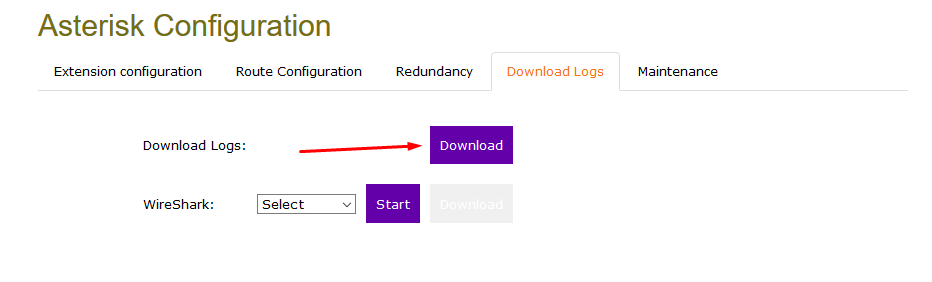
Logs can be collected from the web interface in the “Download Logs” tab
•Extensions.conf : Current configuration for the call routing •Sip.conf : Current configuration for the lines •Asterisk oH323_log : Logs related to h323 gateway oCdr-csv > Master.csv : Call detail records oMessages : Asterisk logs oQueue _log : Queue log events
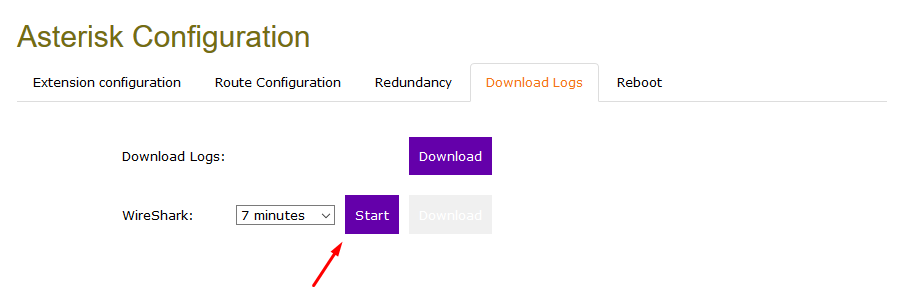
A Wireshark trace can be taken from the download logs tab. The duration can be customized with the drop-down menu.
Do not refresh or close the page while a capture is in progress Network settings
Some network commands are still available with the admin account in the CLI •Ping •Nslookup : Allow to check domain name resolution •Ip addr : Display current ip settings •Ip route : Allow to check the routing to a destination
CLI Access
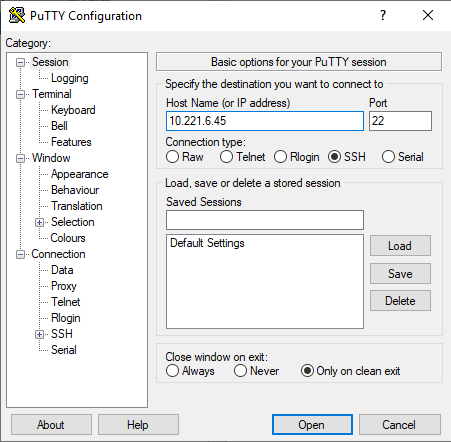
SSH via Putty or any ssh client :
Default credentials are : - Login: admin - Password: iptrade
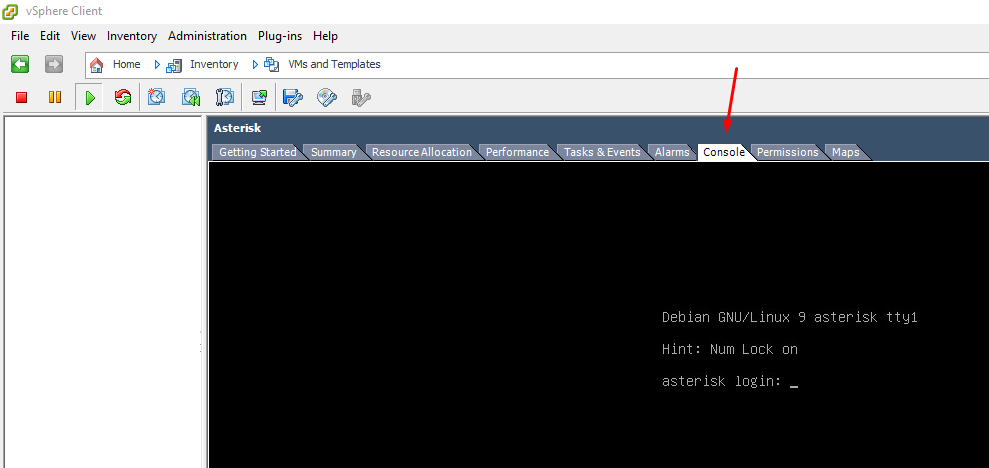
vSphere Console access
Default credentials are : ‘admin’ and ‘iptrade’ as password |