Reports


Reports |
|
| Basic > Troubleshooting Data: How to retrieve them > TSS |
The TSS report gives an overview of the various elements defined on the IP-Trade System: TSS – Devices – Users – TPO’s.
It can be generated and retrieved from the TSS Console:
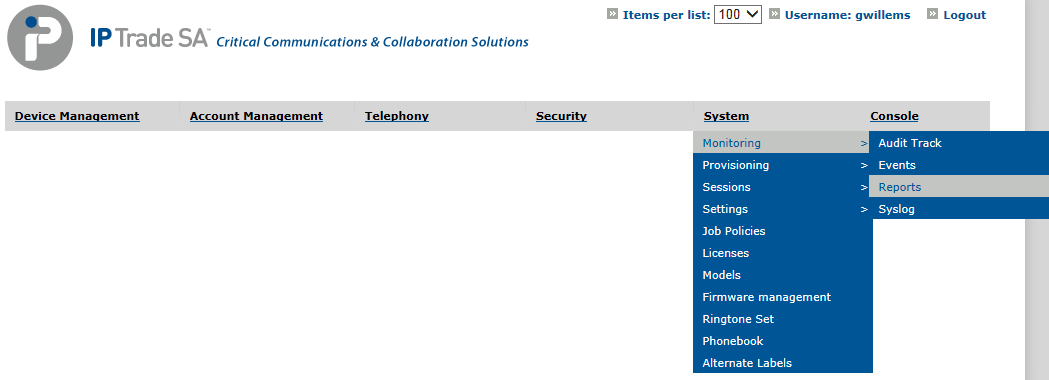
1.Open TSS Console Administration. 2.Go to System > Monitoring > Reports
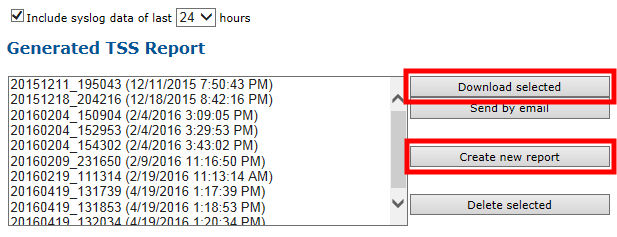
3.Check that the box “Include the last 24 hours syslog data” is ticked 4.Press the “Create new report” button” 5.Select the newly created Report and press “Download selected”
|