Events


Events |
|
| Basic > Troubleshooting Data: How to retrieve them > TSS |
These logs are a record of all the events taking place on the TSS. They are available only if the TSS logs are set to use database as a target. We recommend to use TSS log file target (default setting). In order to have access to the following menu entry, you must set the following TSS setting key to true: tss.dbeventviewer.enabled
To retrieve this log contents, proceed as follows:
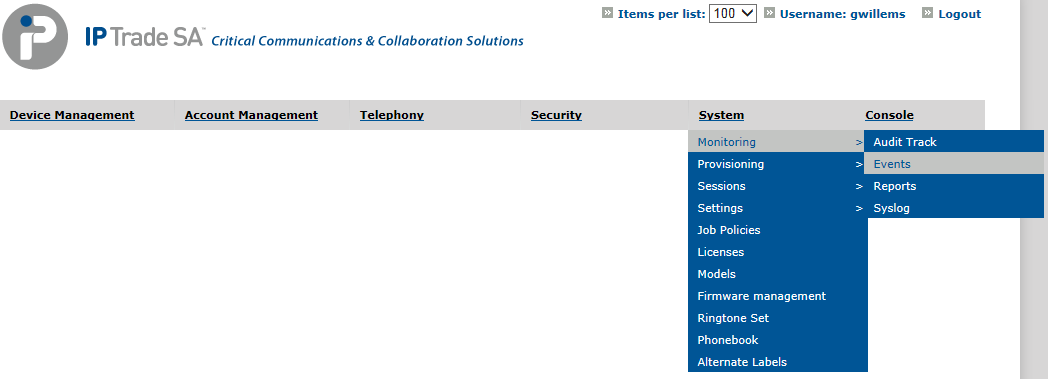
1.Open TSS Console Administration. 2.Go to System > Monitoring > Events
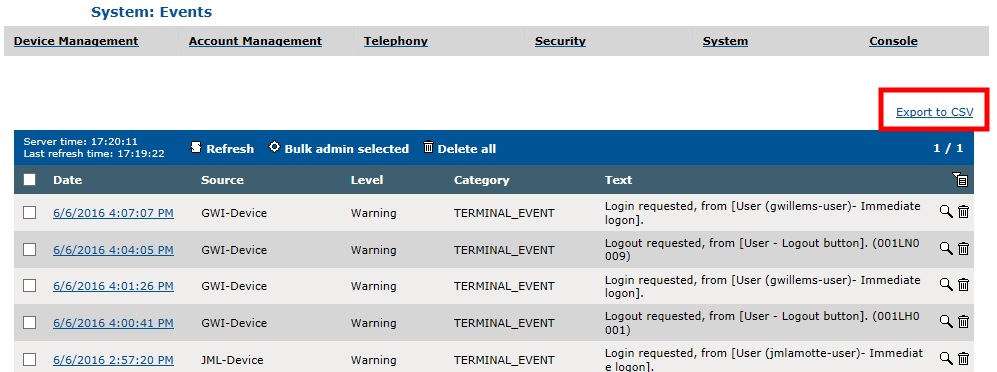
3.Press Export to CSV button
4.Select Period range 5.Press Export to CSV button 6.Save file on disk
|