Browse and download the dumps


Browse and download the dumps |
|
| Basic > Troubleshooting Data: How to retrieve them |
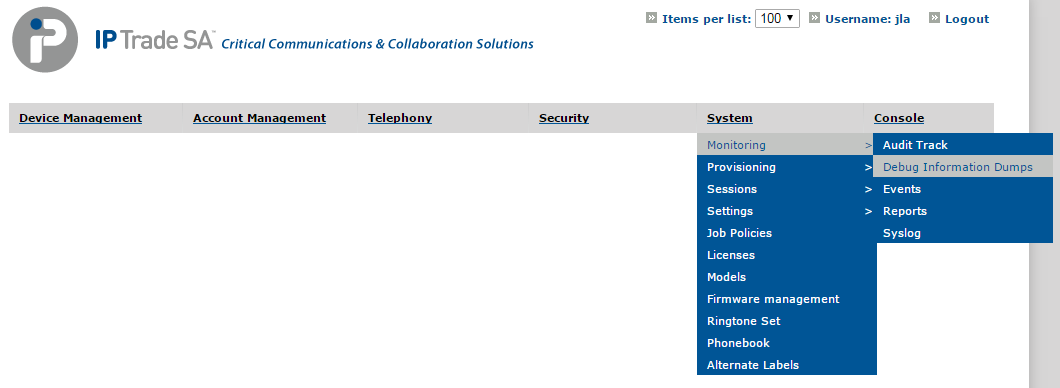
All the available debug information dumps, from turrets and TPOs, are listed in a dedicated page on the TSS Administration Console, accessible at System > Monitoring > Debug Information Dumps:
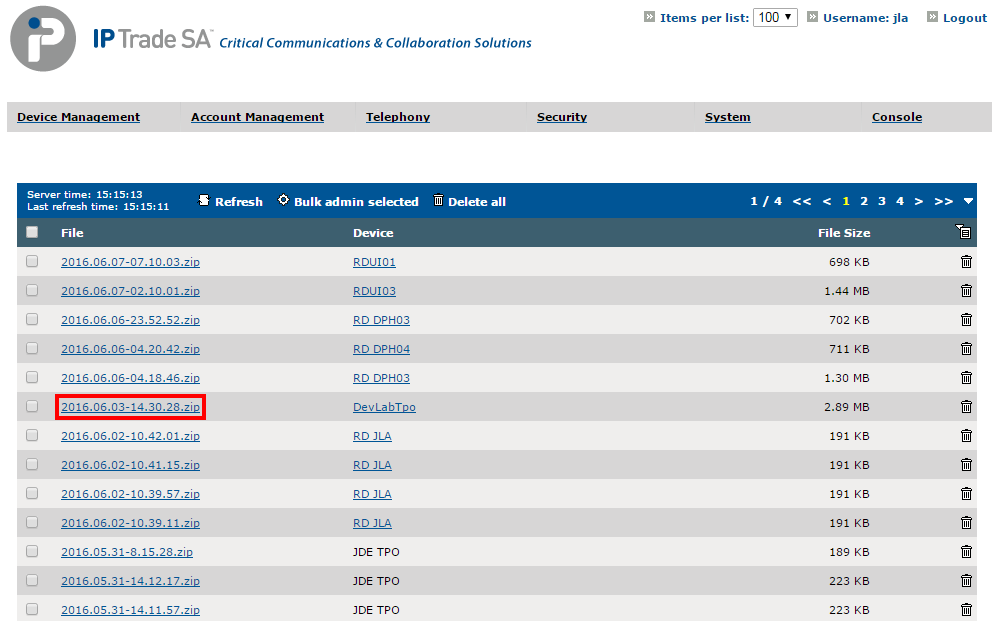
The pages lists all dumps along with their name, originating device and size. The list can be filtered to only display dumps from a specific device. The most recent dumps are displayed first, and a Refresh button is available if some dumps are not present yet.
To download a dump, locate it in the list and click its name.
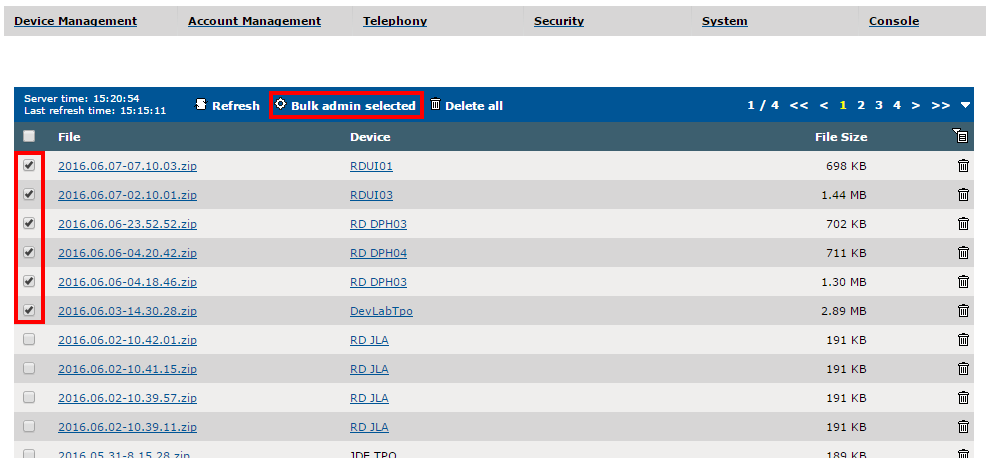
Multiple dumps can also be downloaded at once (which is useful when taking dumps on a distributed place or to regroup several dumps taken to investigate an issue).
1.Select the desired dumps in the list and click the Bulk admin selected button
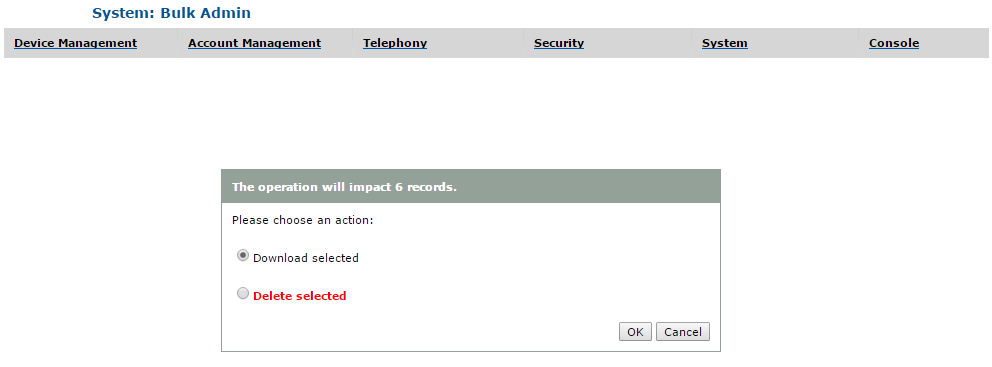
2.Select Download selected and click OK
|