ACT Tool Diagnostic


ACT Tool Diagnostic |
|
| Basic > Troubleshooting Data: How to retrieve them > Others > PLAD |
The ACT has a diagnostic tool that can provide a configuration summary of the Aculab card:
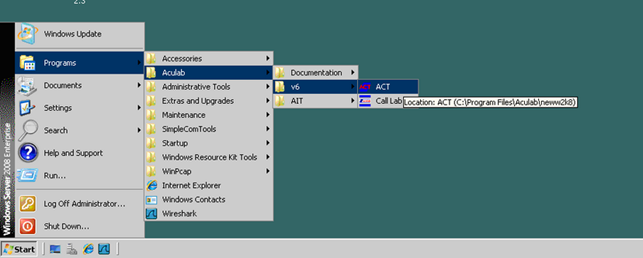
1.Go to start menu/Aculab/V6/ACT
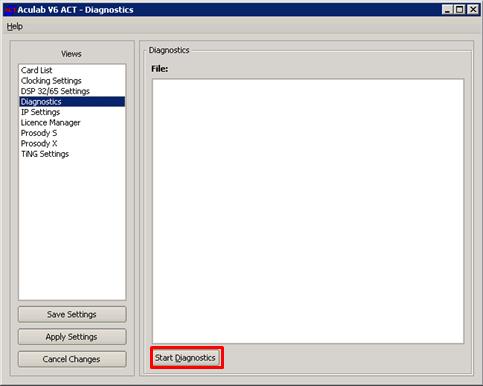
2.Set the View to “Diagnostic” and press “Start Diagnostic”
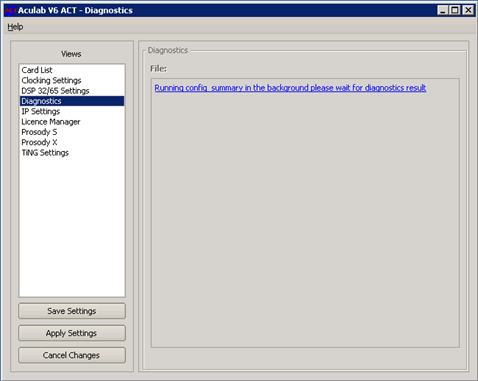
3.Wait while the Diagnostic is generating the report
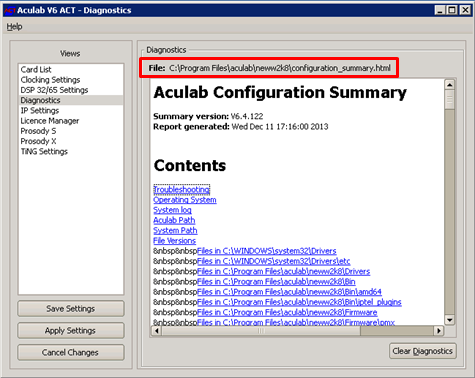
4.The Configuration Summary can be retrieved from the link provided
|