Handling incoming calls


Handling incoming calls |
|
| User Options > Shortcuts > Advanced Usage > Shortcut geographical mapping > Usage |
This scenario illustrates how a geographical shortcut map will react in case of incoming call and how it allows a user to handle them.
It assumes: •The user as a geographical shortcut map configured as Map1 as a its first preferred page. •The Map1 page contains at least a shortcut Gate D7.
Scenario:
•User logs in. •The whole geographical shortcut map appears. •An incoming call from extension targeted by the shortcut Gate D7 is received. •The user will see the matching shortcut blinking in the map.
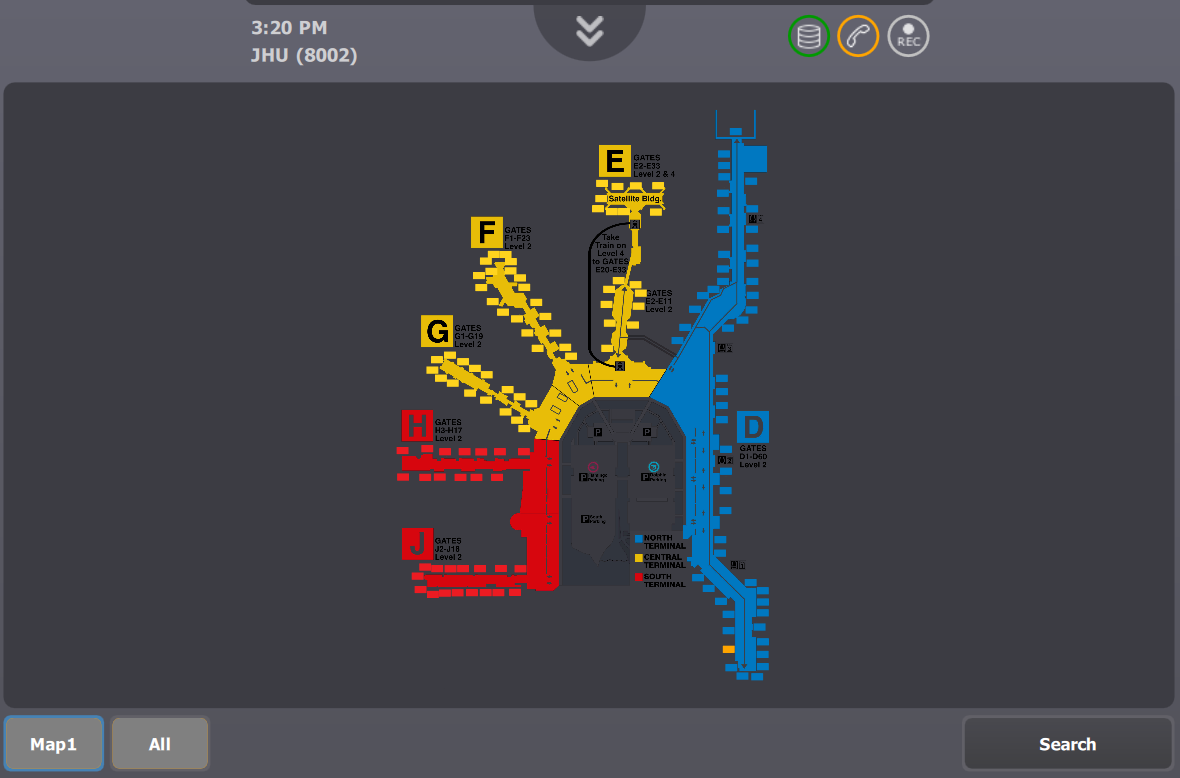
•After a configurable delay, the geographical map will automatically position itself on the blinking shortcut at the maximum zoom level.
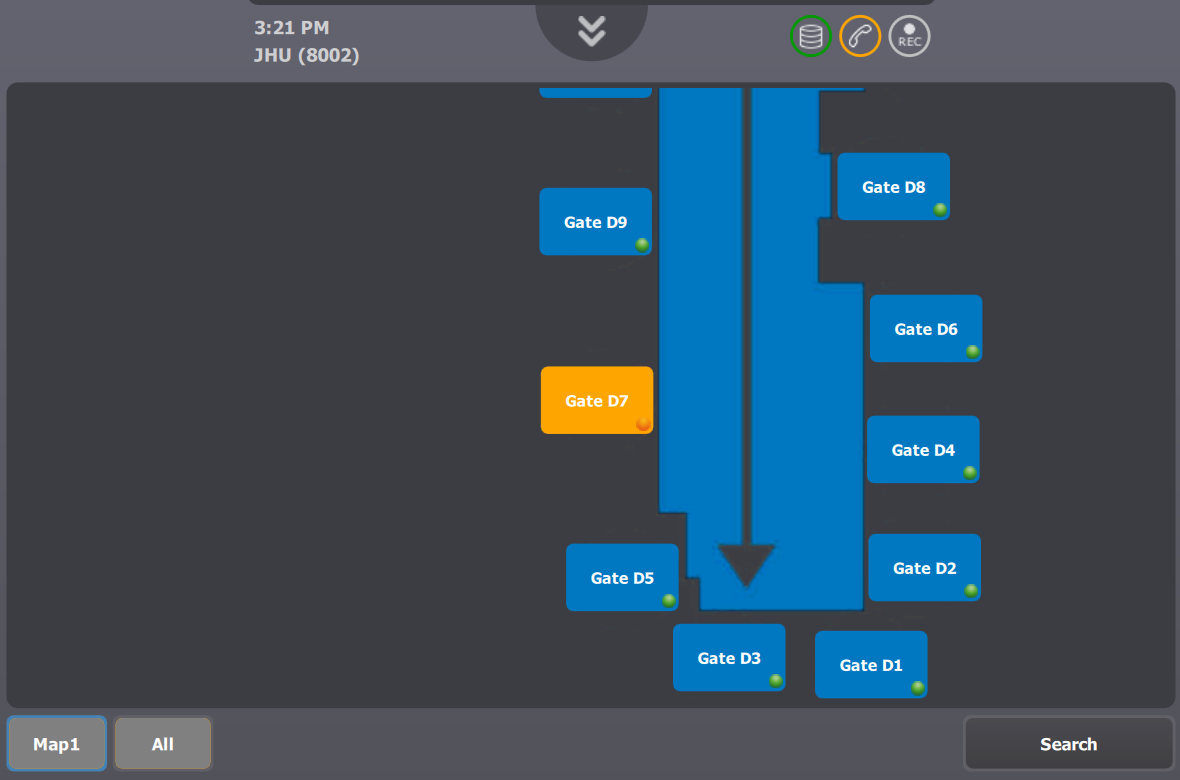
•User accepts the call by pressing on the blinking shortcut. |