Making calls


Making calls |
|
| User Options > Shortcuts > Advanced Usage > Shortcut geographical mapping > Usage |
This scenario illustrates how a user can make a call from a geographical shortcut map.
It assumes: •The user has a geographical shortcut map named Map1 as its first preferred page. •The Map1 page contains at least a shortcut Gate D7 targeting the extension 1000.
Scenario:
•User logs in •The whole geographical shortcut map appears
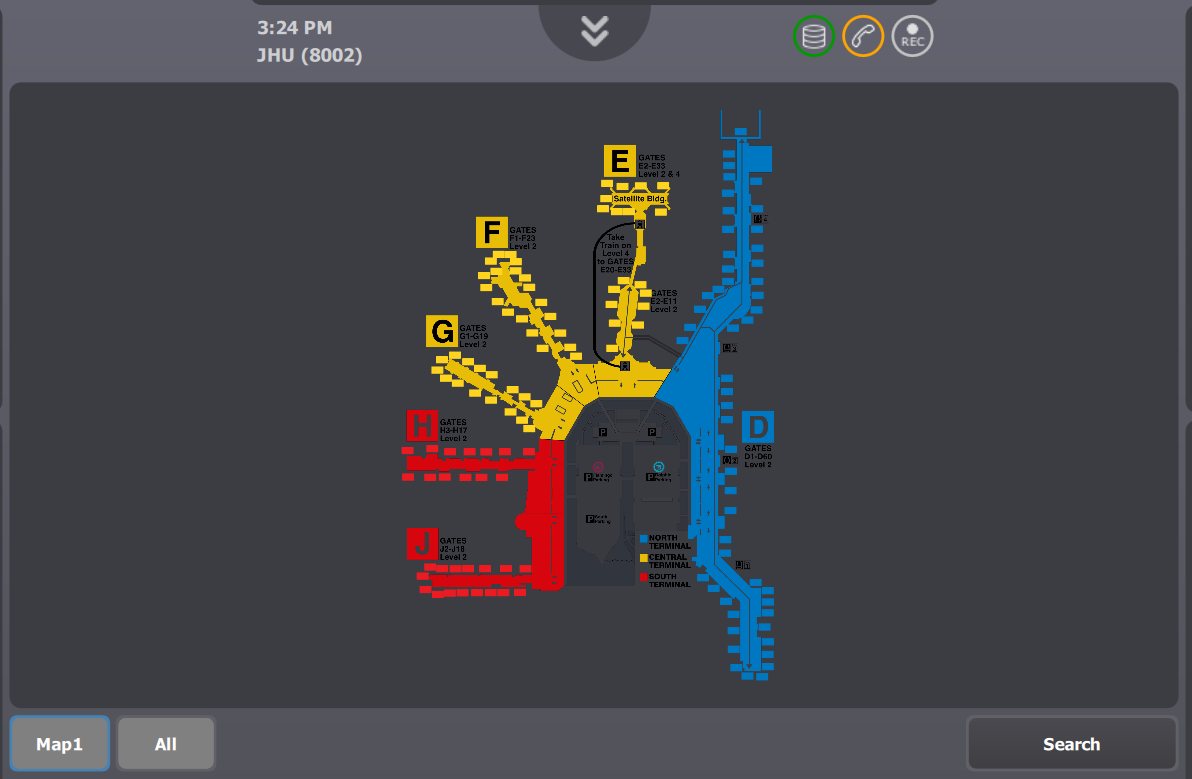
•The user can now pinch on the map to zoom in the area containing Gate D7. Zooming in the map will display more information on shortcut keys as the zoom increases. •Once the user finds the appropriate zoom level, he can scroll through the page to locate precisely Gate D7
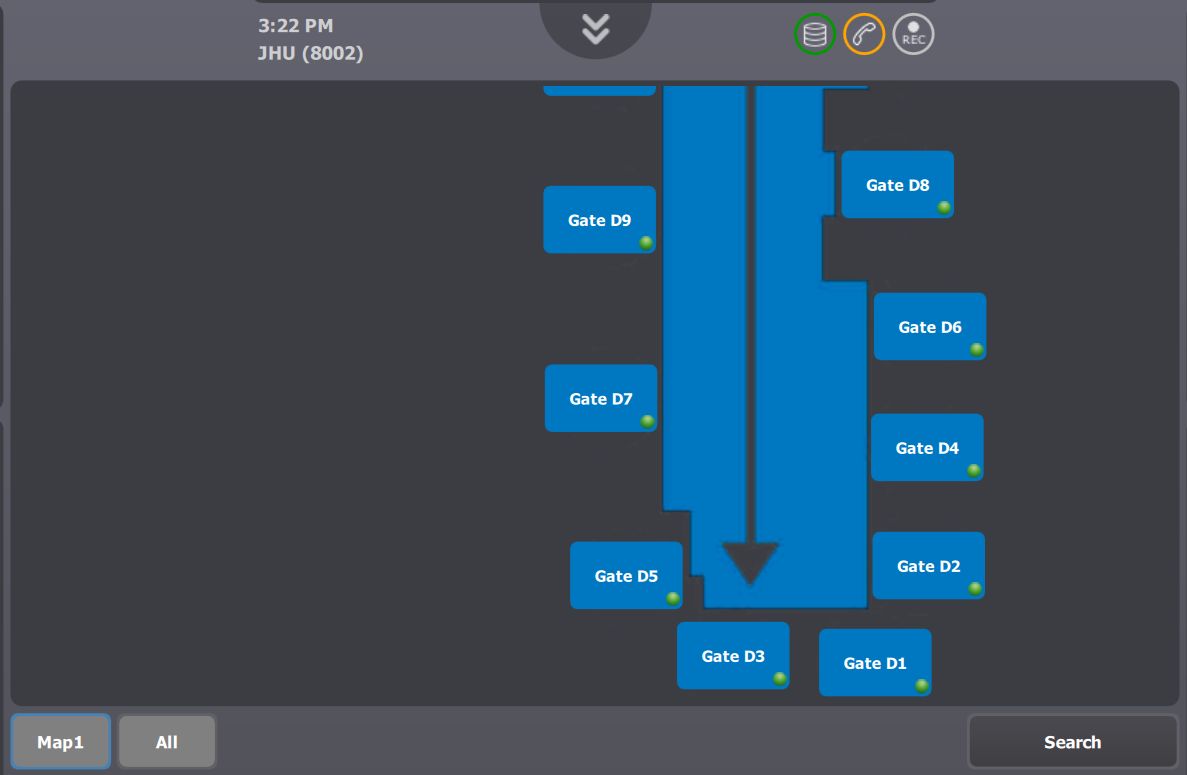 •Press Gate D7 |